
For Just RMB 0.25, DSH Brought My Hermes Agent Back to Life
In my previous post, I tried having two agents work together in the same cloud environment.
Hermes Agent acted as the navigator, understanding requirements, designing the plan, and checking the results. DeepSeek Harness (DSH for short) acted as the driver, working inside the actual workspace to write and verify code.
Stop Letting Your Agent Work Alone! Teaming Up Hermes and DSH Made Me 10 Times More Efficient
A new problem gave me another idea for this pairing.
Recently, several people in our community ran into errors like these from their Hermes Agent:
First error: No reply: the turn was stopped because session storage could not be written (the transcript would have been lost on restart). Check the state database health (hermes doctor), then send your message again.
Second error: Session storage was temporarily unavailable, so this turn was stopped to protect your conversation history. Your message should already be saved - please send it again in a moment.
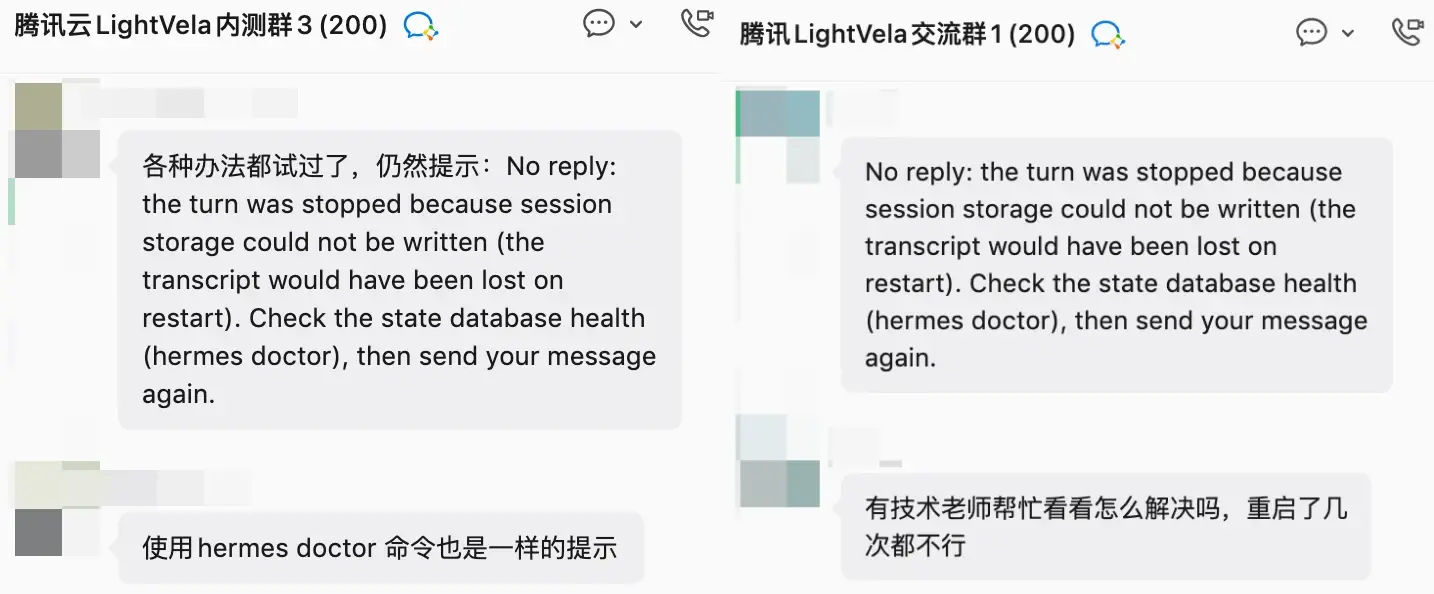
Both errors came down to the same issue: for various reasons, a Hermes Agent file, state.db, could no longer be written to or read. To protect existing data, Hermes Agent then blocked further conversations. More frustratingly, rebuilding the agent from LightVela’s Diagnostic Center did not fix it either.
This used to be a difficult problem, until we had DeepSeek Harness running in the same environment.
Why Can DSH Help?
Hermes Agent’s native recovery mechanism can fix this problem. The difficult part is starting that recovery process from inside the environment where Hermes Agent runs.
DSH runs in the same environment as Hermes Agent. It can access Hermes processes, logs, configuration, and files, and it can execute commands. That means we can hand the repair task directly to DSH.
How to Do It
Follow the previous post to install and configure DSH in LightVela first:
Stop Letting Your Agent Work Alone! Teaming Up Hermes and DSH Made Me 10 Times More Efficient
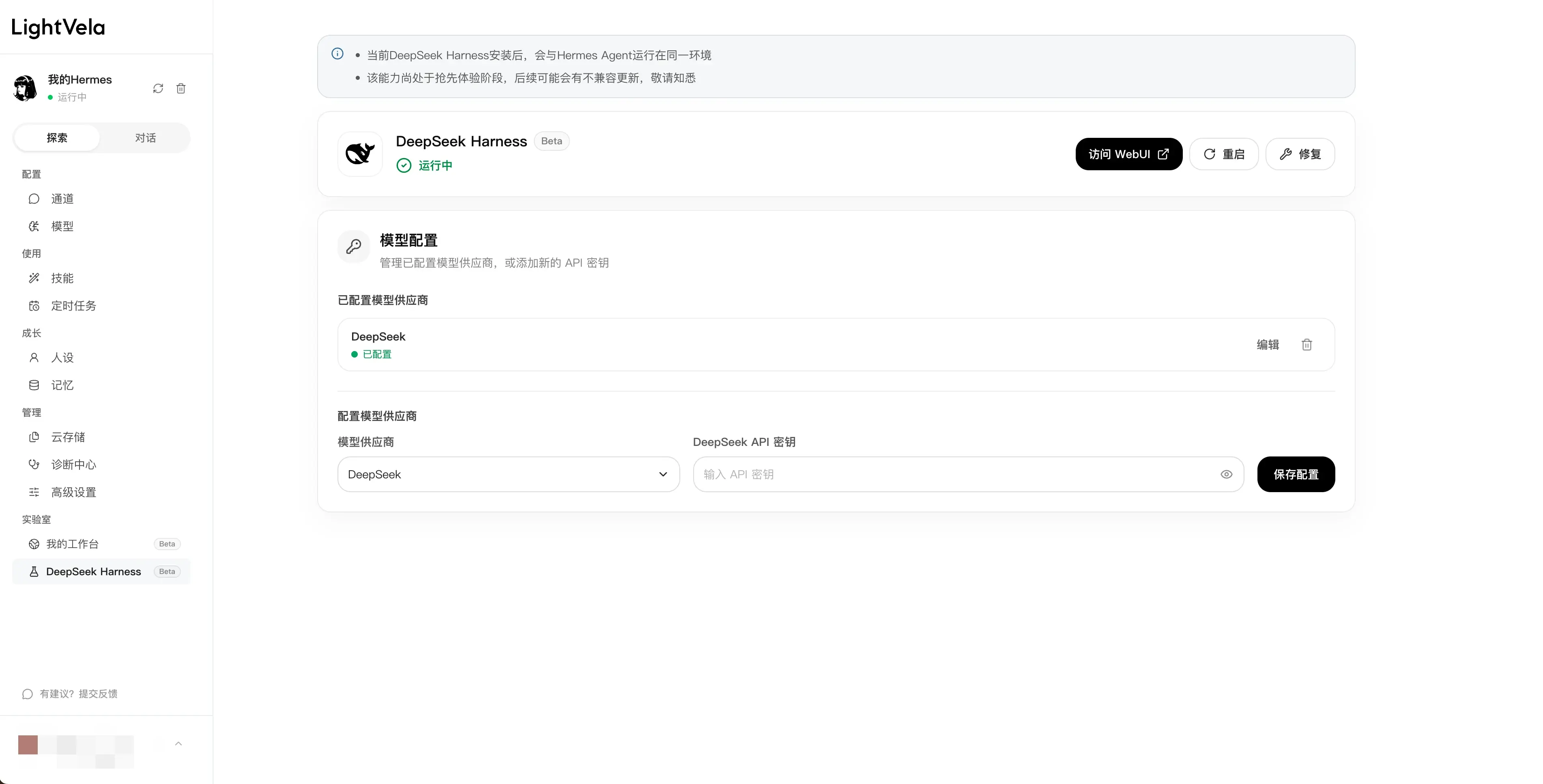
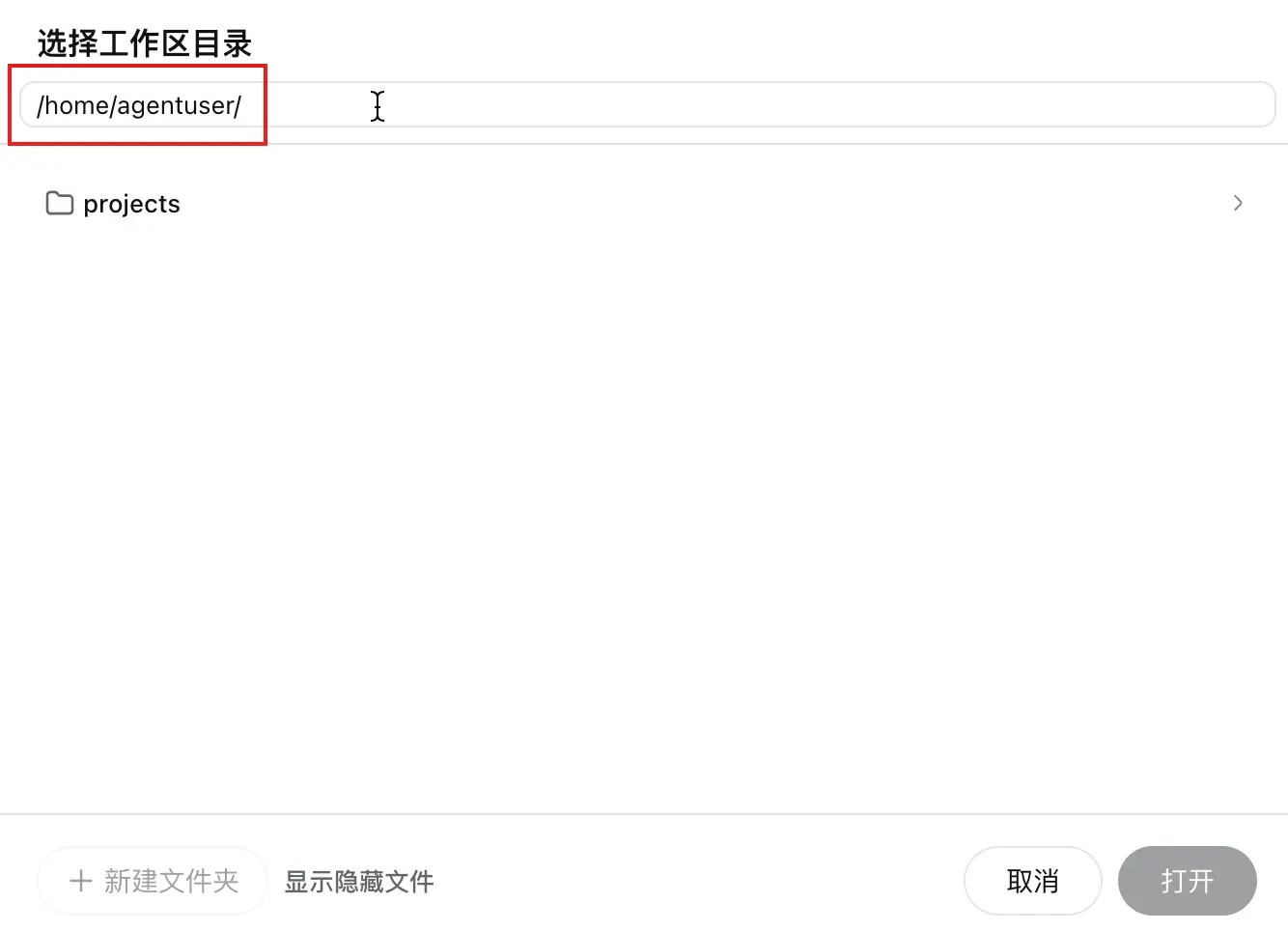
When asking DSH to troubleshoot, make sure its working directory is /home/agentuser/.
One optional improvement is to give DSH a Hermes Agent operations manual first. This saves it from having to figure out the configuration on its own. To install it, enter this in the DSH chat:
Follow https://skillhub.cn/install/skillhub.md to install @user_70854421/hermes-agent-skill-for-dsh.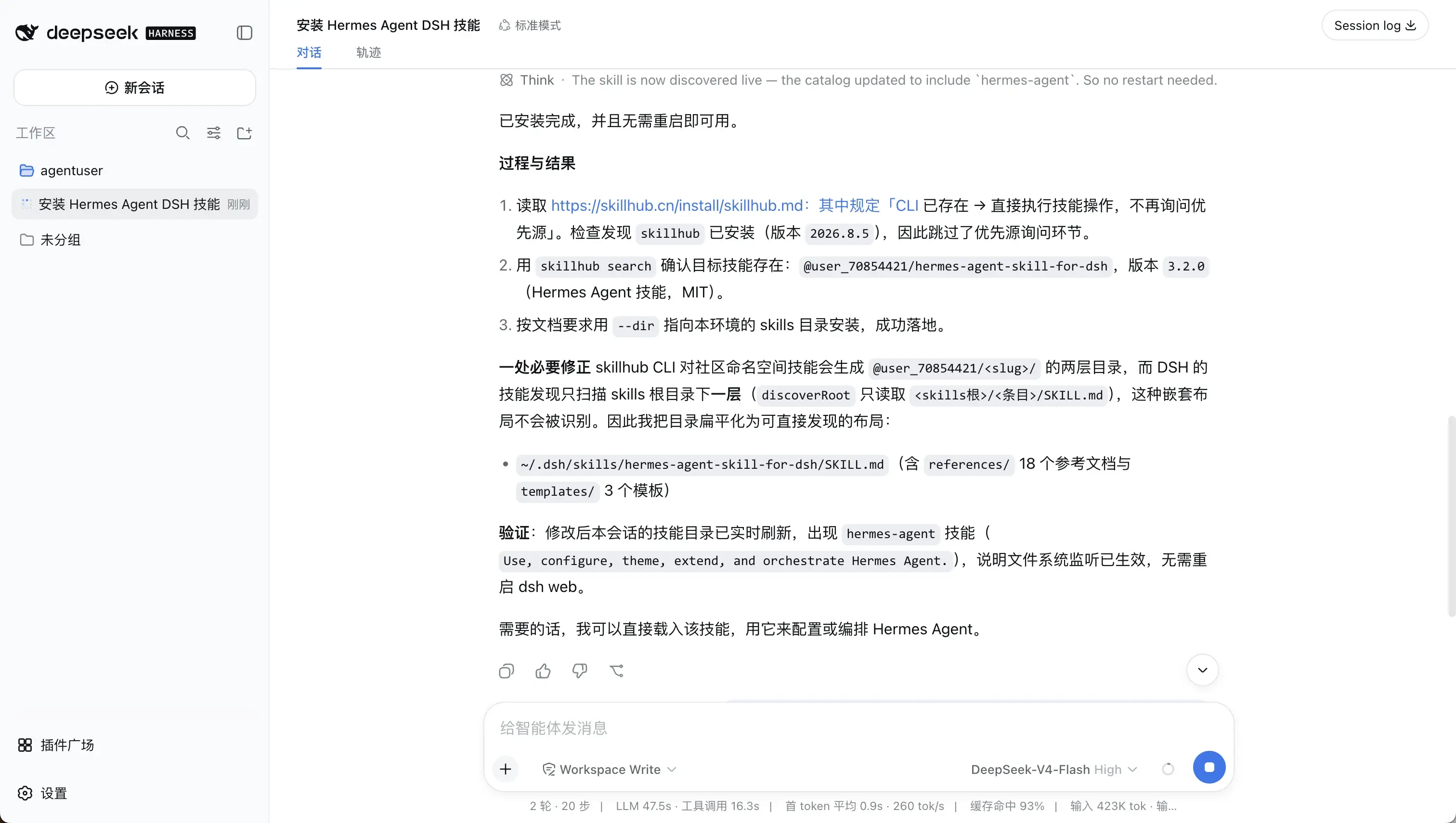
Once installation is complete, start with this request:
There is a Hermes Agent in your current runtime environment. Find its installation location first. Using the skill you just installed, help me diagnose and resolve a problem.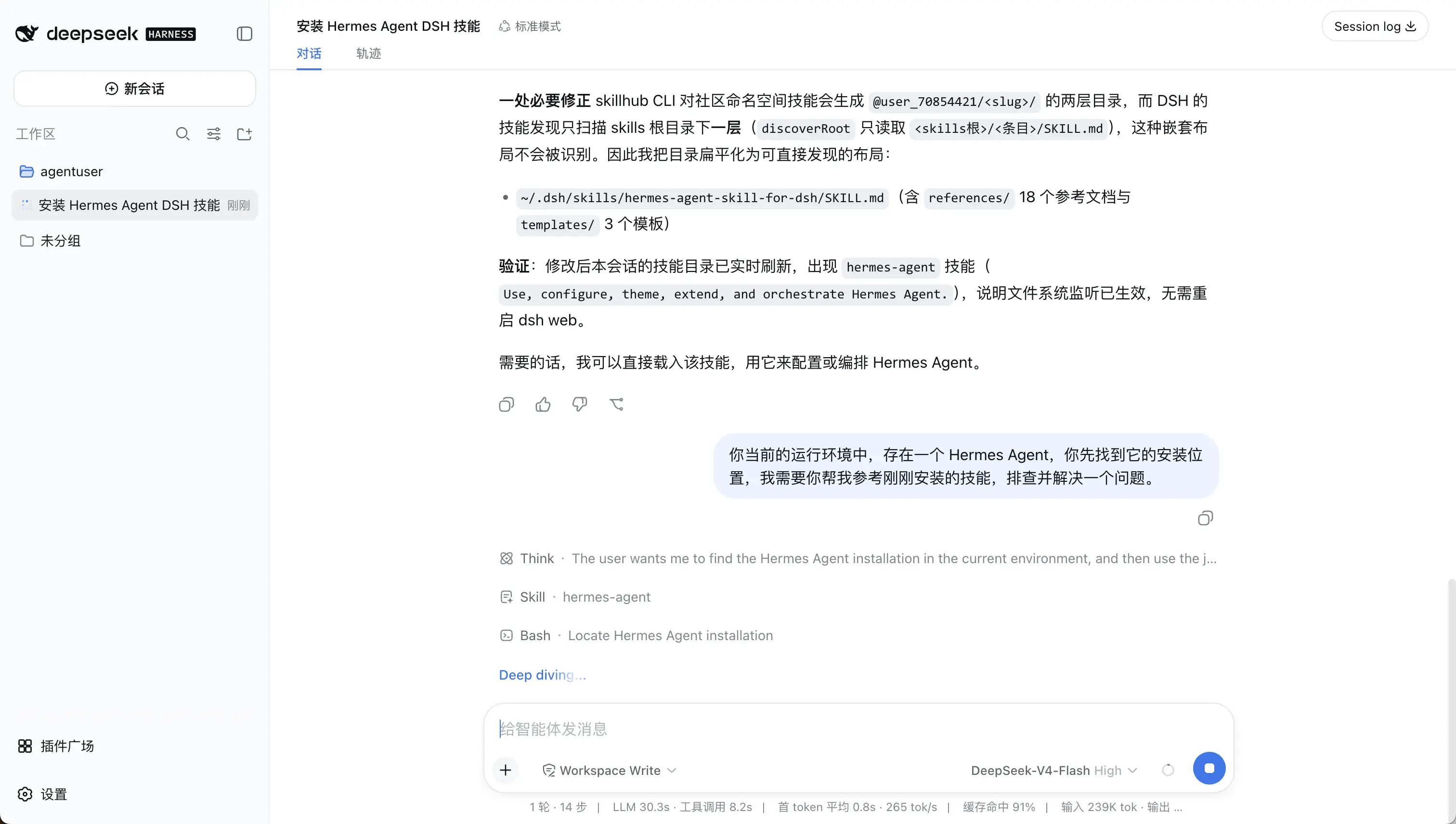
If you would like to proceed a little more cautiously, you can say:
There is a Hermes Agent in your current runtime environment. Find its installation location first. Using the skill you just installed, help me diagnose and resolve this problem:
{Describe your problem here}.

First investigate the cause and propose a repair plan. Do not execute it yet.
Wait for it to explain the repair plan. If you are unsure, ask in the community group; you can join using the QR code at the end of this post.
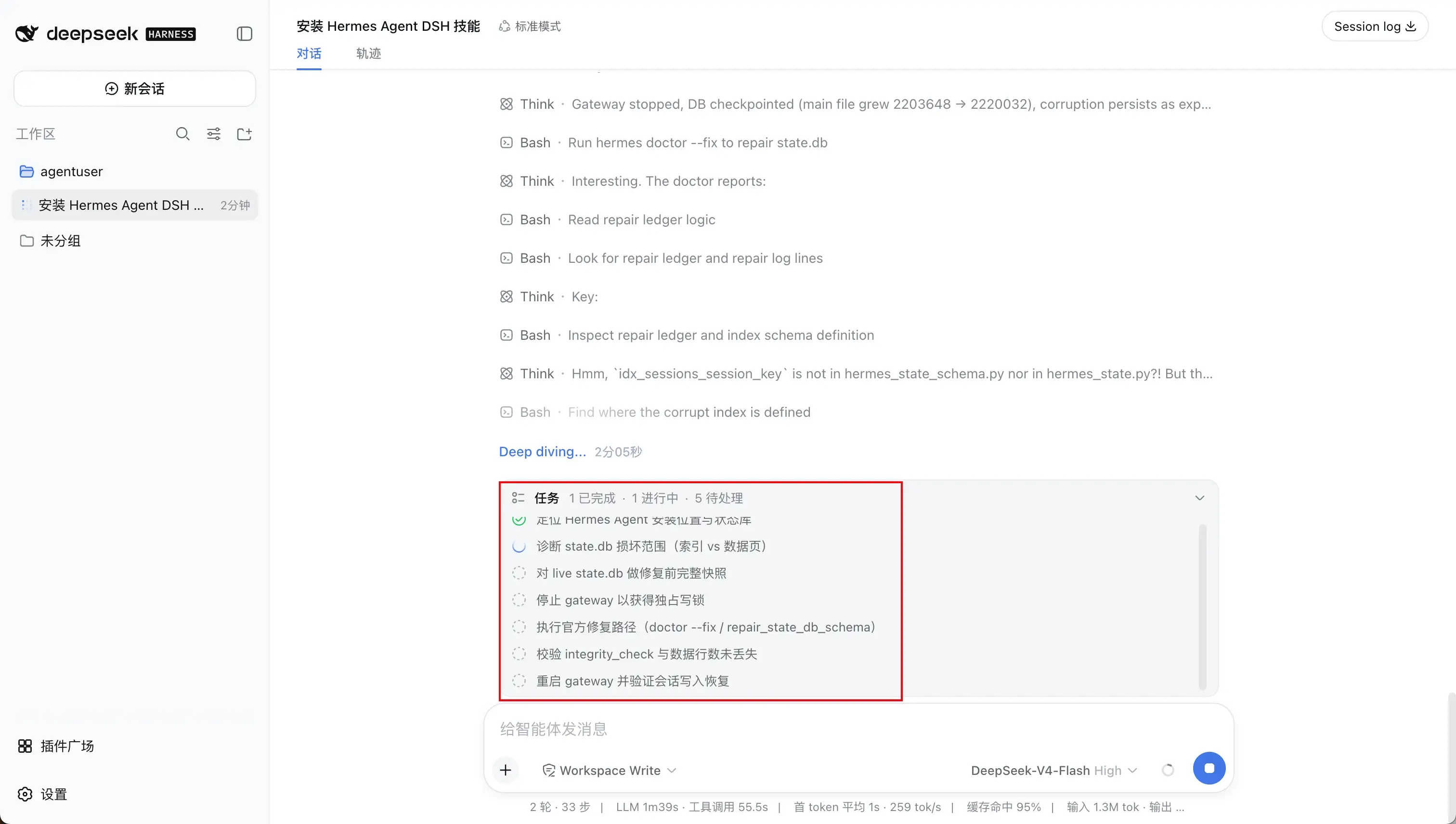
My repair went smoothly. After locating Hermes Agent, DSH had already identified the damaged state.db and laid out the repair plan and steps. It then got to work:
Within a few minutes, the repair was complete:
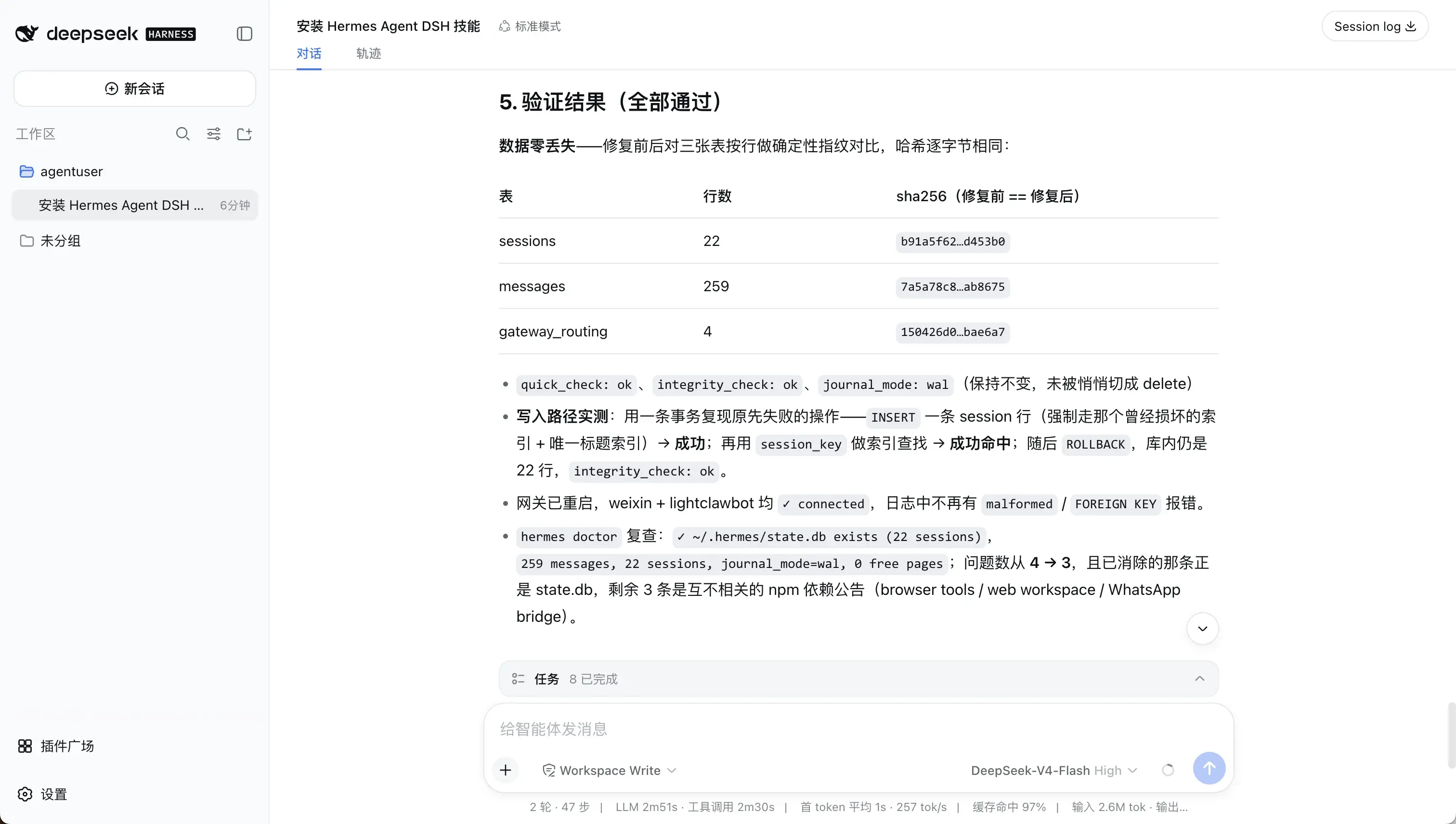
The whole process used about 2.6M input tokens and 31.3K output tokens, with a 97% cache hit rate, which is very high. I used DeepSeek-V4 Flash, so the total cost was only about RMB 0.25. Compared with asking an expert for help or spending hours troubleshooting it myself, that was very inexpensive.
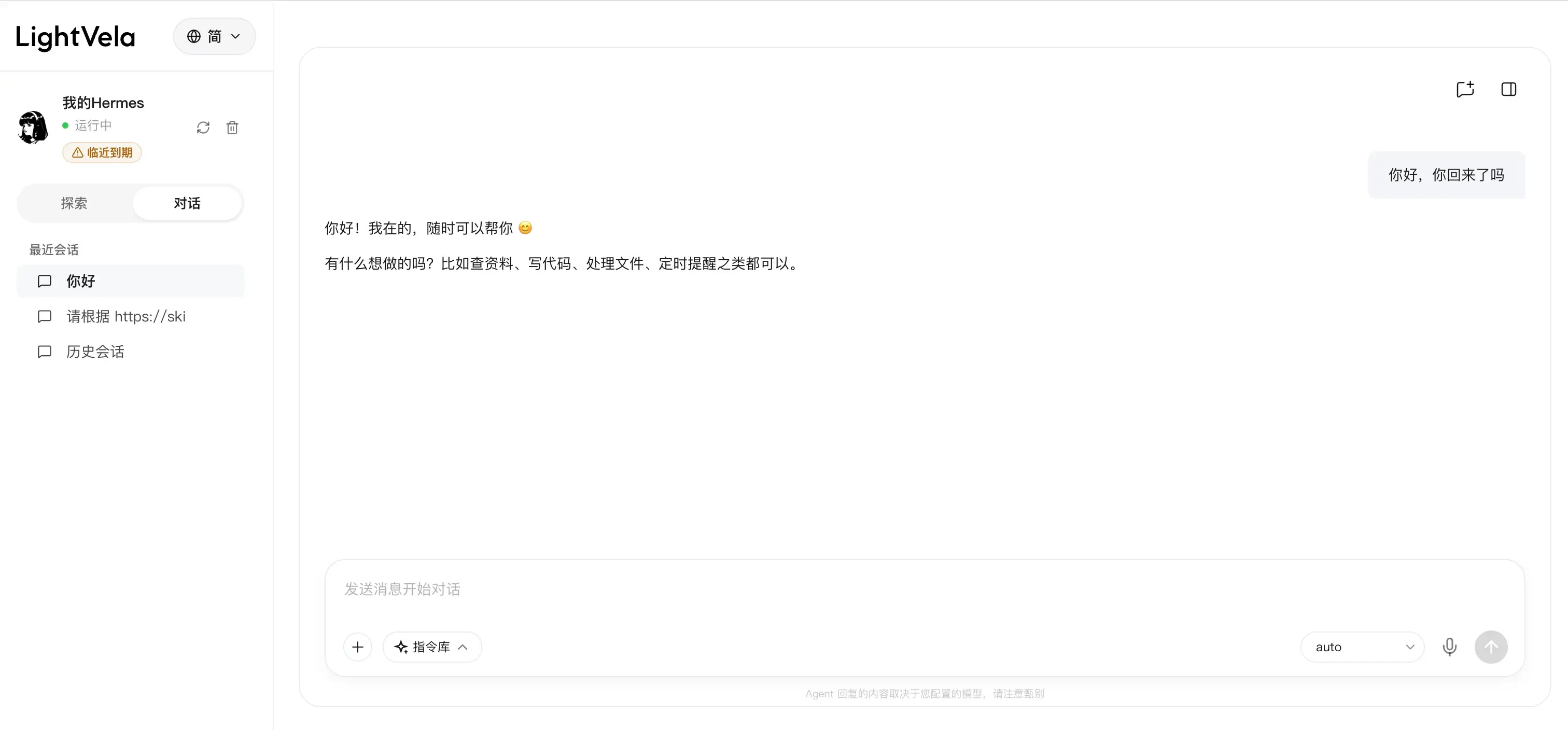
Finally, return to the Hermes Agent chat to confirm that the problem really is fixed:
Join the LightVela community
Scan a QR code or follow a link below to explore cloud agents with the community.