

Stop Letting Your Agent Work Alone! Teaming Up Hermes and DSH Made Me 10 Times More Efficient
When I first studied software engineering, the textbooks taught us that pair programming often produces better designs and better code than working alone. The person typing is usually called the driver, while the person reviewing the code is the observer.

Image generated with Codex
The same kind of collaboration exists in rally racing. Each car has a driver and a navigator, working together with a roadbook to find their way through a demanding course.

Image generated with Codex
Pair programming and rally racing share a similar approach: one person focuses on execution while the other watches the bigger picture, anticipates what comes next, and corrects course when needed. By sharing the same environment and staying in sync, they reduce the mental workload and the cost of mistakes in complex tasks.
Following that idea, Hermes Agent and DeepSeek Harness can form a similar partnership when they share context, divide the work, and hand over control within the same task environment in LightVela.
LightVela now supports running Hermes Agent and DeepSeek Harness (DSH for short) in the same cloud environment, making it possible to explore this kind of collaboration.
Hermes Agent is good at maintaining an ongoing understanding of a person and their work. It can retain preferences and project knowledge, capture working methods in Skills, and keep receiving tasks through chat channels. That makes it well suited to the navigator role.
DSH focuses on a specific workspace. It can read and edit files, run tests, handle errors, and perform other tasks within that workspace, making it a better fit for the driver role.
How to Set It Up: Preparation
A quick caveat: this setup requires installing a skill and a tool. It is an experimental approach for people who enjoy exploring AI and do not mind tinkering. A more polished product experience is still being designed.
If you are still reading, you probably want to try it. Just keep in mind that AI can be unpredictable, so following every step does not guarantee success. If you run into trouble, ask your AI to help solve it. You are part of the collaboration too!
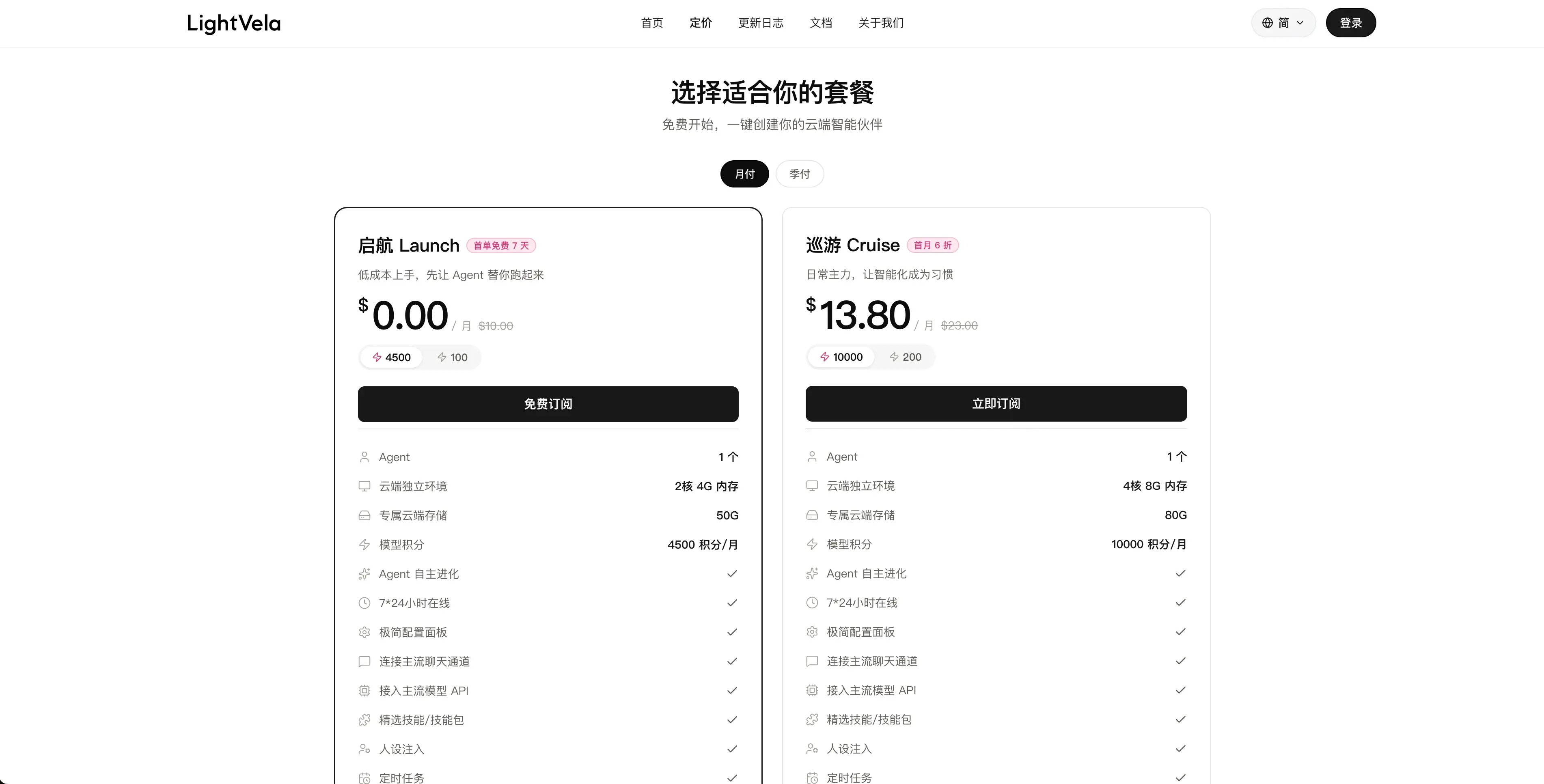
First, create your own agent in LightVela. Getting started is straightforward: the China site supports WeChat, QQ, and phone login, while the international site supports Google and GitHub login. A free trial is available as well.
I recommend choosing the version with 4,500 credits. In my experience, they last quite a while.
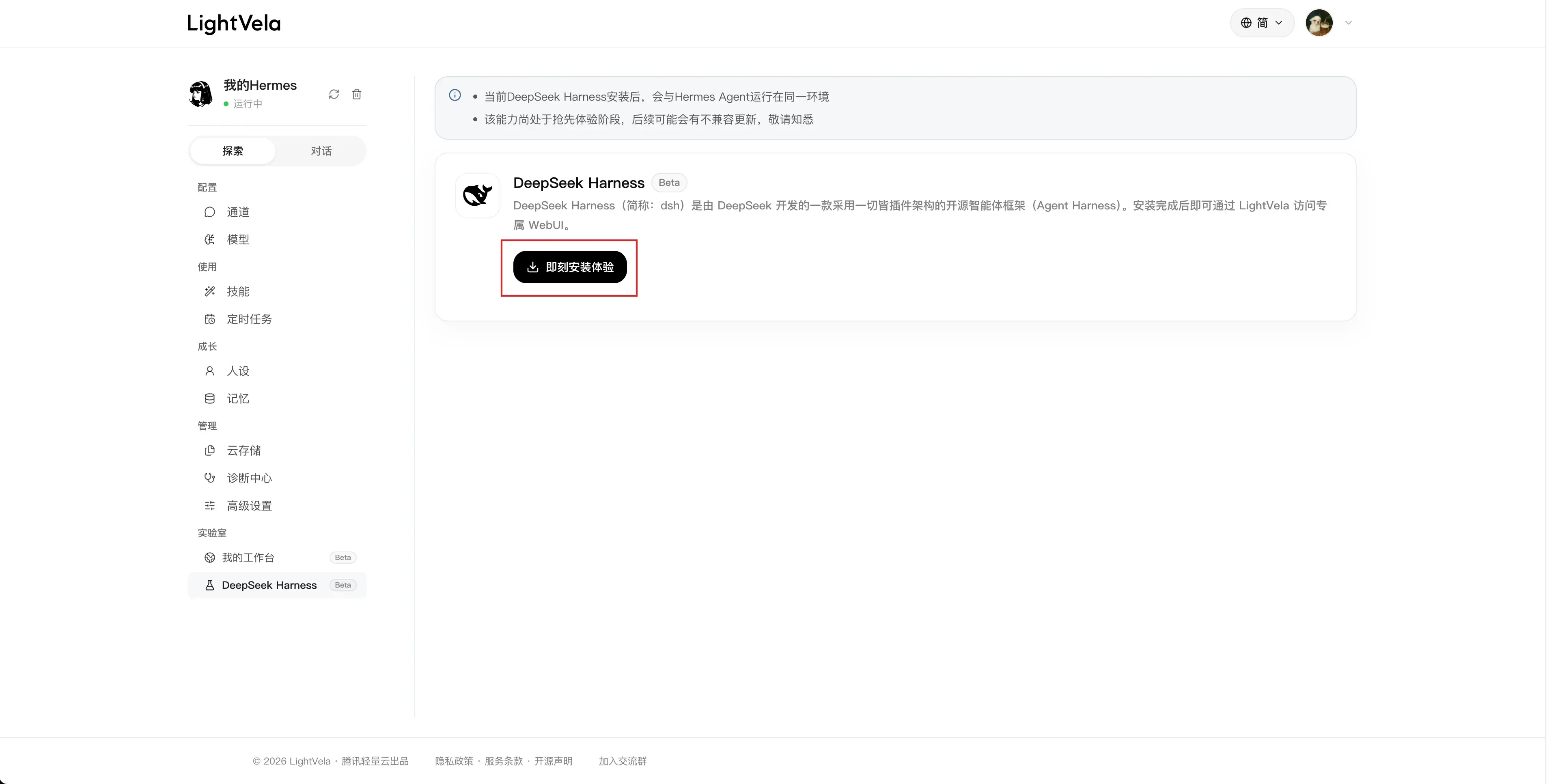
After subscribing, go to Explore and find DeepSeek Harness. Open its page and install it.
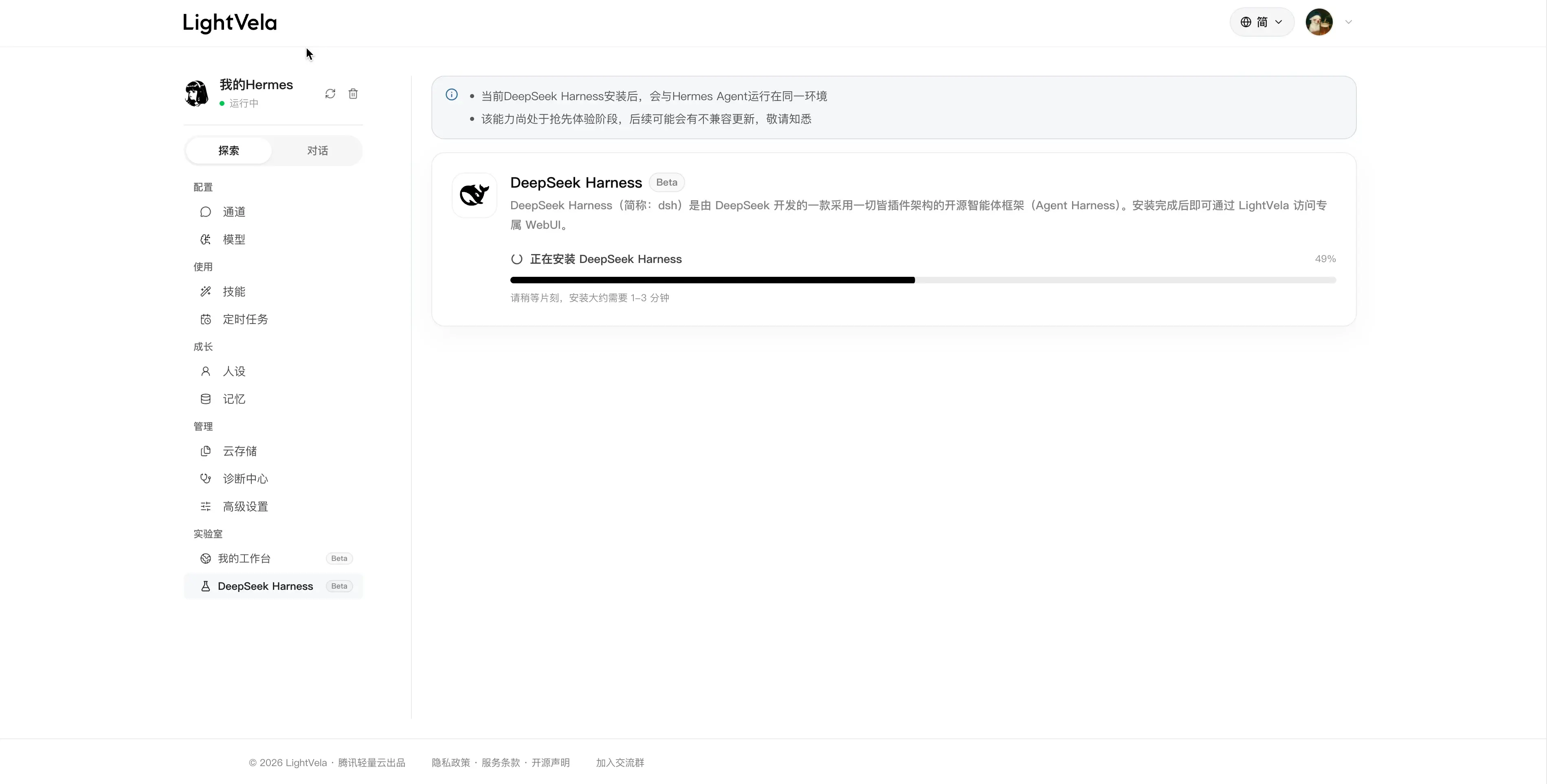
Installation takes about one to three minutes. In my test, it finished in around a minute:
Once it is installed, you can configure a model for DSH and open its WebUI from the same page:
Editor’s note: this part of the experience still needs improvement. DSH requires its own model configuration, and we have not yet found a good way to synchronize model settings.
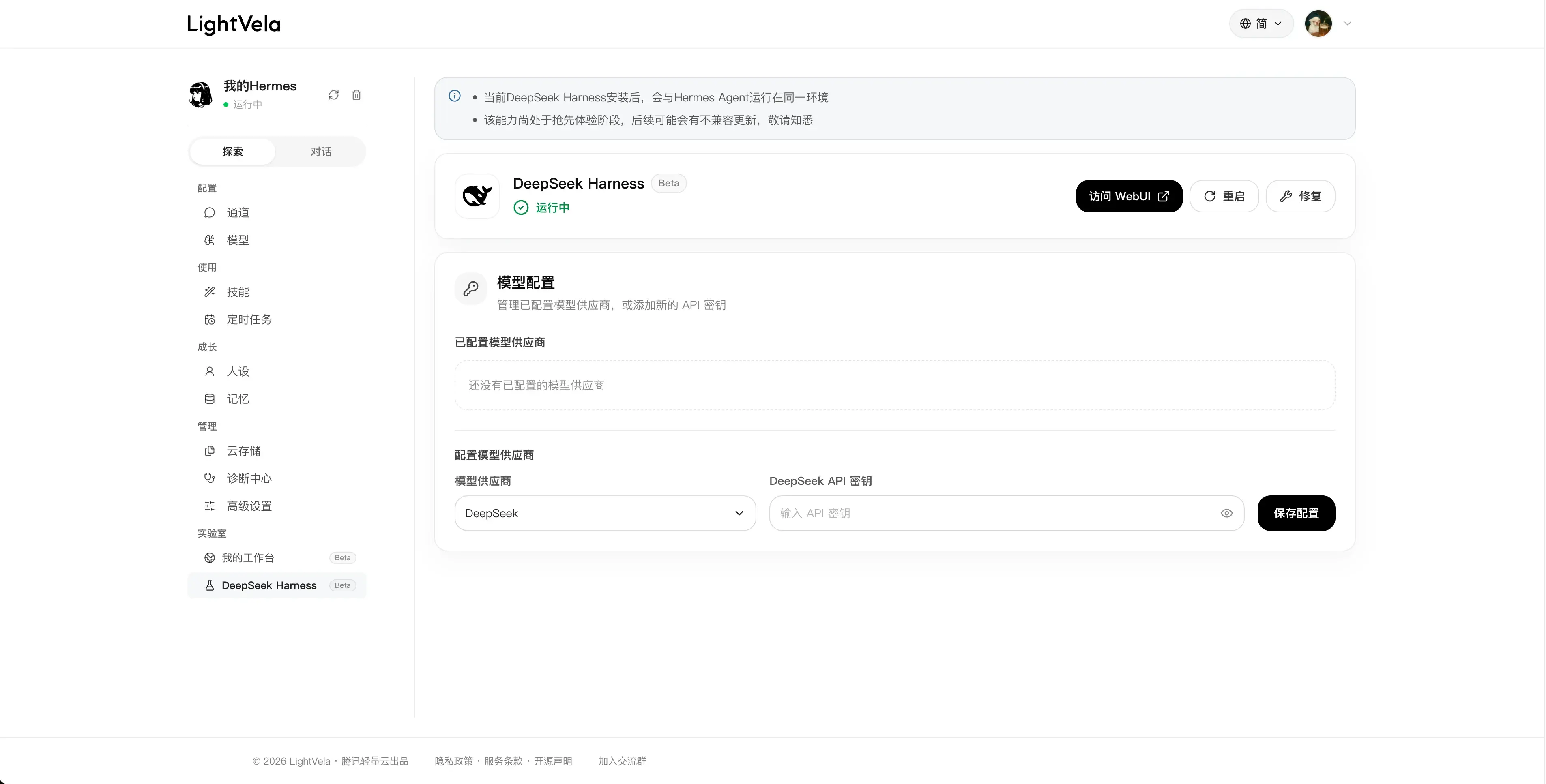
I used DeepSeek’s official model here: the newly released DeepSeek V4.1 Flash. It supports multimodal input natively and is reasonably priced. I will skip the configuration details and leave the link here:
DeepSeek API Platform: https://platform.deepseek.com/api_keys
To configure more models, you can also go directly to the WebUI. That is straightforward too.
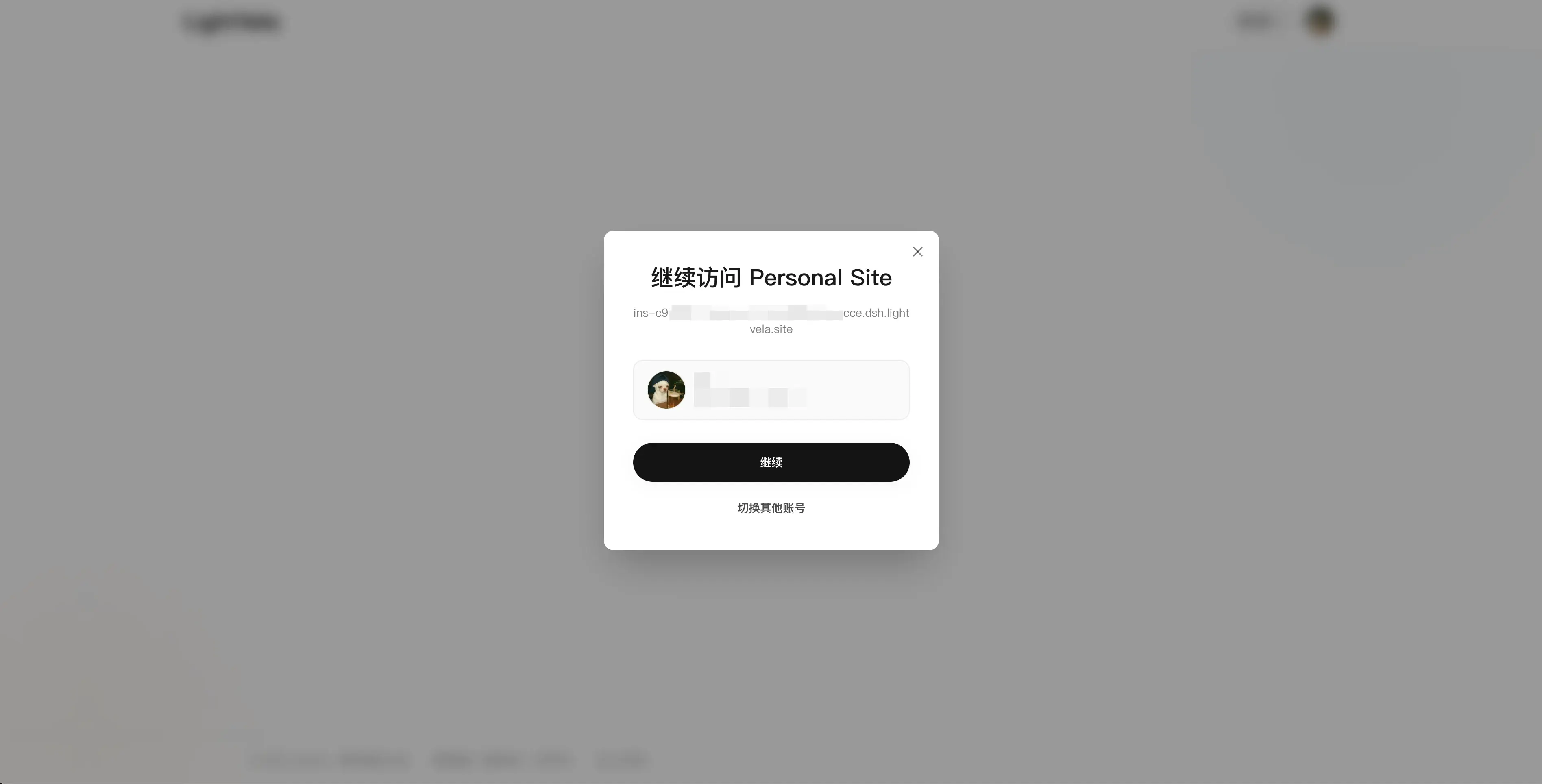
When opening the WebUI, you do not have to worry about someone gaining access just by obtaining the URL. LightVela assigns you a dedicated domain and adds authentication, so only you can use it:
How to Set It Up: The Key Step
The next step is to install a skill that does two things: register DSH as a Hermes Agent tool, and teach Hermes Agent how to call it.
This is just one approach based on the mechanisms Hermes Agent currently provides. I built the skill and tool through vibe coding. If you run into usability problems or have ideas for a better approach, join the LightVela community to discuss them.
Copy the following message and send it to your Hermes Agent in LightVela to initialize the setup:
Follow https://skillhub.cn/install/skillhub.md to install @user_70854421/dsh-pilot.If you do not want to configure a chat channel, you can send it directly to Hermes Agent from the Chat page:
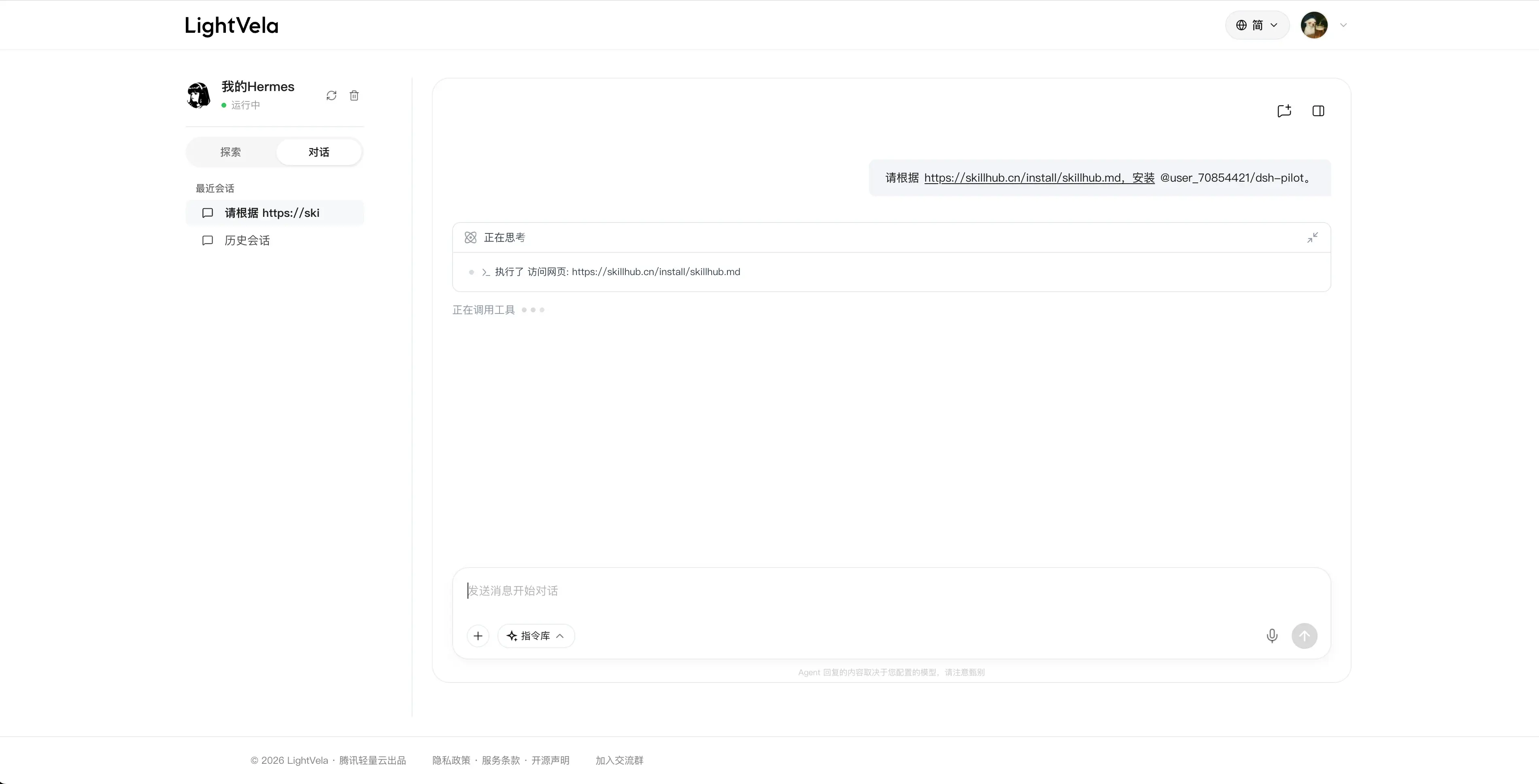
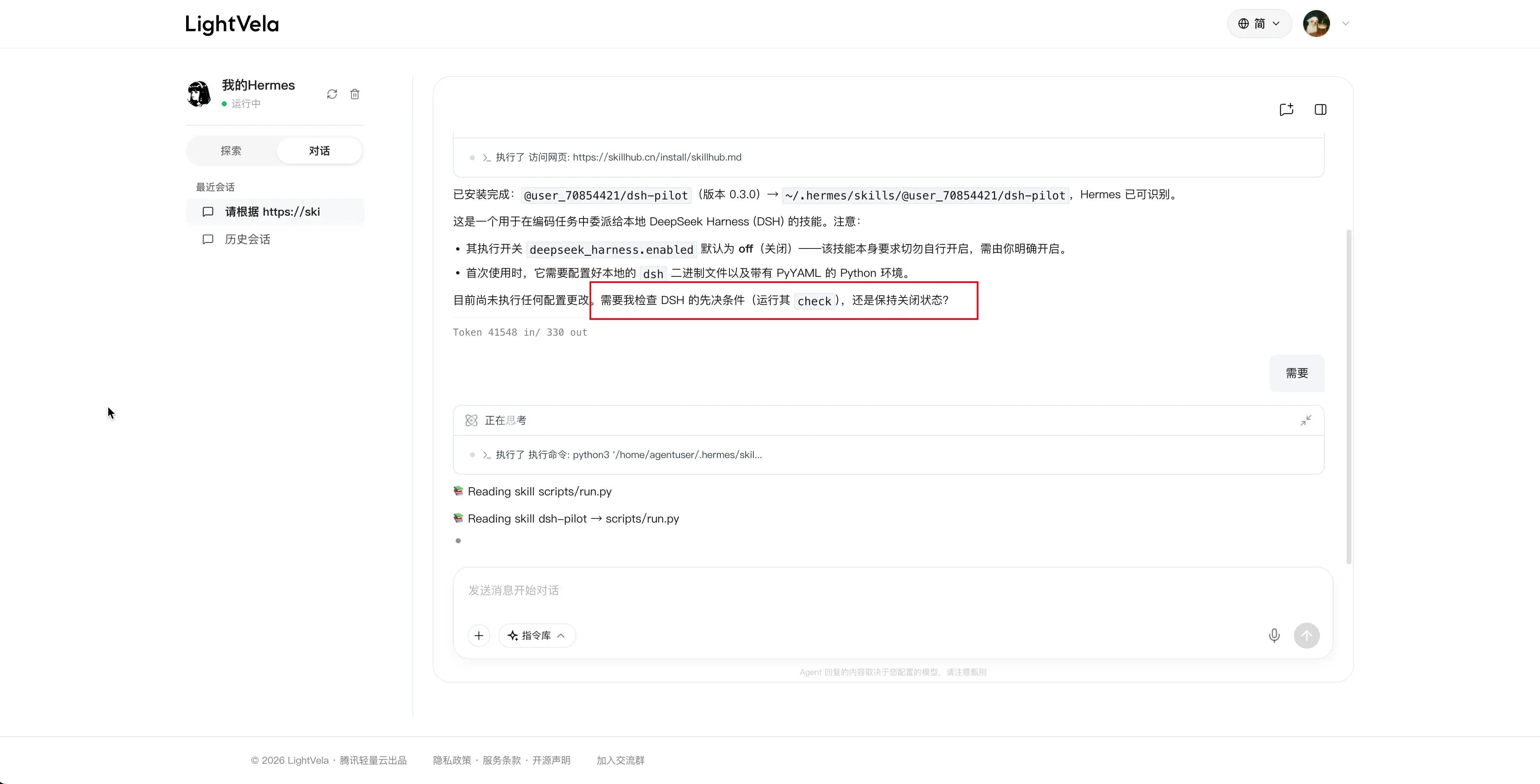
The result should look roughly like this. It will usually need to check DSH’s status. If the agent asks, confirm that it should proceed:
After registration, ask Hermes Agent to enable the newly registered tool:
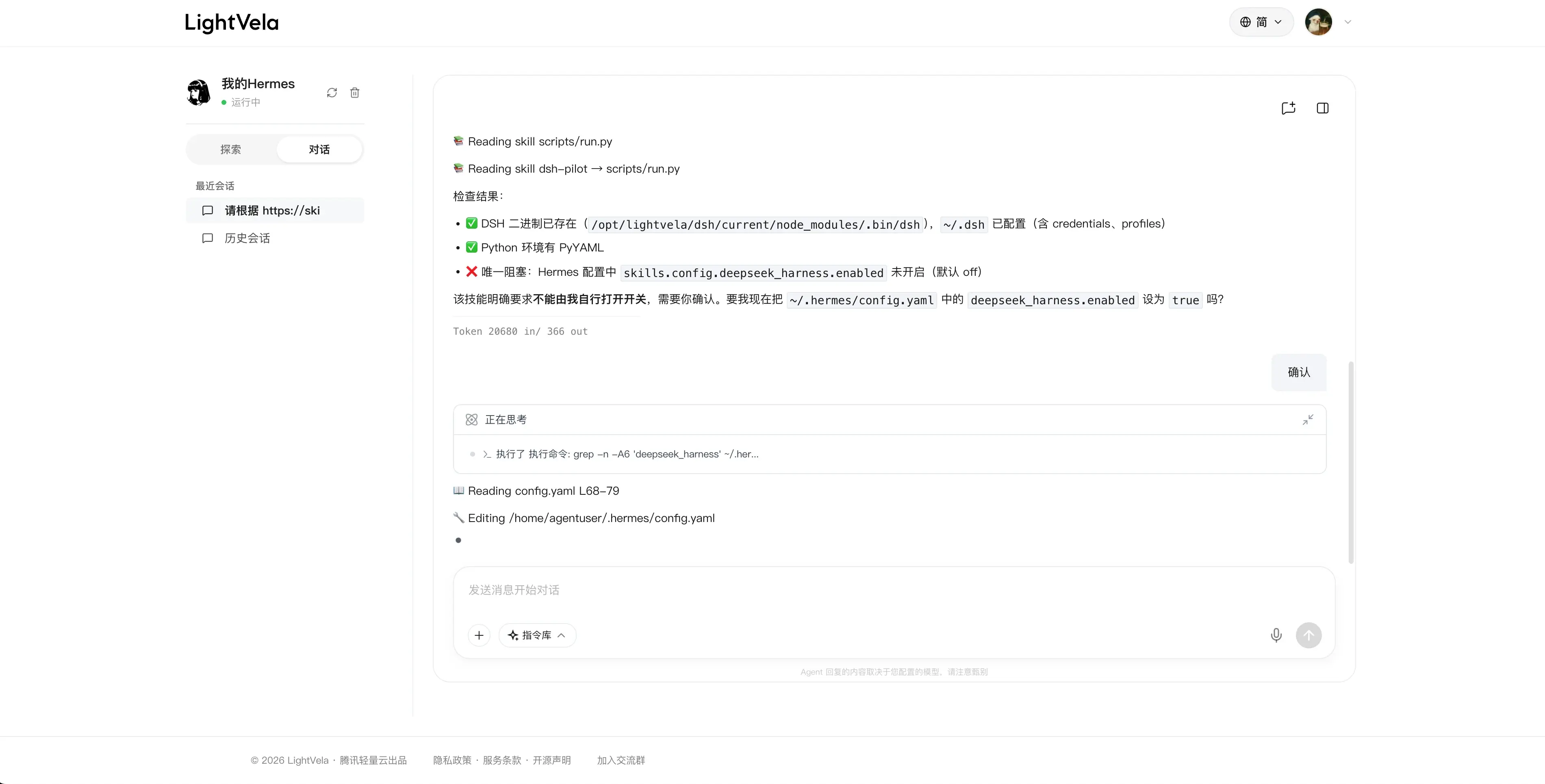
The agent will let you know once it is enabled:

How to Use It: Let Each Agent Do Its Part
I suggest using it with LightVela’s Workbench. Workbench supports hosting static websites, so projects generated by your agent can be deployed directly to the cloud. Support for deploying backend services is planned for later.
For a simple demonstration, try copying this message to your Hermes Agent:
Use the skill we just installed to build a simple static blog page. You design the plan, have DeepSeek Harness write the code, and then review it.

Once it is complete, deploy it using the website-builder Skill.
When everything works as expected, their collaboration looks something like this:
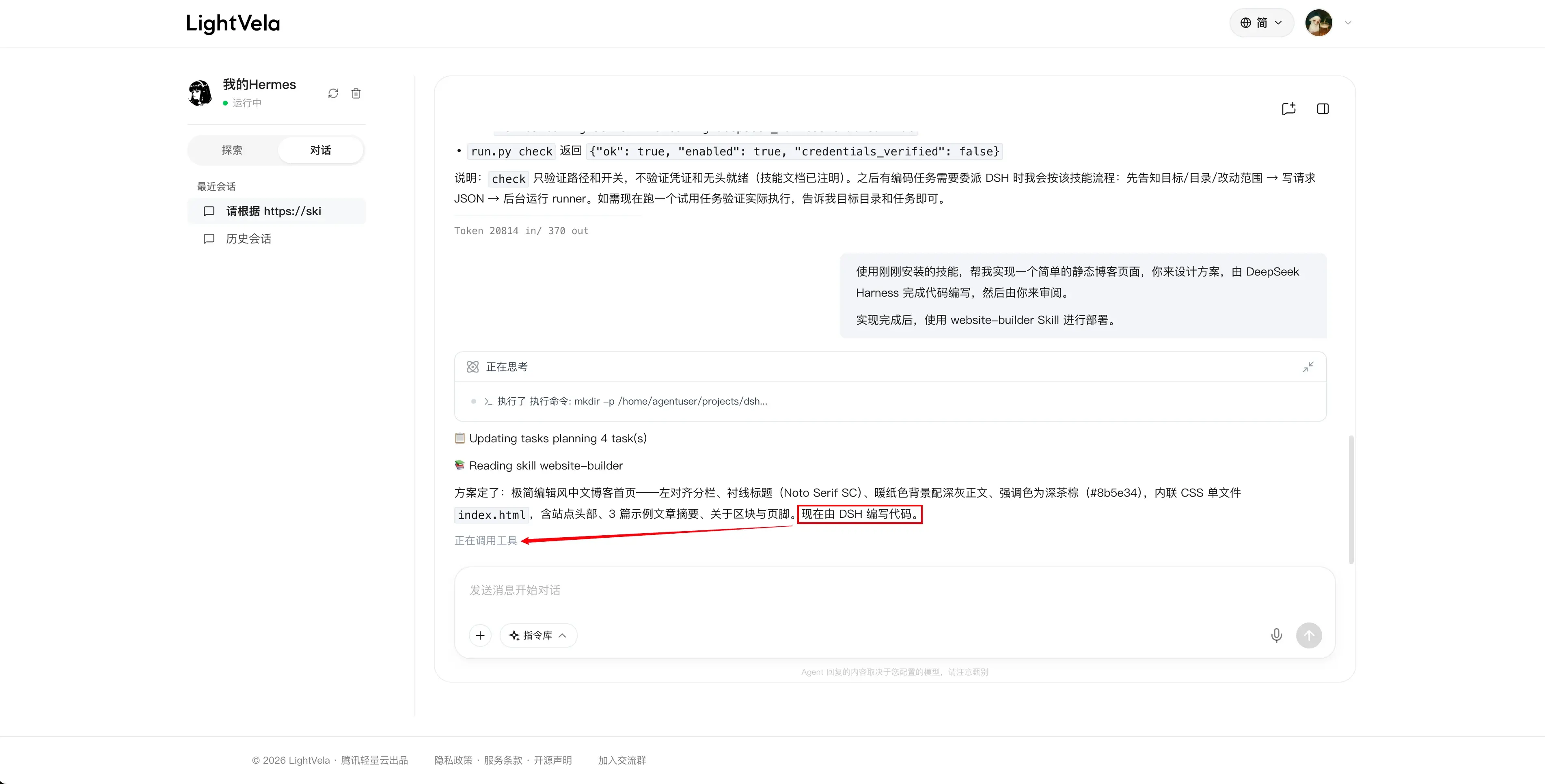
After a successful task, you should see something like this:
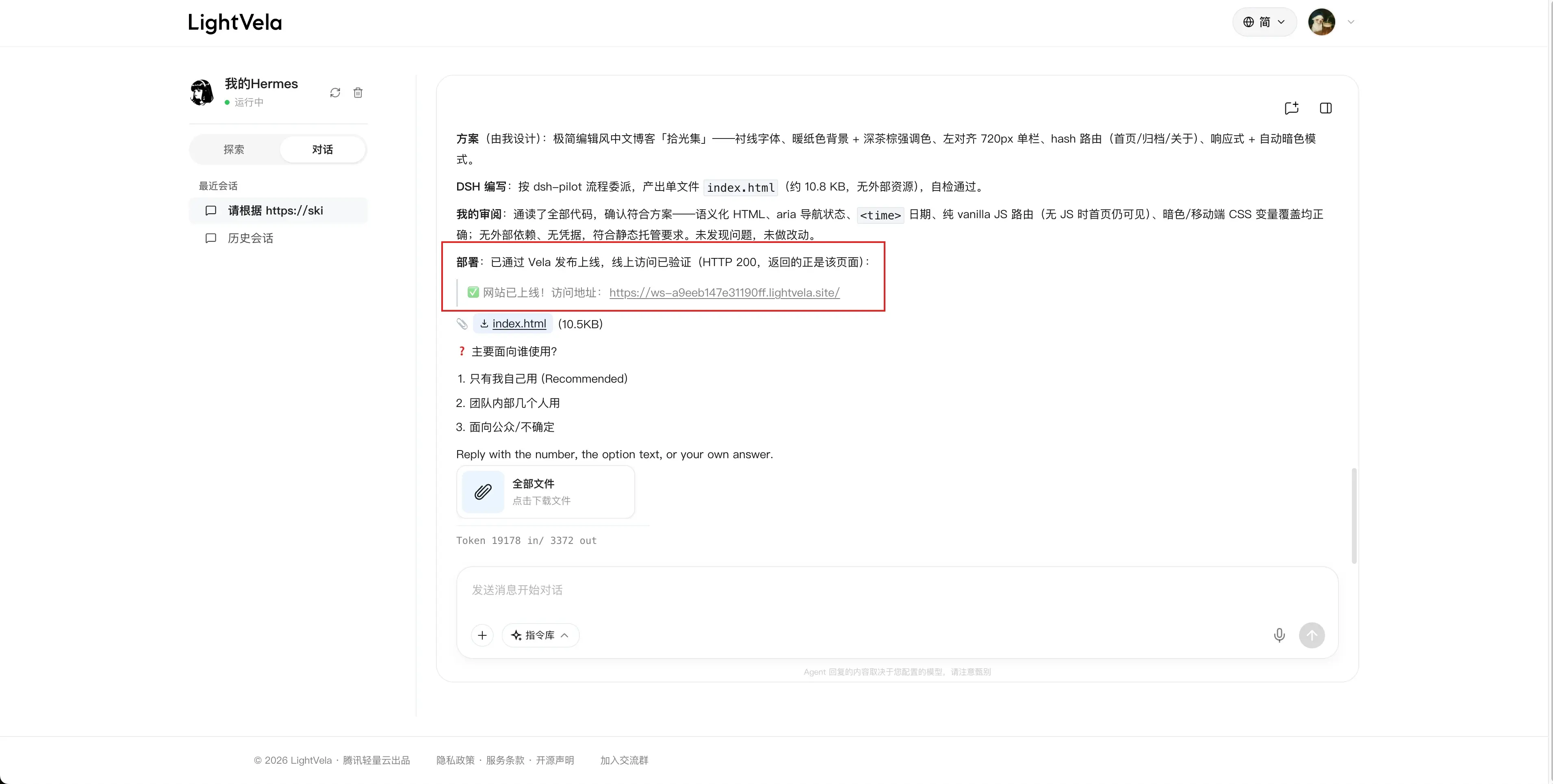
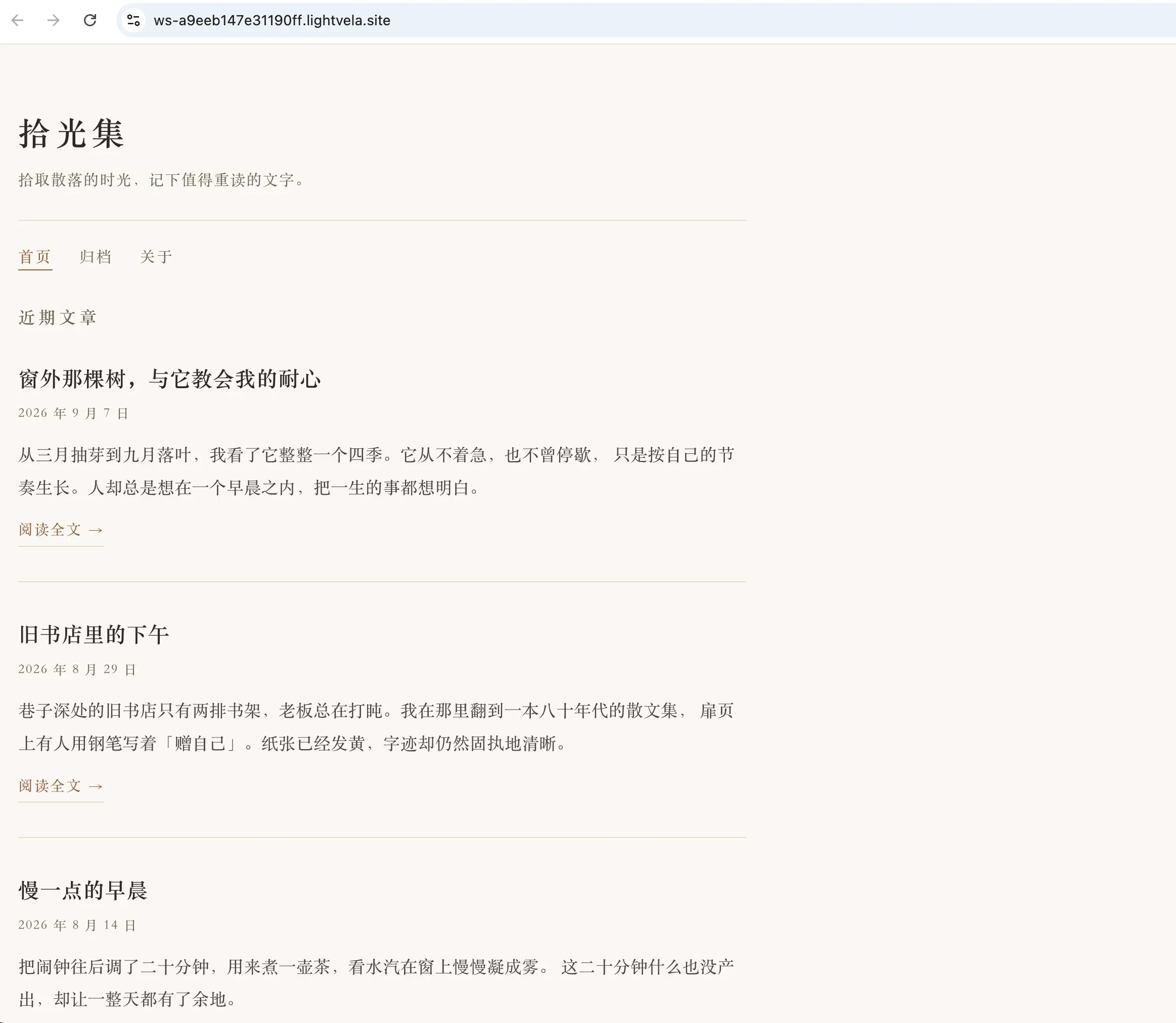
The site is accessible, though the result is still fairly basic:
I will leave more scenarios for you to explore. This post is simply a starting point for trying the approach.
Join the LightVela community
Scan a QR code or follow a link below to explore cloud agents with the community.