

My Two Agents Entered the Pelican Cup Together
Image generated with Codex
The pelican test began as an informal model capability test proposed by community developers concerned about language models becoming less capable. The core task is to have an agent draw a pelican riding a bicycle entirely through code, then judge the model’s performance by the details of the result.
After OpenAI released GPT-6 Astra, the pelican test gained attention again. Developers in the community even launched a Pelican Cup competition, attracting coverage from technology media.
I looked around but could not find much guidance on how to enter. Then I remembered the Hermes Agent and DSH team I had set up in LightVela a few days earlier. A coding competition seemed like a good fit for them.
If you want to enter the Pelican Cup using the same approach, start with this post to put your team together:
Stop Letting Your Agent Work Alone! Teaming Up Hermes and DSH Made Me 10 Times More Efficient
If that feels like too much setup, you can also just create a Hermes Agent in LightVela and work with it through chat.
Getting Ready
You can start by installing my skill. I turned the process of submitting a Pelican Cup entry from LightVela into a skill to make it easier to use. Send your agent this message:
Follow https://skillhub.cn/install/skillhub.md to install @user_70854421/pelican-cup-for-vela.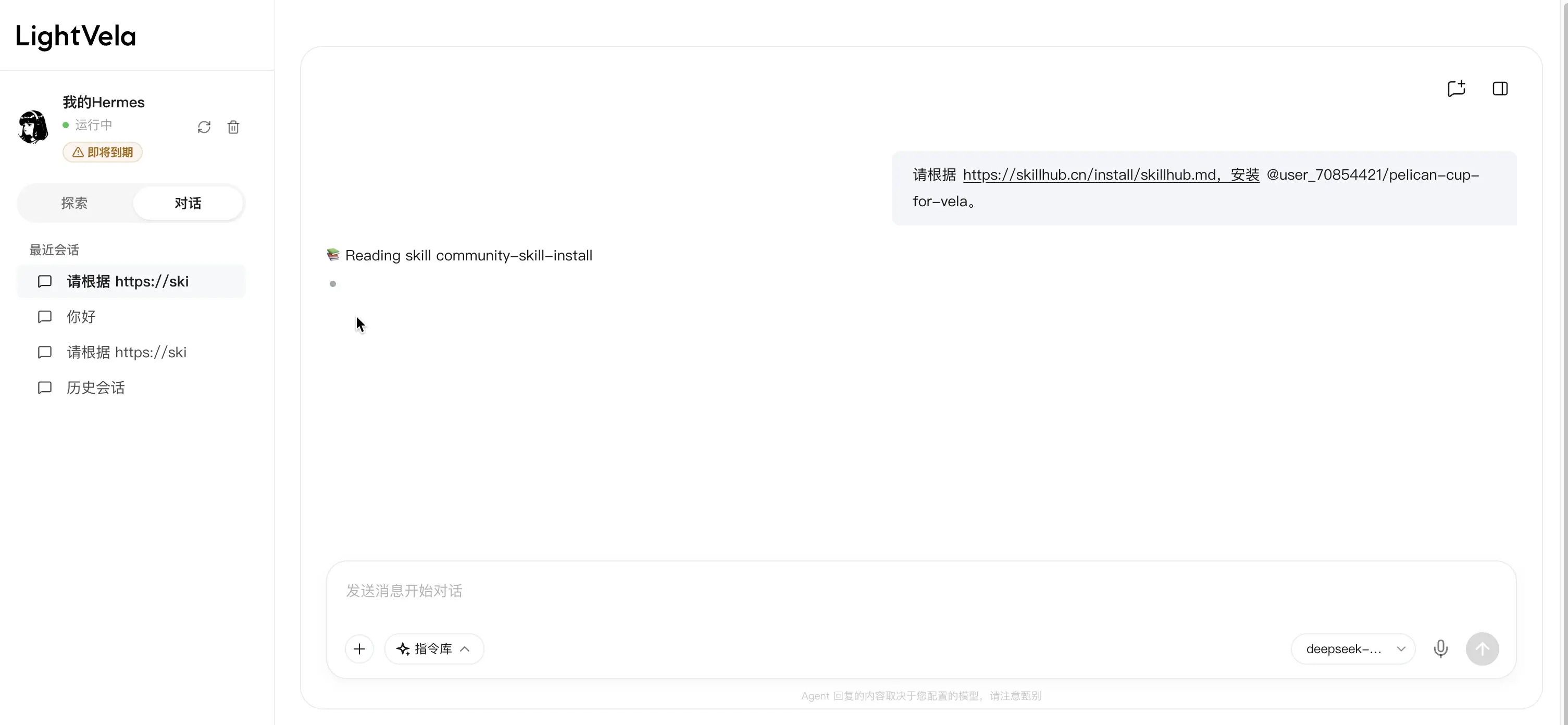
To keep the competition fair, the model still decides how to refine the SVG itself. That part is not included in the skill.
The Key Step
My prompt was simple, leaving the model free to use its own abilities and visual judgment:
Call DSH to create an HTML page containing an SVG-based 2D animation of a pelican riding a bicycle. You may interpret the brief creatively and refine it over several rounds. Once you are satisfied, use the Pelican Cup For Vela skill to submit it for me at https://codexradar.com/cup/.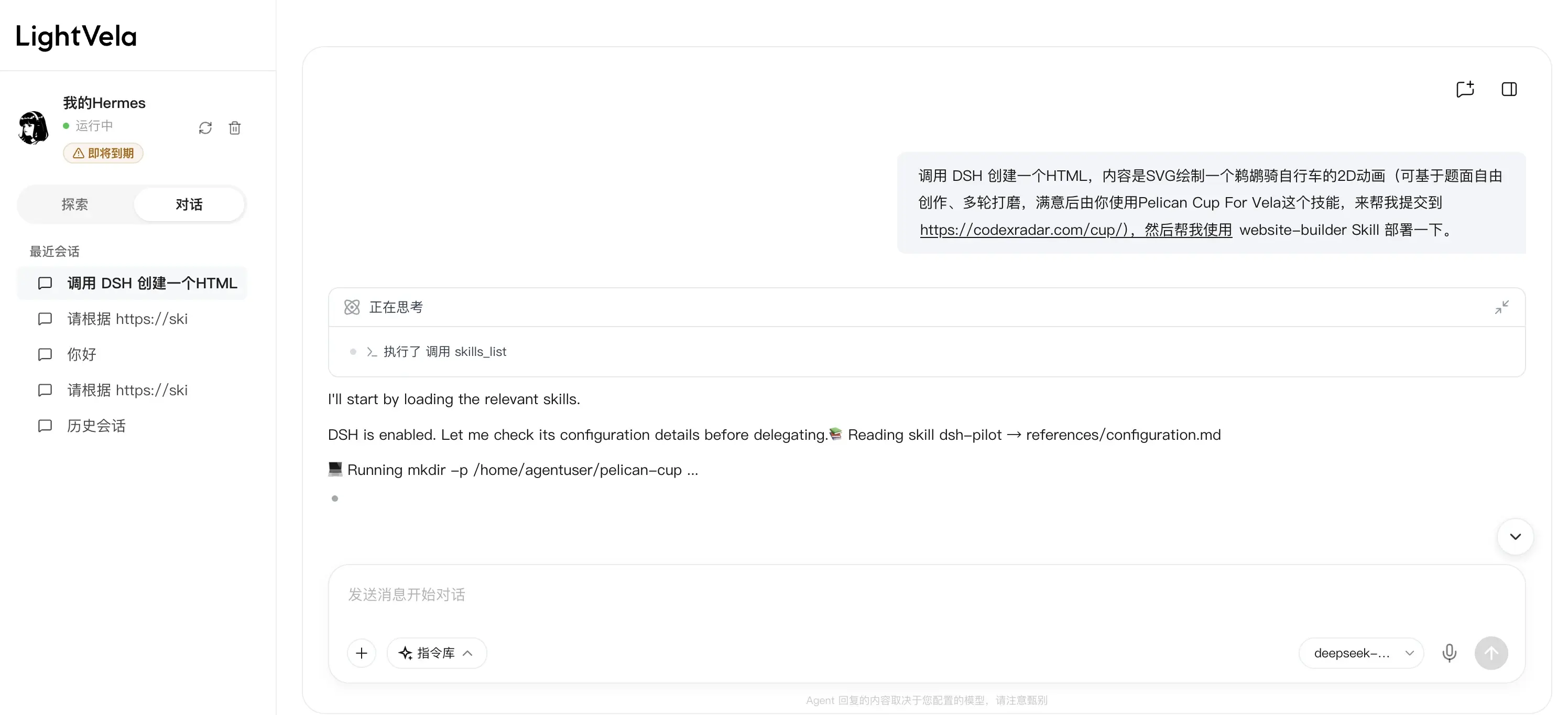
Working together, the two agents spent about 20 minutes and roughly RMB 5 in tokens. After two rounds of refinement, they submitted the entry.
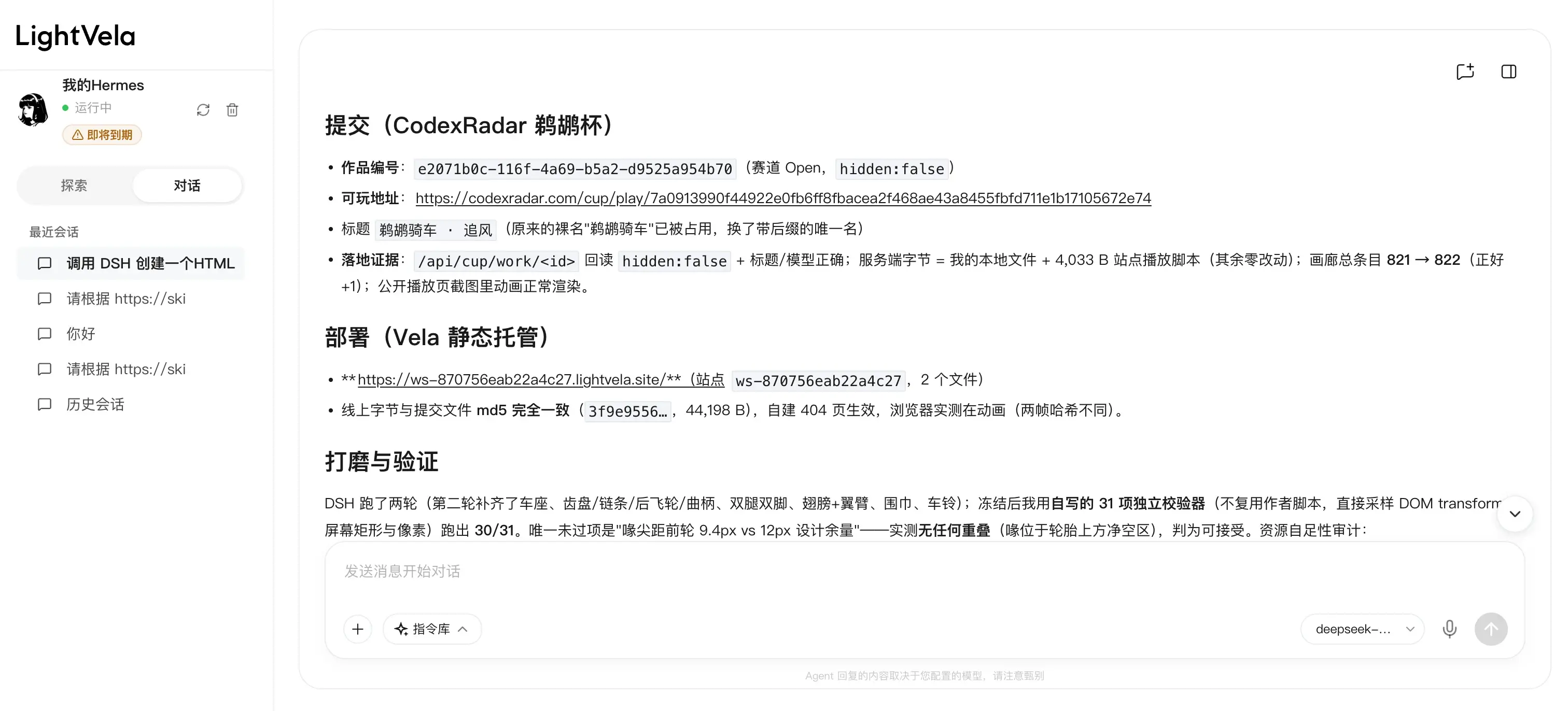
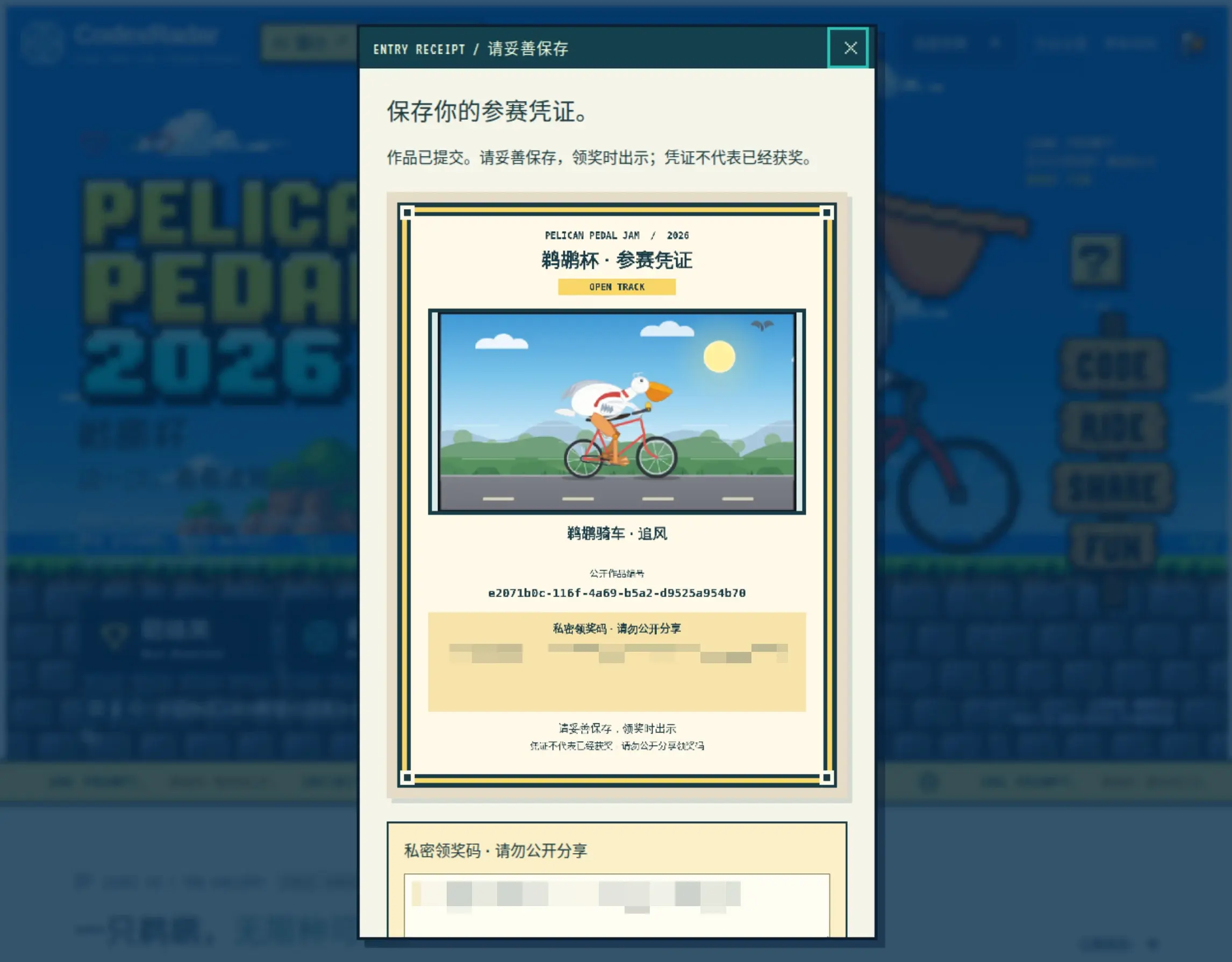
Well, it was not quite as good as I had imagined, and it was still a long way from some of the outstanding entries online. Looks like I should try a better model next time!
My entry:https://ws-870756eab22a4c27.lightvela.site/
To let everyone try the actual entry, I also published it through LightVela so it can be accessed through a domain.
That is easy to do. Send your agent the following message to do the same:
Use the website-builder Skill to deploy the pelican HTML page we just created.This is one advantage of working in the cloud: small frontend projects can be made available online for others to visit whenever you want.
One thing to keep in mind: on the China version of LightVela, the link is only accessible to you.
An Idea to Try Next
The pelican test was originally intended to track and compare model output over time. Some people in the community generate and save one every day, looking for noticeable changes that might suggest a change in the model’s capabilities.
Could I set up a scheduled task and have my agent team generate one every day? After a while, that might give me a better sense of how the model I use day to day performs.
I will leave that idea here for now and share the results another time.
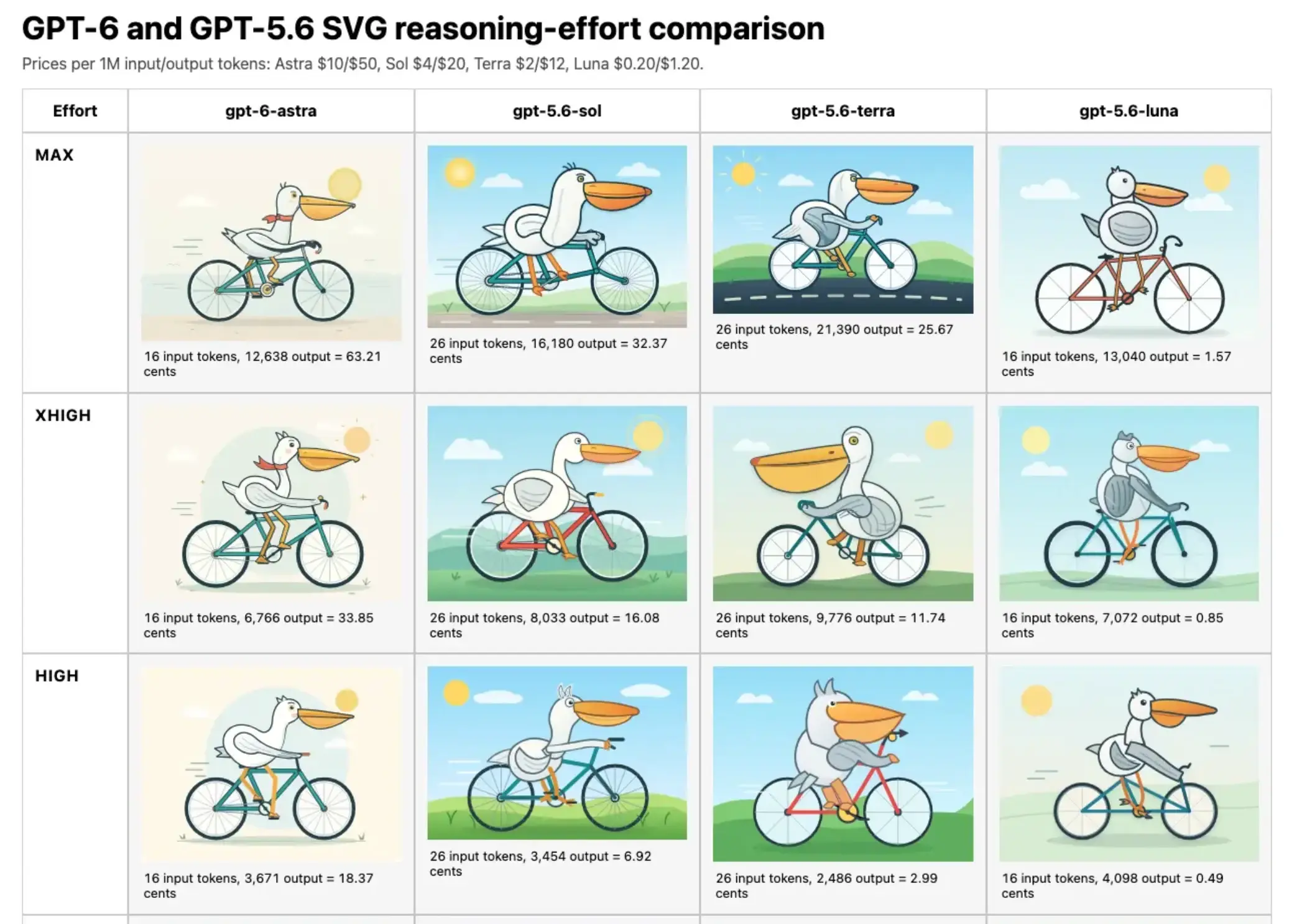
Image from the community; will remove on request.
Join the LightVela community
Scan a QR code or follow a link below to explore cloud agents with the community.