Quickstart
This tutorial walks through the full process from signing in to receiving a Hermes reply in WeChat. It takes about 5 minutes.
This page covers
- Signing in to LightVela
- Completing real-name verification (required on first use)
- Activating the Launch plan and creating a Hermes instance
- Connecting WeChat / Telegram / WhatsApp / Discord channels
- Sending a message in WeChat and receiving a reply
> 💡 Prerequisites > > - A Google or GitHub account > > The Launch plan includes 100 trial credits, so you can start chatting without preparing a large language model API Key in advance.
---
1. Sign in to LightVela
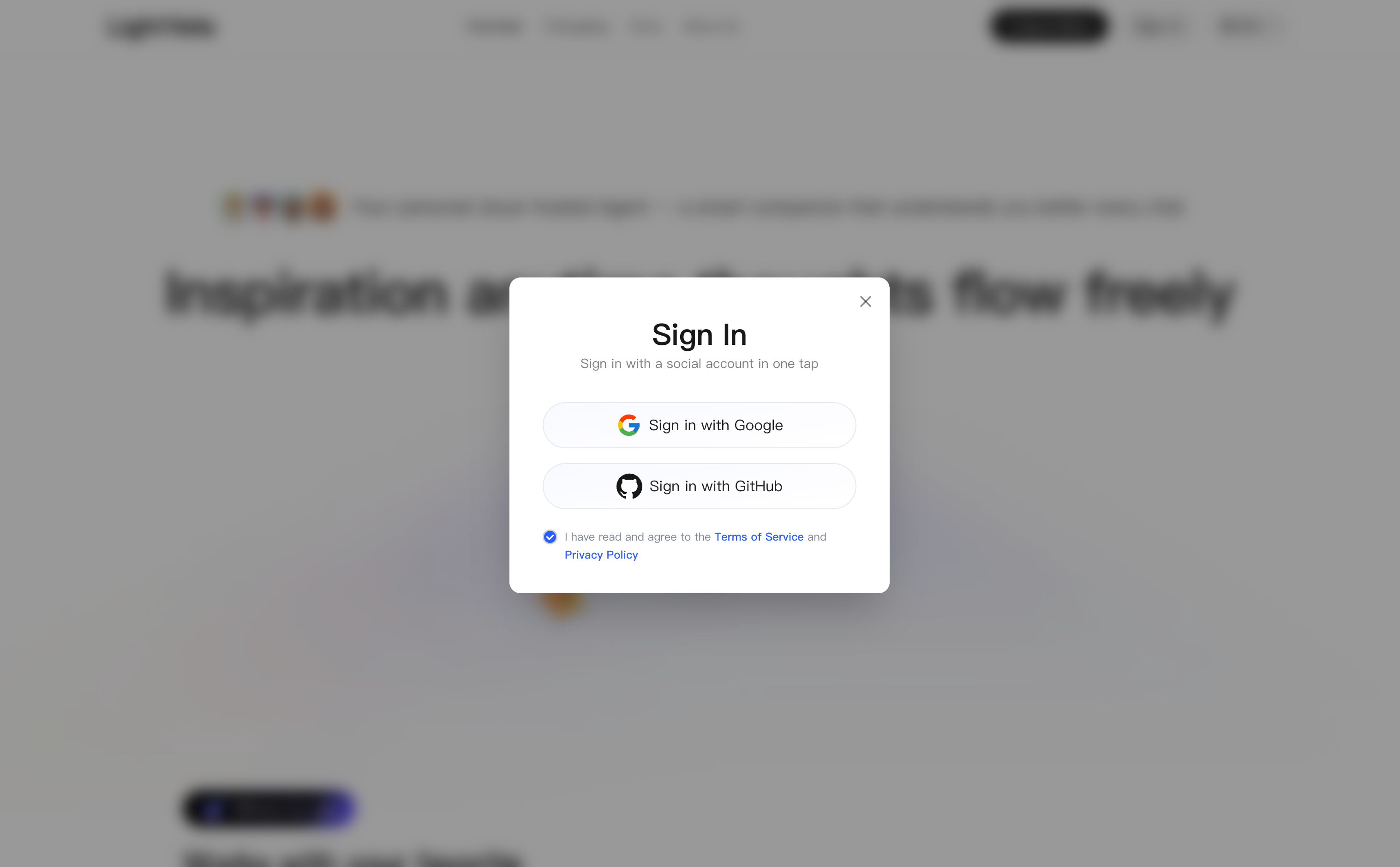
Visit lightvela.com and click "Log in" in the upper-right corner. In the login dialog, choose Google or GitHub, accept the agreements, and complete authorization.
---
2. Activate the Launch plan
Return to the homepage, click "Create Now" to enter the plan page, select "Launch", and click "Activate Now".
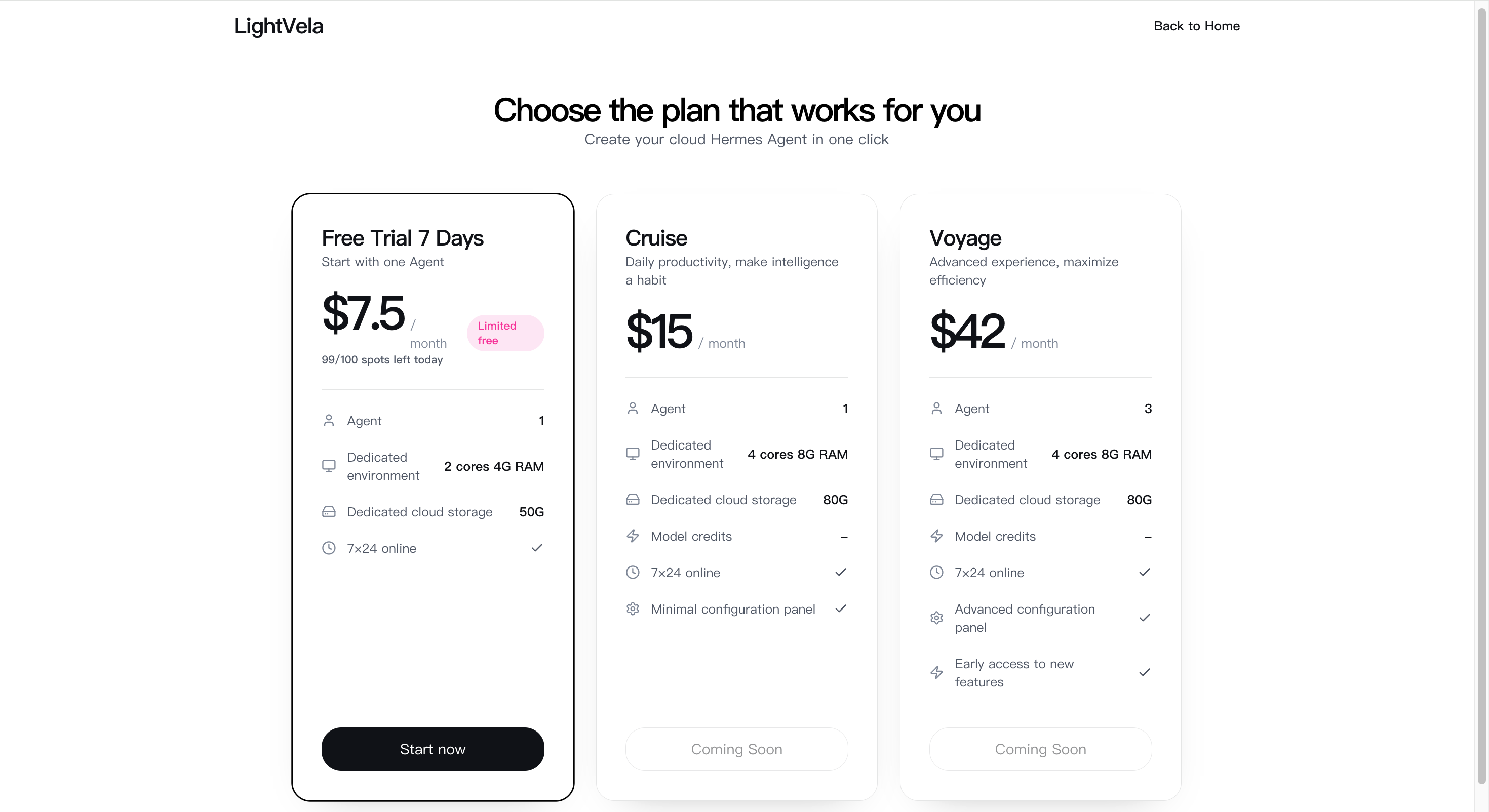
> ⚠️ The Launch plan is currently free for a limited time > > The original price is $7.5/month, and it is currently free for a limited time. If the quota is full or the campaign has ended, please follow official updates.
After activation succeeds, the top navigation shows "My Hermes" and the page automatically redirects to the console. For plan details, see What is LightVela - About plans.
---
3. Create a Hermes instance
When you enter the console, the page shows an empty state because no Hermes has been created yet.
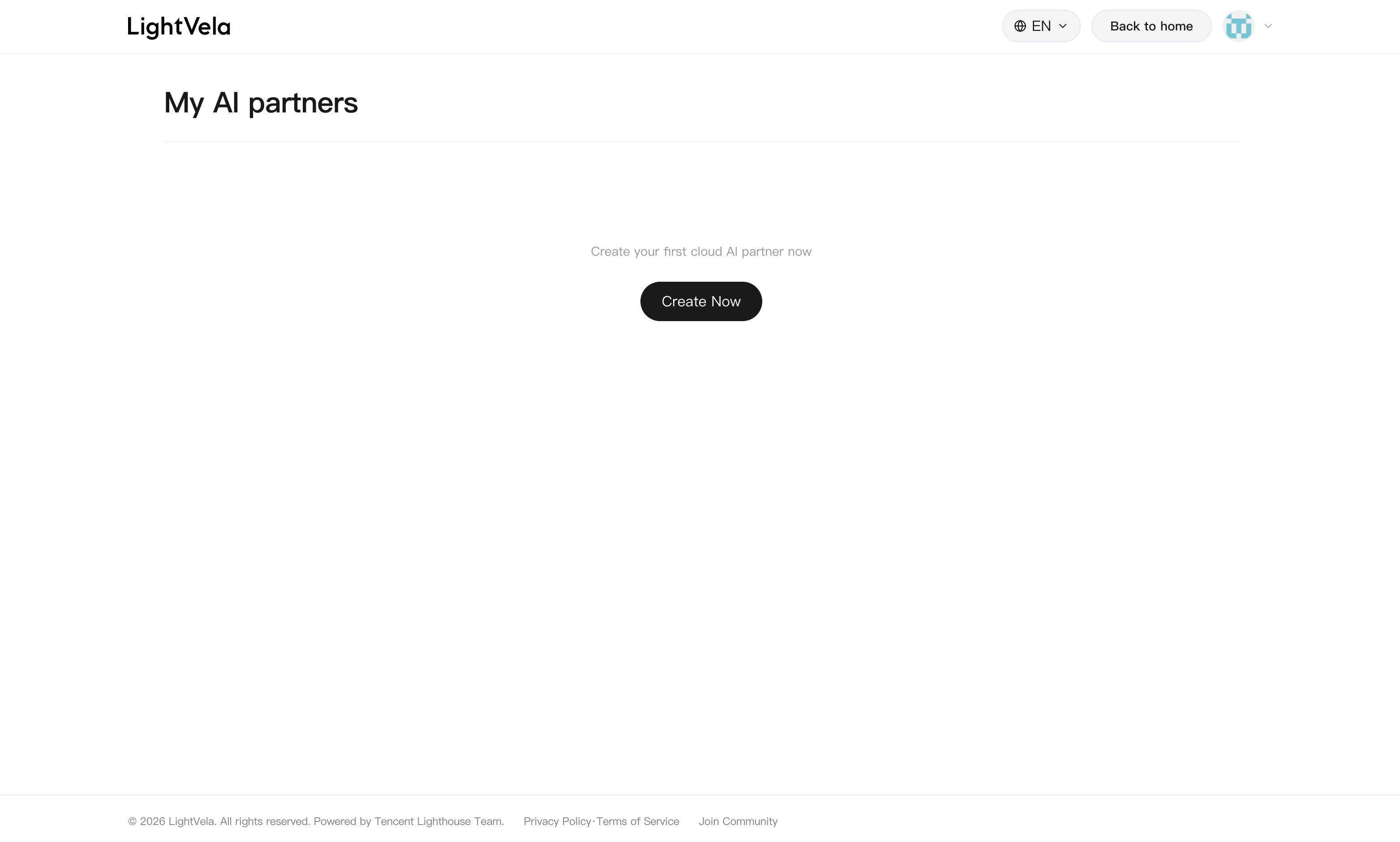
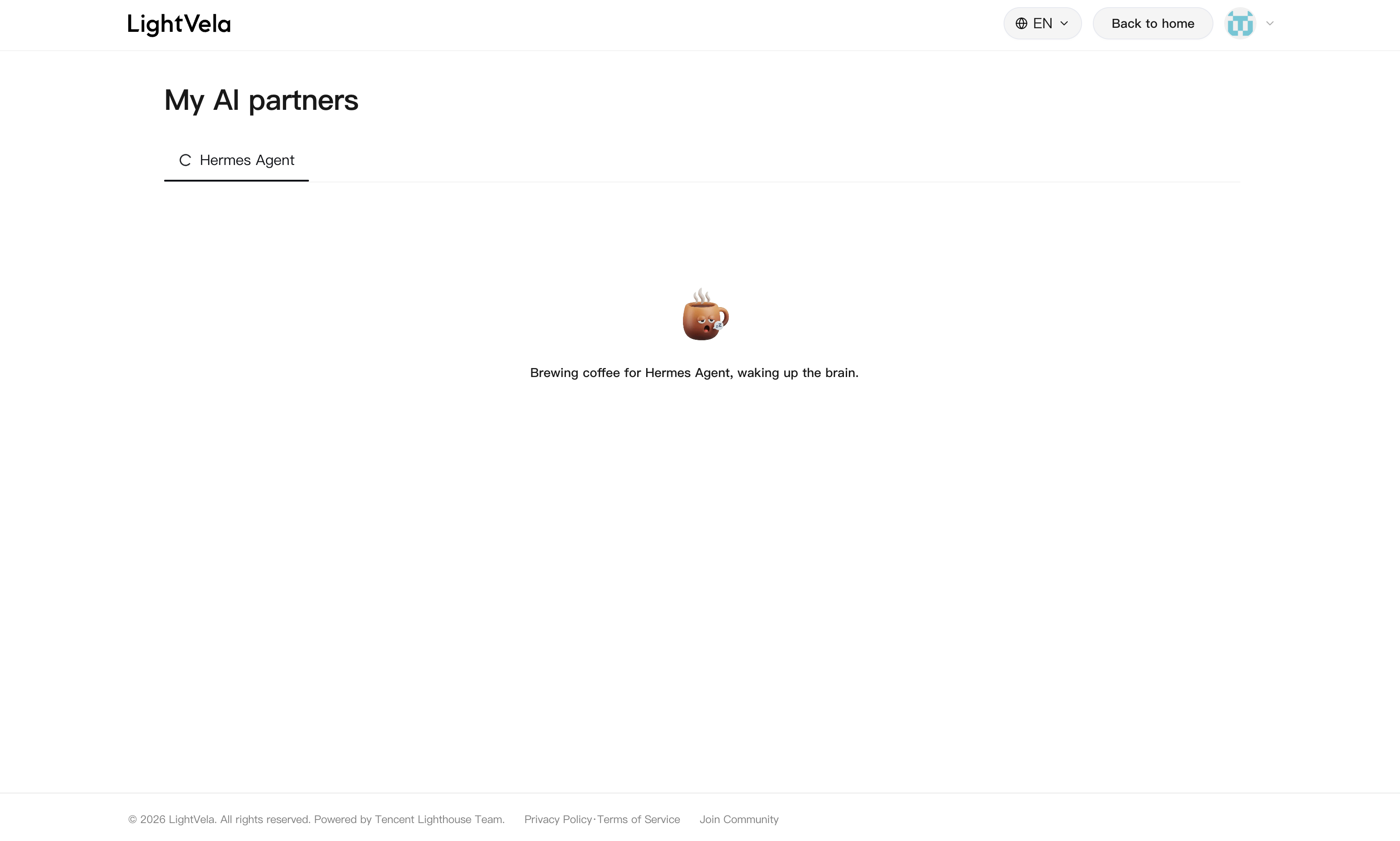
Click "Create Now". The page shows the creation transition animation "Preparing coffee for Hermes and waking up its brain...". Wait for about a dozen seconds.
After creation completes, the top of the console shows the Hermes basic information card, the status is ● Running, and the three configuration buttons for models, channels, and skills appear below.
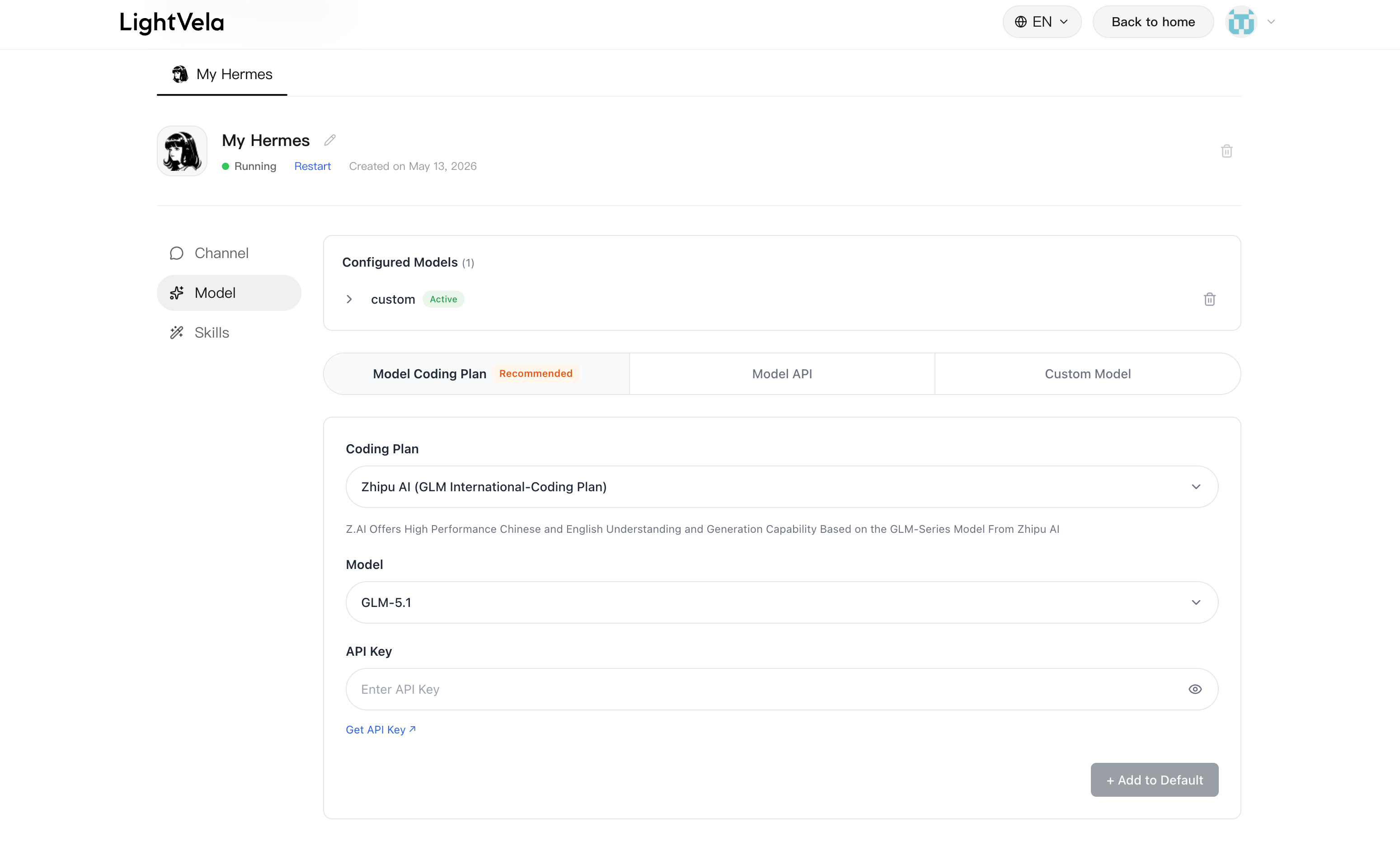
> 💡 Rename Hermes > > Click the name or the pencil icon next to it, enter a new name, and press Enter to save. The name is only used as an identifier and does not affect Agent behavior.
---
4. Connect the WeChat channel
Enter the "Channel" button, select "WeChat" from the dropdown, click "Authorize Access", and a QR code appears.
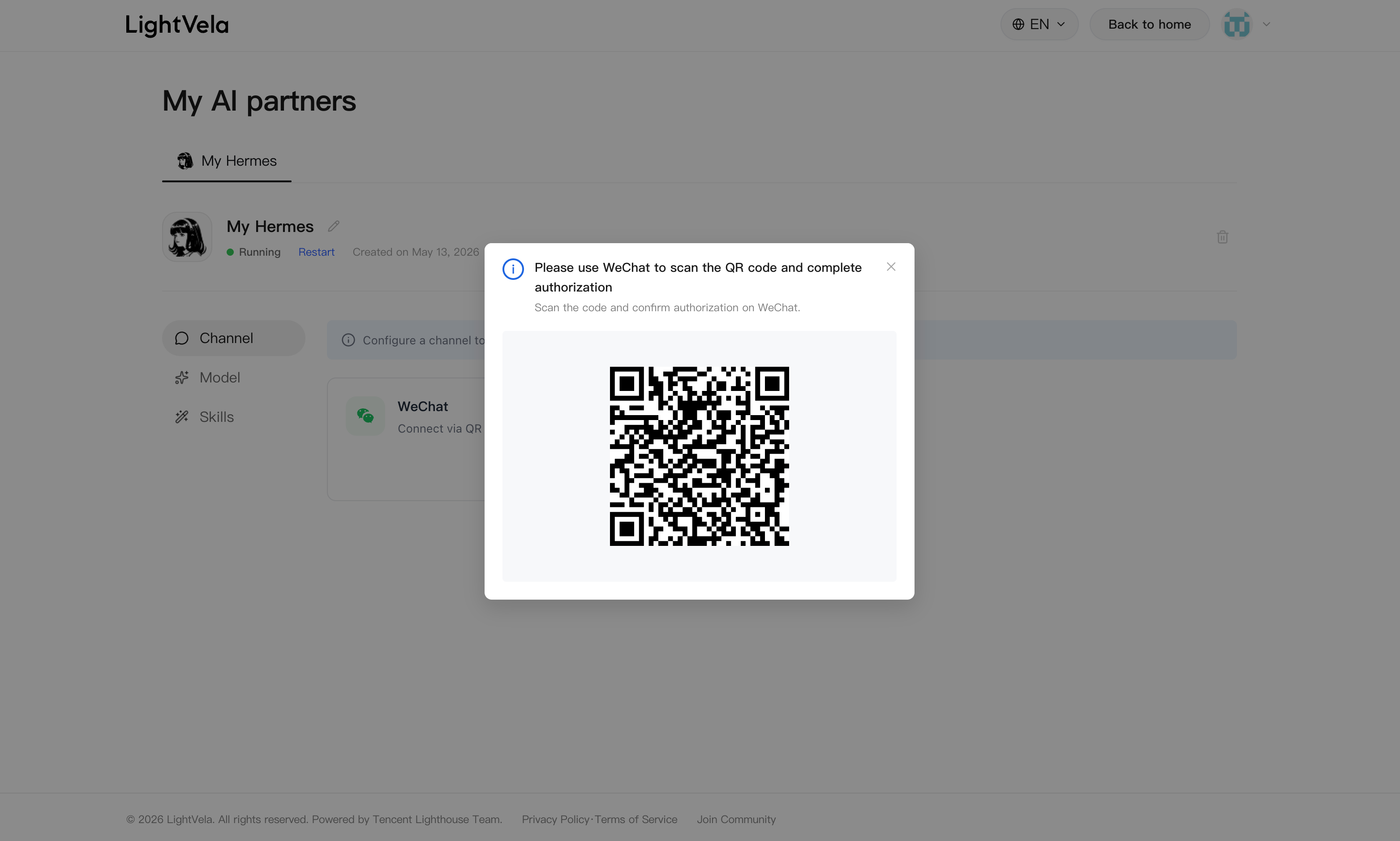
Use "Scan" in WeChat on your phone to scan the QR code, then follow the prompts on your phone to complete authorization. After authorization succeeds, the dialog closes automatically, a "WeChat" record appears in the "Connected channels" area, and a bot account is automatically added to your WeChat contacts.
> ⚠️ After scanning > > After scanning, WeChat will prompt you to add a bot account. After adding it, chatting with that account is equivalent to chatting with Hermes.
For more details, see Configure Channel - WeChat.
---
5. Send your first message
Find the added bot account in WeChat and send a test message:
Hi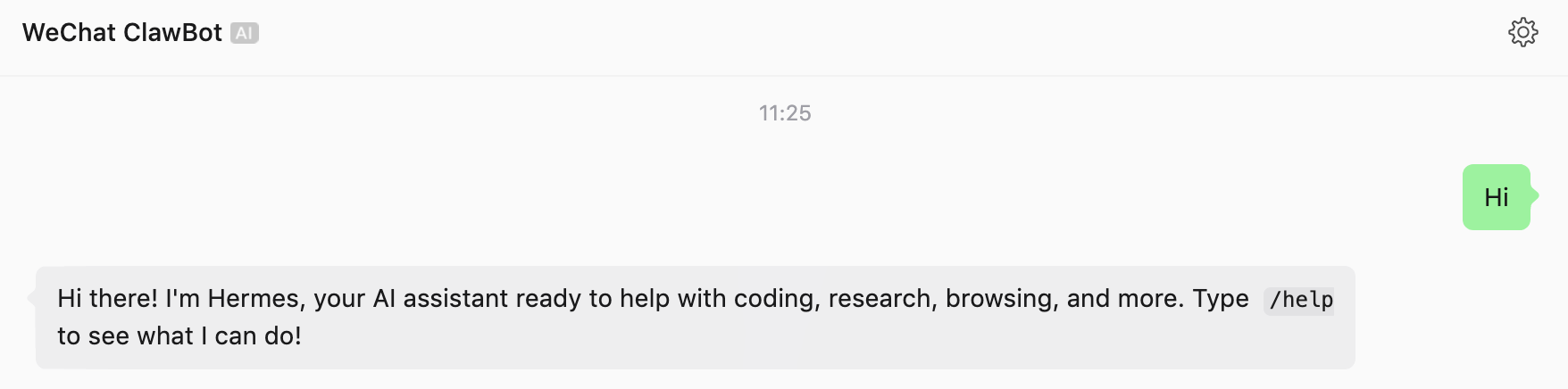
You should receive a reply from Hermes within a few seconds. Hermes can now chat through WeChat.
> 💡 Message billing > > By default, model calls use the 100 trial credits included in the Launch plan, so no extra configuration is required. After credits run out, configure your own API Key in the "1. Model" card. See Configure Models.
---
Advanced: configure your own model (optional)
If you need to use a specific provider's model, or continue using Hermes after credits run out, open the "1. Models" card in the console, choose a source and a model, enter the API Key, and click "Add as default". See Configure Models for the full process.
---
FAQ
| Issue | Possible cause | Solution |
|---|---|---|
| Unable to claim the Launch plan | Limited free quota is full | Follow official updates and wait for the next quota release |
| Hermes creation stays on the transition page for a long time | Cloud initialization is slow or the network is unstable | Refresh the page; if there is no response after 1 minute, click "+ Create Hermes" again |
| No response in the console after scanning the WeChat QR code | The QR code has expired | Close the dialog and click "Authorize Access" again to generate a new QR code |
| No reply after sending a message | Trial credits are exhausted or the channel is not connected | Check the "Connected channels" status; configure your own API Key after credits run out |
| The bot contact disappears in WeChat | Authorization was revoked or access was disconnected | Return to the console and authorize access again in the "Channel" card |
---
Next steps
- Core Concepts — Understand the four core concepts: Hermes, models, channels, and skills
- Configuration Overview — Overall console structure
- Configure Skills — Extend Hermes through SkillHub