
How to Create Daily Summaries with Hermes Agent
Summary
A daily summary earns its value not by length but by handing you the right context before you ask for it, and the way to get there is turning a manual review into a saved scheduled task. You need four things: a cloud Hermes Agent with a configured model, a connected channel to receive results, optional skills for gathering information, and a scheduled task (its fields are name, schedule, task instructions, active time window, and notification channels). Success hinges on the task instructions: since nobody is present to clarify at run time, the prompt must carry its own goal, scope boundaries (time range and item caps), output format, and what to do when there is nothing to report. Test the prompt manually in chat first, then create the scheduled task, and review the output after its first real run.
Who this is for
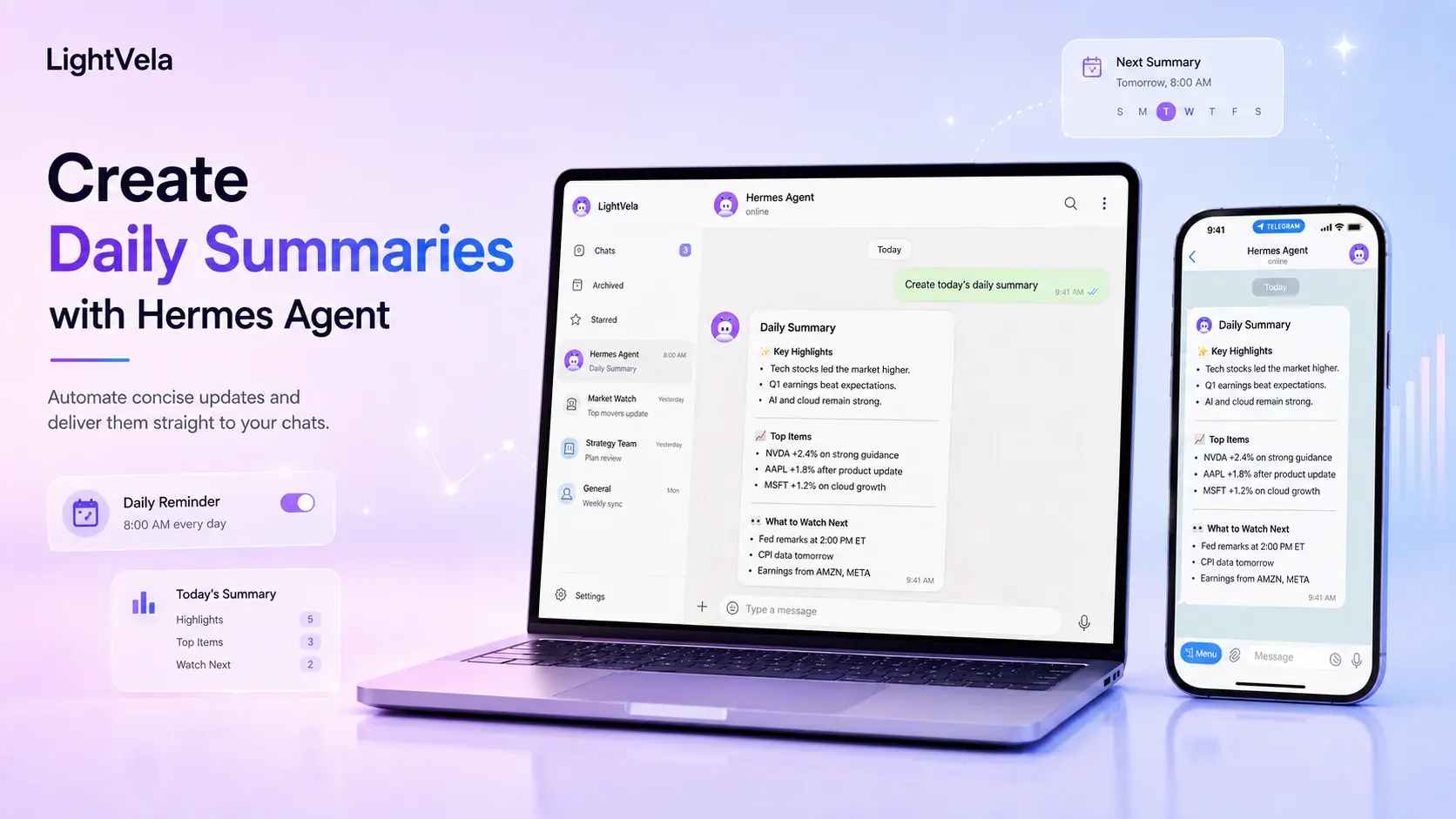
This use case is for people who regularly scan updates from projects, notes, files, or recurring conversations and want a shorter starting point. It can suit a personal morning briefing, a daily project recap, a learning log, or a focused list of follow-ups.
The best first summary has a narrow purpose. “Summarize everything” is usually too broad; “highlight changes, decisions, blockers, and next actions for this project” is much easier to judge and improve.
Prerequisites
-
A running Hermes Agent and a connected channel where you want to receive the summary.
-
A working model configuration or trial credits. See Configure Models if Hermes cannot respond.
-
A clear source of context. This might be material you paste into a conversation, files you manage in Cloud Storage, or information a trusted, relevant skill can access.
-
An optional scheduled task schedule if you want the summary to run without a manual prompt.
Steps / key concepts
1. Define one decision the summary should help you make
Start by naming the moment the summary supports. For example: deciding what to work on first, checking whether a project is blocked, or catching up after being away for a day.
Give Hermes an instruction that defines both the source and the output shape:
When I share project updates, summarize them in four sections:
what changed, decisions made, blockers, and the three next actions.
Keep it under 250 words and flag anything urgent.
This turns a general request into a repeatable format that you can compare day after day.
2. Make the source material deliberate
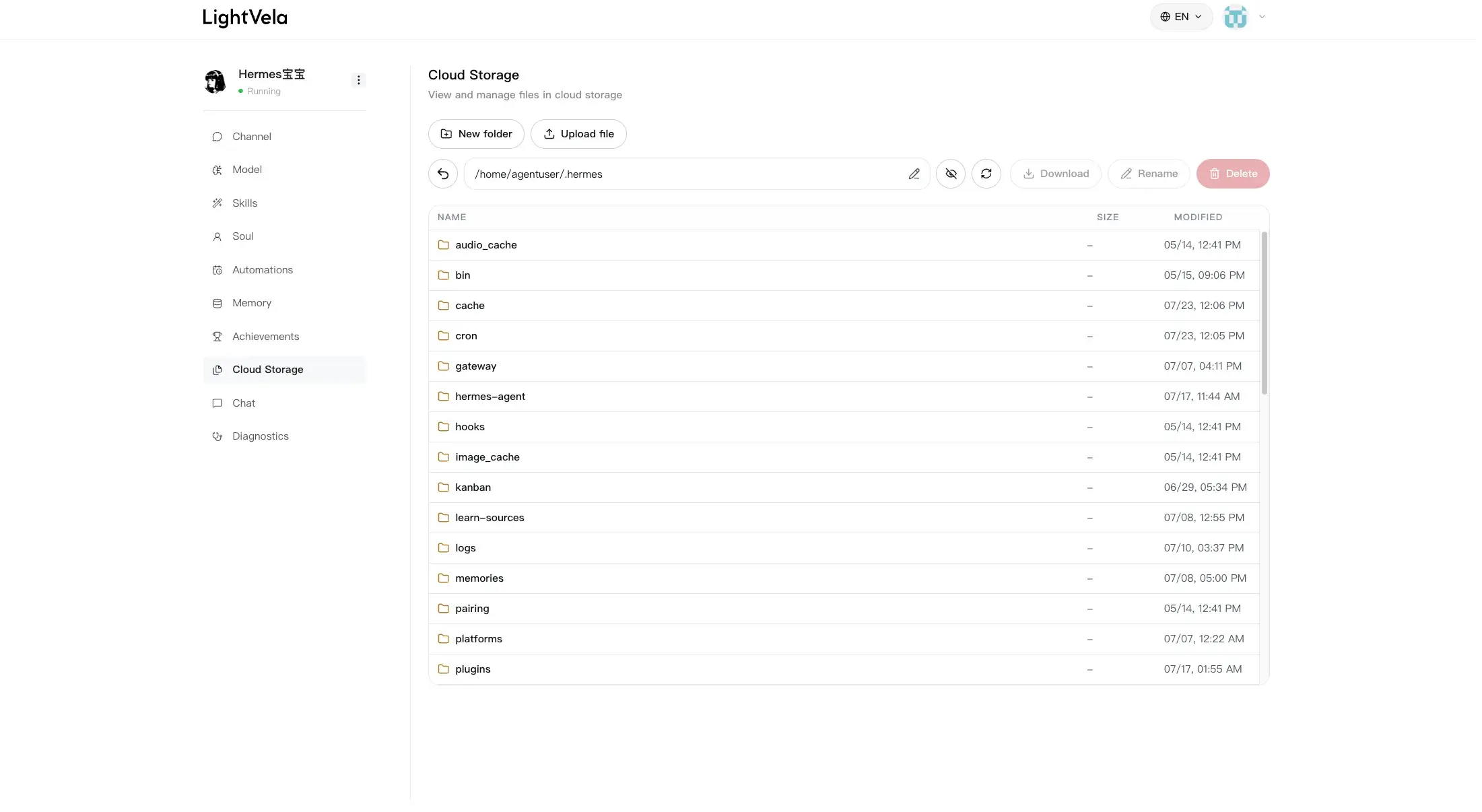
Hermes can only summarize information it can receive or access through the capabilities you configure. For a manual workflow, paste or forward the relevant updates into your conversation. For file-based work, keep the materials organized in Cloud Storage and tell Hermes which document or folder matters for the current review.
If you need an outside data source, choose a suitable skill from a trusted source and confirm its behavior before using it. Configure Skills explains how skills extend Hermes beyond ordinary chat.
3. Test the output in a normal conversation first
Before scheduling anything, ask Hermes for the summary manually. Check whether the sections are useful, whether the tone is concise enough, and whether important details are missing.
Useful refinements include:
Put deadlines first.Do not repeat completed work unless it affects a next action.End with one question I should answer before tomorrow.The Chat page is a good place to iterate on the instruction before turning it into a recurring task.
4. Schedule the version that already works
When the manual prompt produces a result you trust, create a scheduled task. Give it a specific time and an explicit instruction, then select a connected notification channel if you want the result delivered there.
Every weekday at 6:00 PM, prepare a daily project summary from the
updates I shared today. Include changes, blockers, and the three most
important next actions. Send it as concise bullet points.
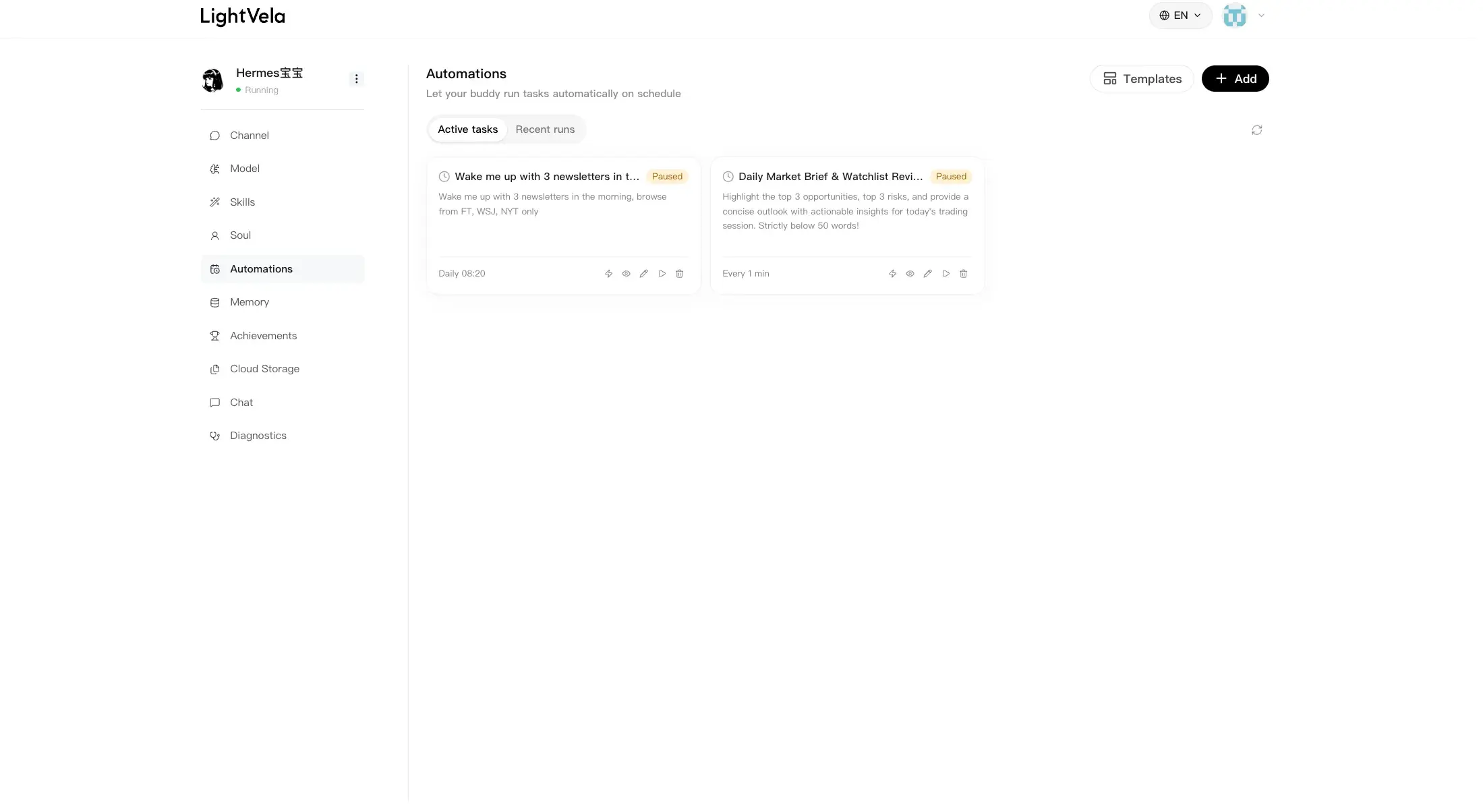
Set this up in Scheduled Tasks. Review the first few runs and adjust the wording if the summary is too broad, too long, or missing the right context.
FAQ
Can Hermes summarize any information automatically?
Only information that Hermes can receive in conversation, access through the files and skills you have configured, or obtain through the workflow you set up. Keep sources explicit and use trusted skills for any external access.
Why is my summary too generic?
The instruction is probably too broad. Name the audience, source, time range, and output sections. Asking for decisions, blockers, and next actions usually produces a more actionable result than asking for a general recap.
Should I schedule the summary immediately?
No. Test the prompt manually first. Once you can recognize a good result, scheduling it saves time without locking in an unhelpful format.
What if the summary did not arrive?
Check the scheduled task status and notification channel, then confirm that Hermes can still reply in a normal conversation. If needed, review Diagnostics before creating another task.
Next steps
-
Cloud Storage — organize the files that support a repeatable review.
-
Configure Skills — add a trusted capability when your summary needs a specific information source.
-
Scheduled Tasks — deliver your tested summary on a schedule.
Last updated 2026-08-17