
How to Connect One Agent to Telegram and WhatsApp While Keeping One Personality and Long-Term Memory
Summary
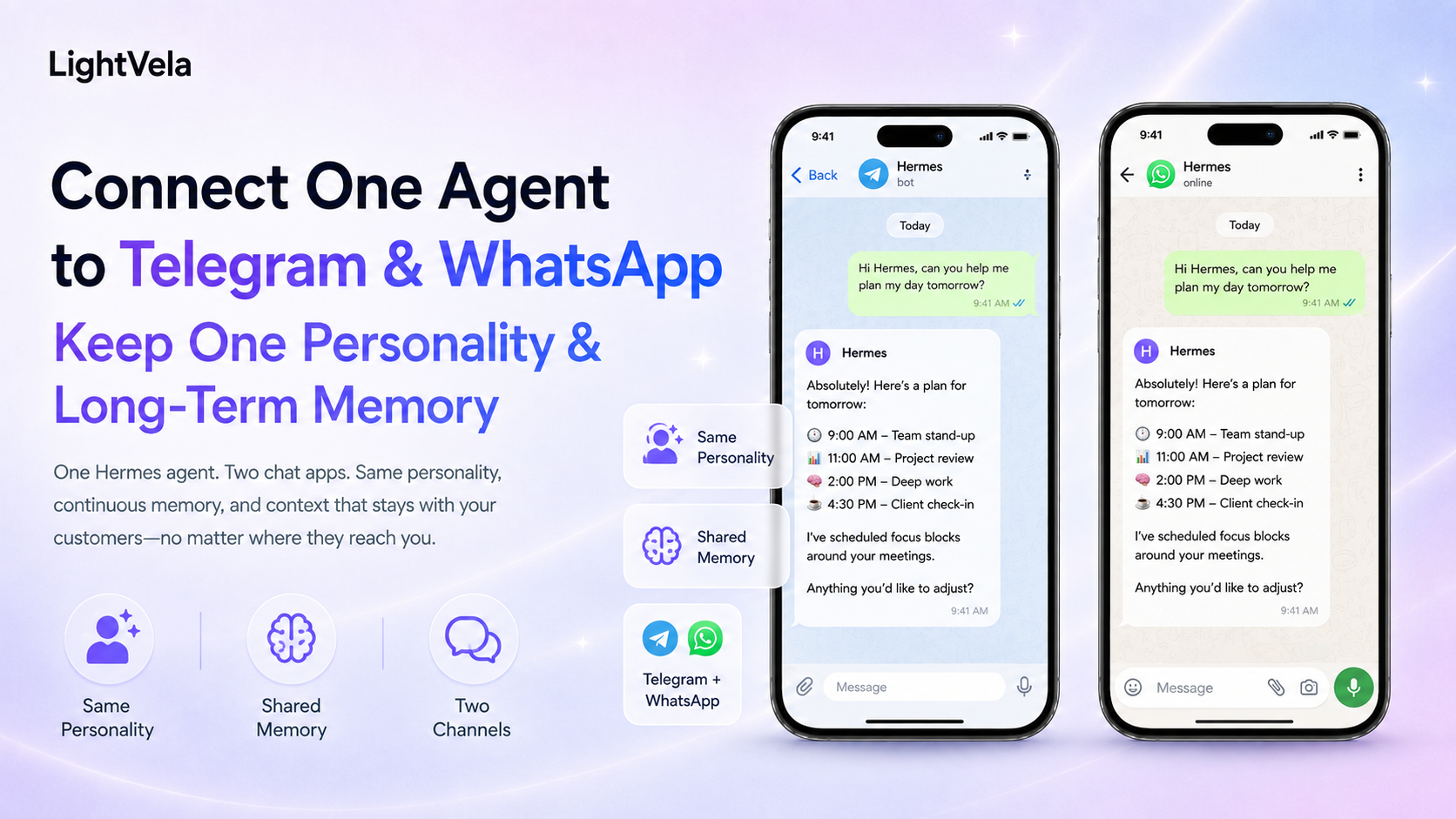
Telegram and WhatsApp can serve as two entry points to the same Hermes Agent. As long as both channels connect to the same Agent, they share Agent-level persona, Skills, scheduled tasks, and long-term memory, with no configuration to duplicate per platform. But "unified" has a defined scope: what is shared is Agent-level assets, while each channel keeps its own authorisation flow and message limits, so connecting them is two independent authorisation steps. The most direct way to verify sharing is to state something on one channel and ask about it on the other — a correct answer proves both entry points resolve to the same Agent. After connecting, also confirm replies land in the conversation you messaged from rather than another one.
Who this is for
This guide is for people who want to switch between messaging apps while keeping one AI assistant identity.
It is useful when you move between Telegram and WhatsApp, or when you want to manage a personal assistant, research partner, or support-drafting assistant from one place.
Understand what “one Agent” means
One Agent does not mean that the two channels share every part of the live chat transcript in real time.
The two entry points share Agent-level configuration and durable context, while each current conversation still belongs to its own channel session.
If you want the other channel to know a confirmed fact, ask Hermes to remember it and then verify it from the other entry point.
Persona, long-term memory, and Skills belong to the Agent layer, while Bot tokens, QR authorization, conversation entry points, and message formats belong to the channel layer.
Prerequisites
-
A running LightVela Hermes Agent. If you have not created one yet, start with the Quickstart.
-
A working model configuration or available trial credits.
-
A Telegram account and Bot that you can use normally.
-
A WhatsApp account that you can use normally.
-
An understanding of Telegram group-message setup: disable Group Privacy in BotFather, add the Bot to the group, then start the conversation with
@bot_username. -
An understanding that WhatsApp group support remains subject to its own channel documentation.
Steps
1. Choose one target Agent
Open the LightVela console and decide which single Hermes Agent should receive both Telegram and WhatsApp connections.
Do not create one Agent per channel unless you intentionally want different personas, memories, and Skills.
2. Connect Telegram
Follow Configure Channel - Telegram to create a Bot and paste the HTTP API token into the Telegram channel settings for the target Agent.
Send a test message in Telegram, confirm that the console shows the channel as connected, and confirm that the reply returns to the expected Bot.
If you also want a distinct Telegram personality, see How to Configure a Hermes Agent with a Distinct Personality in Telegram.
3. Connect WhatsApp
In the channel settings for the same Hermes Agent, select WhatsApp and complete QR authorization by following Configure Channel - WhatsApp.
Open the corresponding bot contact in WhatsApp, send a test message, and confirm that the reply returns normally.
If you also want a distinct WhatsApp personality, see How to Configure a Hermes Agent with a Distinct Personality in WhatsApp.
4. Configure one Agent-level personality
Open the target Agent's "Personality" section and confirm that the role, voice, priorities, and behavioral boundaries in SOUL.md work for both channels.
Because the personality is at the Agent layer, you do not need to configure two copies in Telegram and WhatsApp.
If you need to change the personality, see How to Define an IM Agent's Role, Personality, and Voice with SOUL.md.
After a change, start a new conversation in each channel and run a quick self-check to confirm that the new personality is active.
5. Configure Agent-level memory and the user profile
Open "Memory" in the console and confirm that the Agent memory and user profile capacity fit your workflow.
Telegram and WhatsApp share the same cloud Agent's long-term memory, so you do not need to enter the same identity, language, and preferences twice.
In either channel, you can send:
Remember that I want every daily briefing to start with the conclusion and then give three key points of evidence.
Then switch to the other channel and send:
Use the daily briefing format I set earlier and show me a short example.
If the channels behave differently, first confirm that they connect to the same Agent, then check whether the current conversation needs /new.
6. Install shared Skills once
Skills belong to the Agent capability configuration, so you do not need one installation for Telegram and another for WhatsApp.
Ask Hermes to install the Skill through conversation in either channel, then ask it to update the Skill list and validate the Skill with a low-risk task.
See Configure Skills for the detailed flow, and review the Skill source, permissions, and external-service dependencies before confirming installation.
7. Test channel-specific differences
Run the same prompts in both channels:
Explain your current role and how you handle uncertainty.
Use my saved preferences to turn this content into three key points.
Then test behavior that belongs to the channel, such as media messages, proactive reminders, or how the Bot contact appears.
The personality and long-term memory should remain consistent, but message format, media capability, authorization, and proactive delivery limits may differ.
A useful structure for one Agent and two entry points
One Hermes Agent ├── one SOUL.md ├── one Agent memory and user profile ├── one set of installed Skills ├── one set of scheduled tasks ├── Telegram entry point └── WhatsApp entry point
Scheduled Task notification methods still need an explicit target channel.
Do not assume that a shared Agent causes every reminder to be sent to both Telegram and WhatsApp.
FAQ
Will something I asked Hermes to remember in Telegram appear in WhatsApp?
Yes, when both channels connect to the same Hermes Agent and the information is saved to Agent memory or the user profile.
Every message in the current Telegram conversation does not automatically become a live WhatsApp transcript.
Why do the two channels not sound exactly the same?
Channel message formats, media capabilities, session state, and model output can affect details.
First confirm that both channels connect to the same Agent, then send /new when needed so the new SOUL.md loads at conversation start.
Can I configure different personalities for Telegram and WhatsApp?
When both channels connect to one Agent, they use the same Agent-level personality by default.
If you need completely different roles and memories, create different Agents and connect the channels separately.
Can WhatsApp groups share memory with Telegram?
The current WhatsApp documentation says group chats are not supported.
Telegram supports group messages after you disable Group Privacy, add the Bot to the group, and start the conversation with @bot_username.
Multi-channel sharing keeps the Agent layer consistent, but it does not change each channel's own setup conditions or capability boundaries.
Will a scheduled task send to both channels automatically?
No.
When you create or edit a scheduled task, confirm its notification method and target channel, then test the delivery result separately.
Next steps
-
How Hermes Agent Connects Multiple Messaging Channels - Understand the relationship between channels, the gateway, and the Agent layer.
-
Memory Management - Review Agent memory and user-profile management.
-
Configure Channel - Telegram - Complete Telegram Bot setup.
-
Configure Channel - WhatsApp - Complete WhatsApp authorization.
Last updated 2026-09-28