
How to Configure a Hermes Agent with a Distinct Personality in Telegram
Summary
Telegram is only an entry point. What determines how the Agent speaks, how it works, and what it will not do is its persona and long-term context. The flow has two halves: first connect the Hermes Agent to Telegram following the channel guide (create a bot with BotFather to obtain a token, connect in the console, and confirm it shows as connected), then use the Persona section on the Agent's settings page to select a stable role, tone, and set of limits and inject it. Keep the three layers distinct: the persona holds durable behavioural principles, user preferences hold how you want to be treated, and long-term memory holds confirmed facts and project background. Telegram supports group messages after you disable Group Privacy in BotFather, add the bot to the group, and start the conversation with @bot_username.
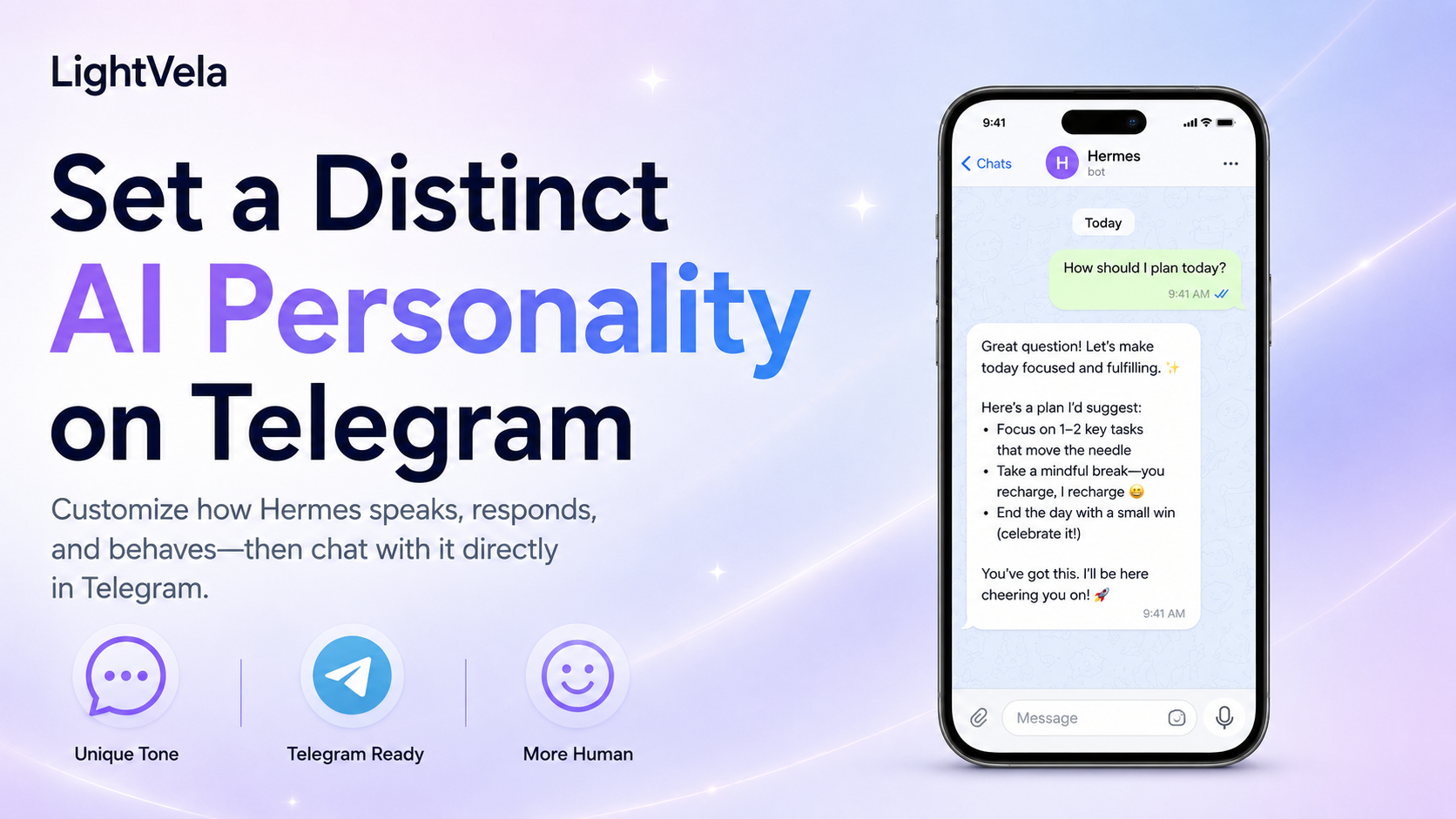
Who this is for
This guide is for people who want a Hermes Agent with a consistent personality in Telegram over time. It works well for a personal assistant, research partner, study companion, or any everyday assistant that should communicate in a predictable way.
Telegram supports direct conversations and group messages that mention the connected Bot after Group Privacy is disabled. If you need to connect Telegram, start with Configure Channel - Telegram.
Prerequisites
-
A running LightVela Hermes Agent. If you have not created one yet, start with the Quickstart.
-
A working model configuration or available trial credits. If Hermes cannot reply yet, complete Configure Models.
-
A Telegram account and a Bot connected by following Configure Channel - Telegram.
-
A first idea of the role you want the Agent to play. It could be a concise research assistant, a patient study partner, or an execution-focused reminder assistant.
Steps / key concepts
1. Connect Hermes Agent to Telegram
Open the target Hermes Agent in the LightVela console, go to "Channels", and select Telegram. Follow Configure Channel - Telegram to create a Bot, paste the HTTP API token, and send a test message.
Confirm that Telegram appears as connected in the console and that the Bot receives a Hermes Agent reply. Verify the channel first so that later problems are easier to distinguish from personality configuration issues.
2. Describe how you want the Agent to work
A distinctive personality is more than a name or a catchphrase. Before configuring it, write down the role, voice, working style, and boundaries you want to keep stable.
Use a short brief like this as a starting point:
You are my research assistant. Help me break down questions, compare reliable sources, and write clear conclusions.
Give the conclusion first, then the key evidence. State uncertainty instead of presenting guesses as facts.
Use a professional, direct, friendly tone. Do not be performatively cute, and do not invent certainty.
Ask for confirmation before sending messages, changing files, or taking other external actions.
This brief helps you choose a suitable Soul and gives you language for refining the Agent's behavior after Telegram is connected.
3. Choose and inject a Soul from Personality
Open the target Agent's settings and select the "Personality" section. You can choose "Draw random soul" or "Soul personality test", then review the description on each card.
Select the Soul that best matches the role and click "Inject soul".
LightVela writes the selected persona to the current Hermes Agent's SOUL.md and keeps a backup before replacing an existing configuration.
If the Agent already has another Soul, injecting a new one replaces the currently active persona. Review the card's role, voice, and boundaries before confirming the replacement.
4. Start a new conversation in Telegram
After the Soul is injected, return to the Telegram chat and send:
/newHermes Agent reads the new SOUL.md when a new conversation starts.
If you continue an old conversation without sending /new, that conversation may still use the previous persona snapshot.
Once the new conversation starts, ask for a quick self-check:
In three sentences, explain your current role, what you can help me with, and what you will not do for me.5. Calibrate the voice with real tasks
Do not judge the personality only by asking "Who are you?". Use a few tasks that you would actually send in daily life, such as:
Turn this research material into conclusions, evidence, and questions that still need confirmation.I have three deadlines today. Rank them by risk, then give me a concise plan.This request would send content to an external service. What would you do first?Check whether the Agent keeps the expected voice, flags uncertainty, and respects the boundary around external actions. If something is a user-specific preference, such as your language, time zone, or briefing format, ask Hermes to remember it instead of turning every preference into persona rules.
How personality, user preferences, and memory fit together
SOUL.md is best for the Agent's stable role, voice, priorities, and behavioral boundaries.
The user profile is best for your identity, language, time zone, and communication preferences.
Long-term memory is best for established facts, project state, and reusable context from your shared work.
For a deeper explanation, read Where Hermes Agent's Personality Comes From and Memory Management.
FAQ
Does the Telegram Bot have its own personality?
The personality belongs to the Hermes Agent connected to Telegram, not to the BotFather token. If the same Hermes Agent is connected to other supported channels, those channels use the same Agent-level persona and durable context.
Does /new delete memory?
No.
/new starts a fresh conversation so that the new SOUL.md is loaded at session start.
It does not delete the Agent's long-term memory or user profile.
Can I add the Telegram Bot to a group?
Yes.
In BotFather, send /mybots, select the Bot, then open "Bot Settings" → "Group Privacy" and turn privacy mode off.
Add the Bot to the group and start the conversation with @bot_username.
See Configure Channel - Telegram for the complete setup.
Will changing the model make the Agent lose its personality?
Usually not. The model, Agent persona, and long-term memory are separate configuration layers, although changing the model can change reasoning, tool use, and small details of the response style.
Next steps
-
How to Configure a Hermes Agent with a Distinct Personality in WhatsApp - Apply the same Agent personality to 1-to-1 WhatsApp conversations.
-
How to Define an IM Agent's Role, Personality, and Voice with SOUL.md - Understand the boundary between Soul, personality, and long-term memory.
-
Configure Channel - Telegram - Follow the complete Telegram Bot connection flow.
-
Configure Skills - Extend a stable personality with practical task capabilities.
Last updated 2026-08-17