
How to Manage Long-Term Memory and Personal Knowledge with an Agent
Summary
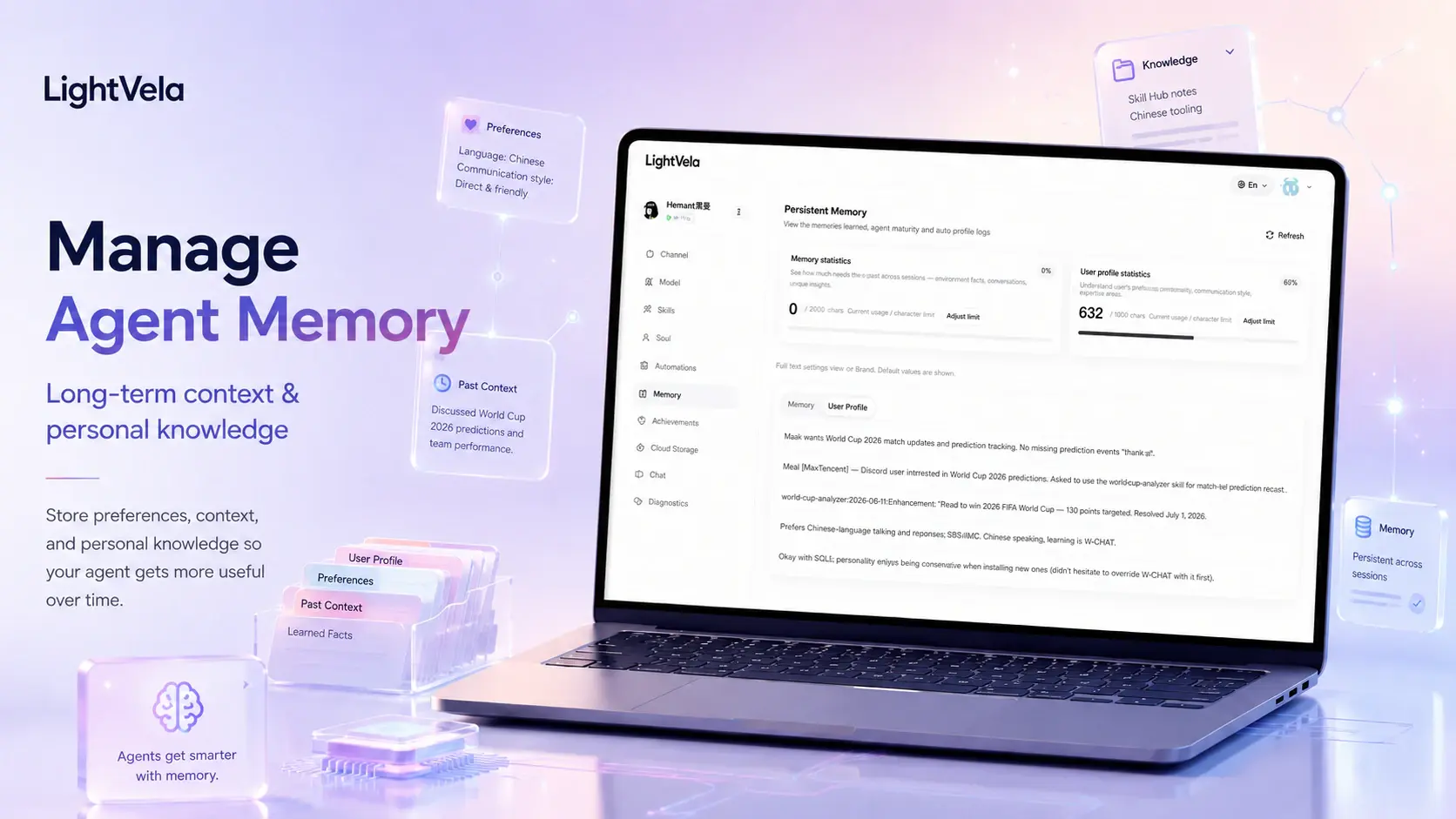
Personal knowledge comes in two shapes that must be managed separately: stable information about who you are and how you work belongs in long-term memory, while evolving documents, notes, and project material belong in cloud storage. Managing both as one thing costs you stability and findability at the same time. On LightVela, memory preserves context across conversations — the console's memory page shows what has been retained across separate Memory and User Profile tabs and lets you adjust the capacity limit, while additions and removals happen mainly through conversation with Hermes. Cloud storage is the file workspace, supporting upload, create, organise, download, rename, and delete, with a 1 GB per-file limit. One rule to hold to: never write passwords, keys, or unnecessary sensitive data into long-term memory.
Who this is for
This pattern is for people who want an assistant to understand their preferences and recurring work without asking it to memorize every document. It is useful for ongoing projects, personal research, learning notes, client work, and any workflow where the same context returns over time.
The goal is not to create a perfect archive. It is to make the important context easy to find and to keep Hermes aligned with the parts of it that should persist.
Prerequisites
-
A running Hermes Agent and a way to chat with it through the console or a connected channel.
-
A basic understanding of the two places information can live: Memory Management for long-term context, and Cloud Storage for files and folders.
-
A small set of materials you genuinely return to, rather than an unfiltered backlog of every file you own.
-
A clear privacy boundary for what you want Hermes to retain or review.
Steps / key concepts
1. Separate stable context from reference material
Put facts that should shape future conversations into memory: your preferred writing style, time zone, ongoing role, recurring goals, or rules for how you want a project handled. Keep changing materials—briefs, meeting notes, drafts, and research files—in Cloud Storage.
For example, you might tell Hermes:
Remember that I prefer research notes to separate facts, assumptions,
and open questions. Use that structure whenever we review a project.
The point is not to make Hermes store every source document as memory. The point is to give it a durable way to understand how you want those documents handled.
2. Organize the files you expect to revisit
Create a small folder structure in Cloud Storage that matches your real work. Use meaningful names and keep related material together, such as one folder per client, project, course, or research question.
When you want help with a file, tell Hermes what you are trying to do and identify the relevant material. For example:
Help me prepare for this project review. Use the latest brief and my
meeting notes, then list unresolved decisions and questions.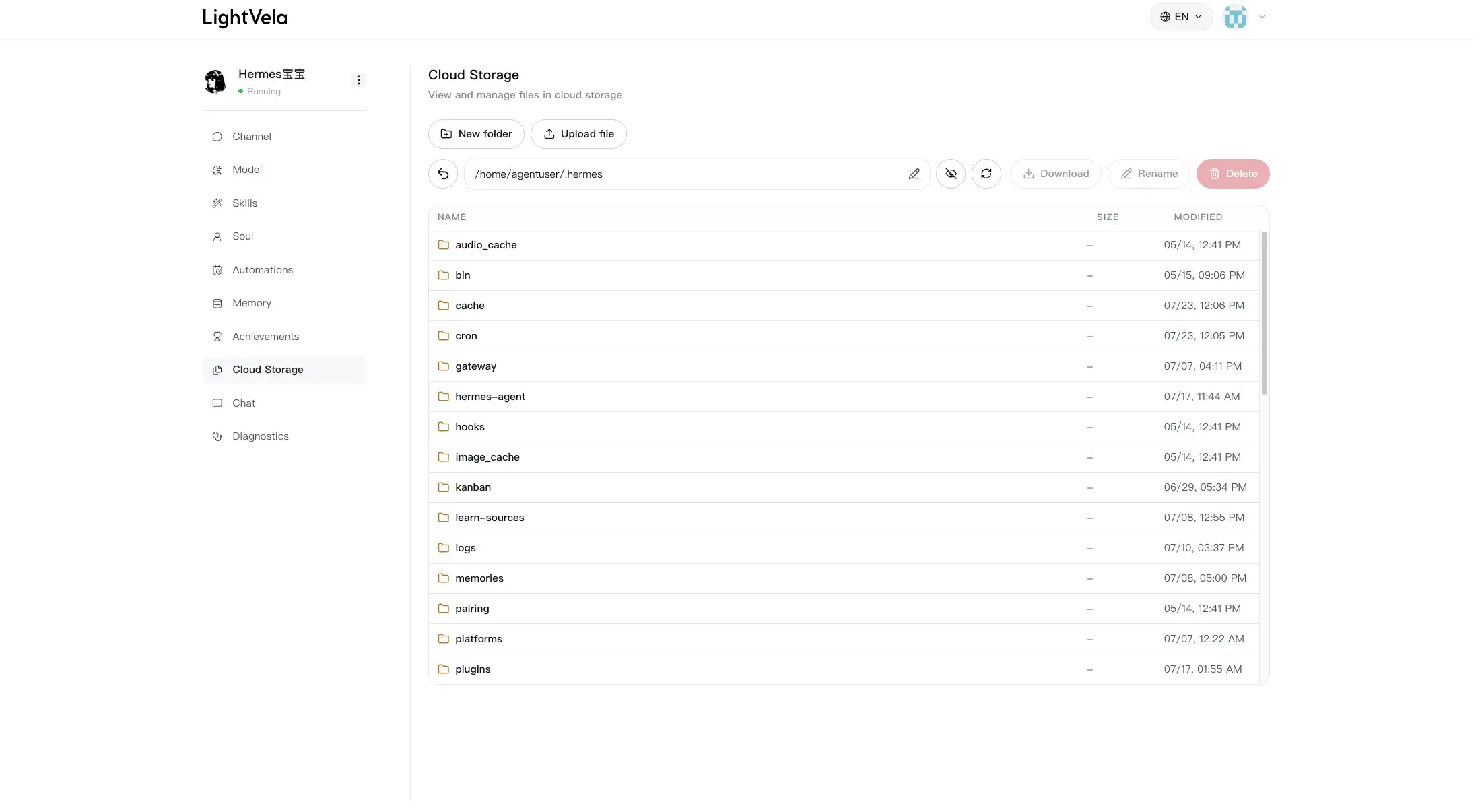
3. Review memory instead of assuming it is correct forever
Open Memory Management periodically to review the Memory and User Profile tabs. The user profile is the stable picture of who you are; memory holds useful experience and working context from your collaboration with Hermes.
If a preference changes, say so plainly in conversation:
I no longer want long weekly updates. Please forget that preference
and keep weekly summaries to five bullets.
Memory works best when it stays current. Remove or correct context that would lead Hermes in the wrong direction rather than adding a second, conflicting instruction.
4. Turn reviewed knowledge into a working conversation
Use the Chat page or a connected channel to turn documents and memory into a concrete next step. Ask for a comparison, an outline, a set of open questions, or a recap for a specific meeting. The more specific the immediate outcome, the easier it is to verify that Hermes has the right context.
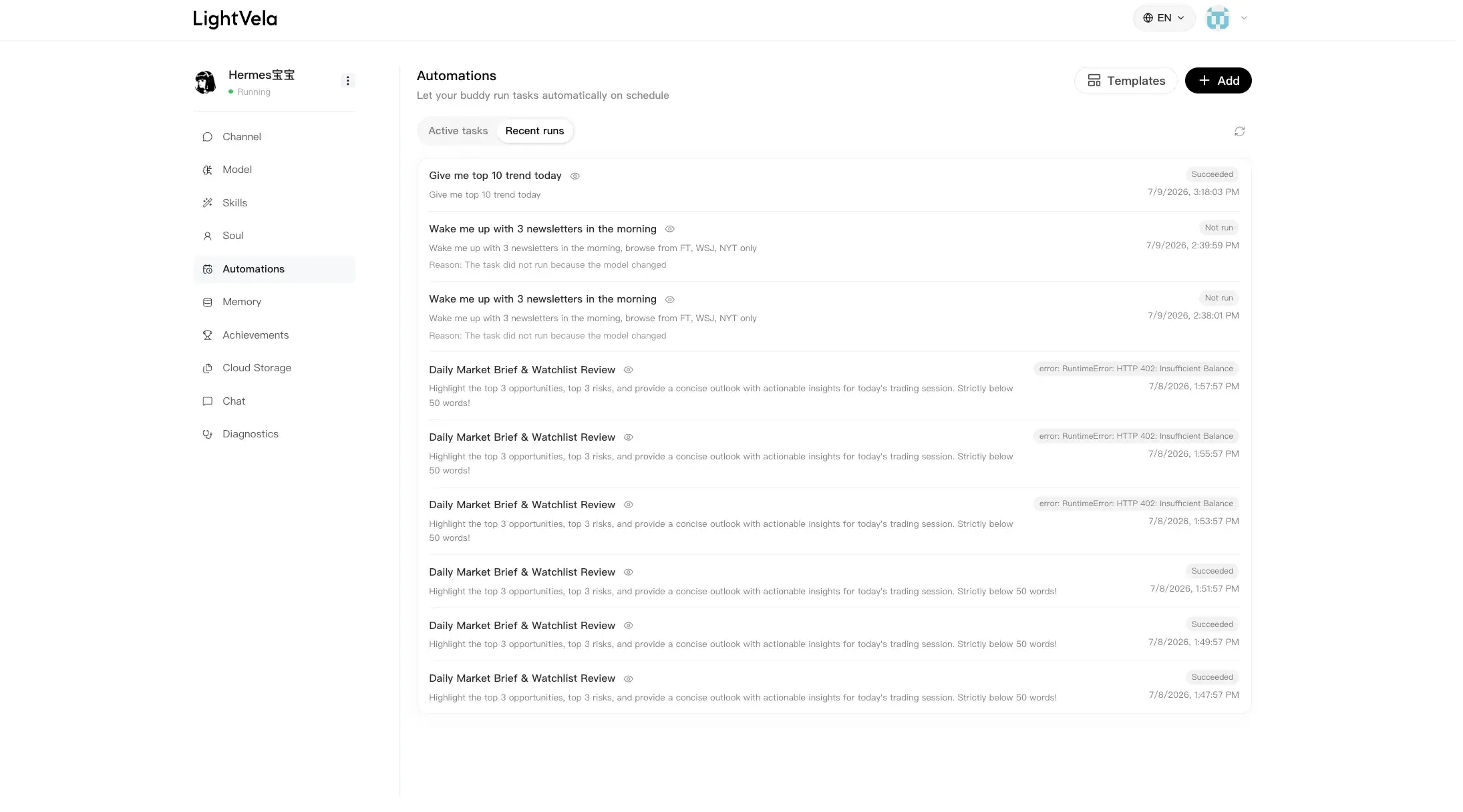
If your review follows a recurring rhythm, a Scheduled Task can remind you to revisit a folder or prepare a regular recap. Begin with a simple reminder or summary rather than granting a broad, open-ended task.
FAQ
What is the difference between memory and Cloud Storage?
Memory is durable context that helps Hermes understand you and your ongoing collaboration. Cloud Storage is for files and folders you manage. Memory should capture the important rules and preferences; files should hold the underlying material.
Does Hermes automatically treat every file as long-term memory?
No. Keep the distinction deliberate. Use Memory Management for persistent context, and use Cloud Storage to organize materials you want to reference during specific work.
Can I ask Hermes to forget something?
Yes. Tell Hermes what should no longer be retained, then review the relevant memory or user-profile information if you want to confirm the change.
What should I put in memory first?
Start with preferences that change the quality of almost every conversation: your time zone, communication style, role, active priorities, and the format you prefer for recurring work.
Next steps
-
Memory Management — review long-term context and capacity.
-
Cloud Storage — keep the documents behind your ongoing work organized.
-
Chat — put memory and project material to work in a focused conversation.
Last updated 2026-08-17