
How to Configure a Hermes Agent with a Distinct Personality in WhatsApp
Summary
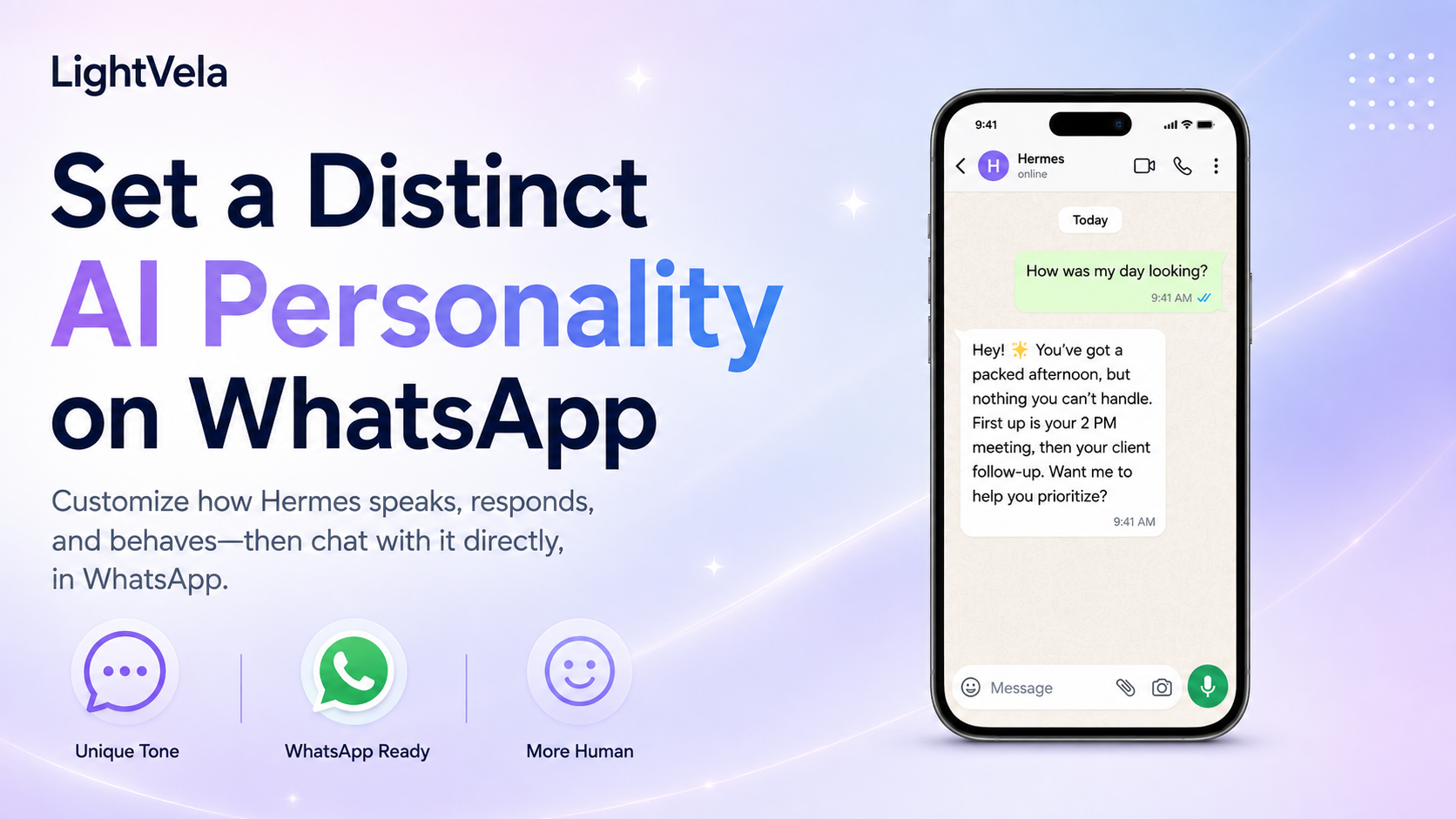
WhatsApp carries the messages; the Agent's role, tone, limits, and long-term context come from its configuration in LightVela — changing the entry point does not change who it is. Connect the WhatsApp channel first (authorise per the channel guide and confirm the console shows it as connected), then use the Persona section on the Agent's settings page to select and inject a persona suited to personal messaging, reminders, or customer conversations. If this Agent faces customers or a team, name the audience explicitly in the persona and add brand tone, the scope it may handle, and the conditions for escalating to a human. After connecting, send a test message and confirm the reply lands in the expected conversation. If nothing arrives, check whether the model is configured, whether trial credits are exhausted, and whether the channel shows as connected.
Who this is for
This guide is for people who want a Hermes Agent with a consistent voice and useful work context in WhatsApp. It works especially well for personal assistance, everyday reminders, information organization, and other 1-to-1 scenarios where the conversation style should stay predictable.
WhatsApp is currently intended primarily for 1-to-1 conversations. If you have not connected WhatsApp yet, start with Configure Channel - WhatsApp.
Prerequisites
-
A running LightVela Hermes Agent. If you have not created one yet, start with the Quickstart.
-
A working model configuration or available trial credits. If Hermes cannot reply yet, complete Configure Models.
-
A WhatsApp account that can receive verification messages, with authorization completed through Configure Channel - WhatsApp.
-
A short personality brief. Decide who the Agent serves, what problem it helps with, how it should sound, and which actions always require your confirmation.
Steps / key concepts
1. Connect the WhatsApp channel first
Open the target Hermes Agent in the LightVela console, go to "Channels", and select WhatsApp. Follow Configure Channel - WhatsApp through the phone authorization, verification code, or QR flow, then send a test message.
Confirm that WhatsApp appears as connected in the console and that Hermes Agent replies in WhatsApp. If the channel is not connected yet, resolve authorization, model, or credit issues before tuning the personality.
2. Write a role brief for the WhatsApp context
WhatsApp conversations are often shorter and more immediate, and they can mix personal and work requests in the same thread. Along with describing who the Agent is, define its reply length, clarification behavior, and boundary around high-risk actions.
Start with a role brief like this:
You are my everyday WhatsApp assistant.
Help me organize to-dos, follow-ups, and short messages, but do not take external actions without my confirmation.
Use a concise, natural, friendly tone by default. Use short sections when an explanation is needed instead of sending one long block.
If my request is missing a time, person, or goal, ask the single most important clarifying question first.
If the WhatsApp Agent serves customers or a team, replace "my" with the intended audience and add the brand voice, supported scope, and conditions for handing a request to a human.
3. Choose and inject a Soul from Personality
Open the target Agent's settings and select the "Personality" section. You can draw a random Soul or use the personality test to find a closer match.
Review the role, voice, and behavior description on the card, select it, and click "Inject soul".
LightVela writes the selected Soul to the current Hermes Agent's SOUL.md and keeps a backup before replacing the previous persona.
Only one Soul is active for an Agent at a time. If you inject a new one, WhatsApp replies use the new personality in a new conversation, so compare the old and new roles before confirming.
4. Start a new conversation in WhatsApp
After the Soul is injected, send this message in the WhatsApp conversation:
/newThis lets Hermes Agent read the new SOUL.md when the new conversation starts.
If the old conversation still sounds the same, confirm that /new was sent successfully before testing further.
Use a short self-check to verify the result:
Explain who you serve, your default reply style, and what you do when a request would send a message outside this chat.5. Calibrate the WhatsApp rhythm with real messages
In WhatsApp, a useful personality is not only about sounding like a particular character. It also includes message length, grouping, and when to ask a follow-up question.
Test it with three kinds of messages:
Turn this content into three messages I could send to a colleague.Remind me to follow up on this tomorrow at 3 PM, and first tell me what information you plan to record.This request might trigger an external action. List the risks and what you need me to confirm first.If the replies are too long, save a preference such as "keep the default reply under three short sections". If the Agent needs stable project context, use the Memory Management capabilities to preserve the facts that should remain useful.
Keep personality separate from customer-service workflows
Personality defines the role and voice the Agent uses. Skills define whether it can perform a particular task. Scheduled Tasks define when it proactively starts work. Memory and the user profile define which long-term context it should retain.
For example, a warm customer-service personality does not automatically provide order lookup, knowledge-base search, or refund capabilities. Those capabilities need model configuration, skills, reference files, and explicit action boundaries.
For a deeper explanation of the boundary between personality, user preferences, and long-term memory, read Where Hermes Agent's Personality Comes From.
FAQ
Should one WhatsApp number map to one Hermes Agent?
In general, one WhatsApp number should be bound to one Hermes Agent. If you need several distinct roles, use separate WhatsApp numbers and Hermes Agent instances instead of repeatedly replacing one personality in the same thread.
Does injecting a new Soul delete WhatsApp history or memory?
No.
Injecting a new Soul mainly replaces the Agent's current SOUL.md, while /new starts a fresh conversation.
Long-term memory and the user profile remain separate context layers, although the new personality can change how Hermes interprets and uses that context.
Can I use this setup in a WhatsApp group?
The current WhatsApp documentation defines 1-to-1 conversations as the supported scope, so groups are not part of this guide. Check Configure Channel - WhatsApp for the current channel limitations.
Can a WhatsApp Agent send messages proactively?
Proactive messages are also subject to WhatsApp message-template and conversation-window rules. If you want scheduled reminders, read Scheduled Tasks and confirm that the delivery method fits the actual WhatsApp channel limits.
Next steps
-
How to Configure a Hermes Agent with a Distinct Personality in Telegram - Compare the setup with another international messaging channel.
-
How to Define an IM Agent's Role, Personality, and Voice with SOUL.md - Keep personality, user profile, memory, and skills separate.
-
Configure Channel - WhatsApp - Follow the full WhatsApp authorization and troubleshooting flow.
-
Scheduled Tasks - Schedule reminders or reviews that have already been tested in conversation.
Last updated 2026-08-17