
How to Use a Telegram Group AI Community Assistant: Q&A, Summaries, and Reminders
Summary
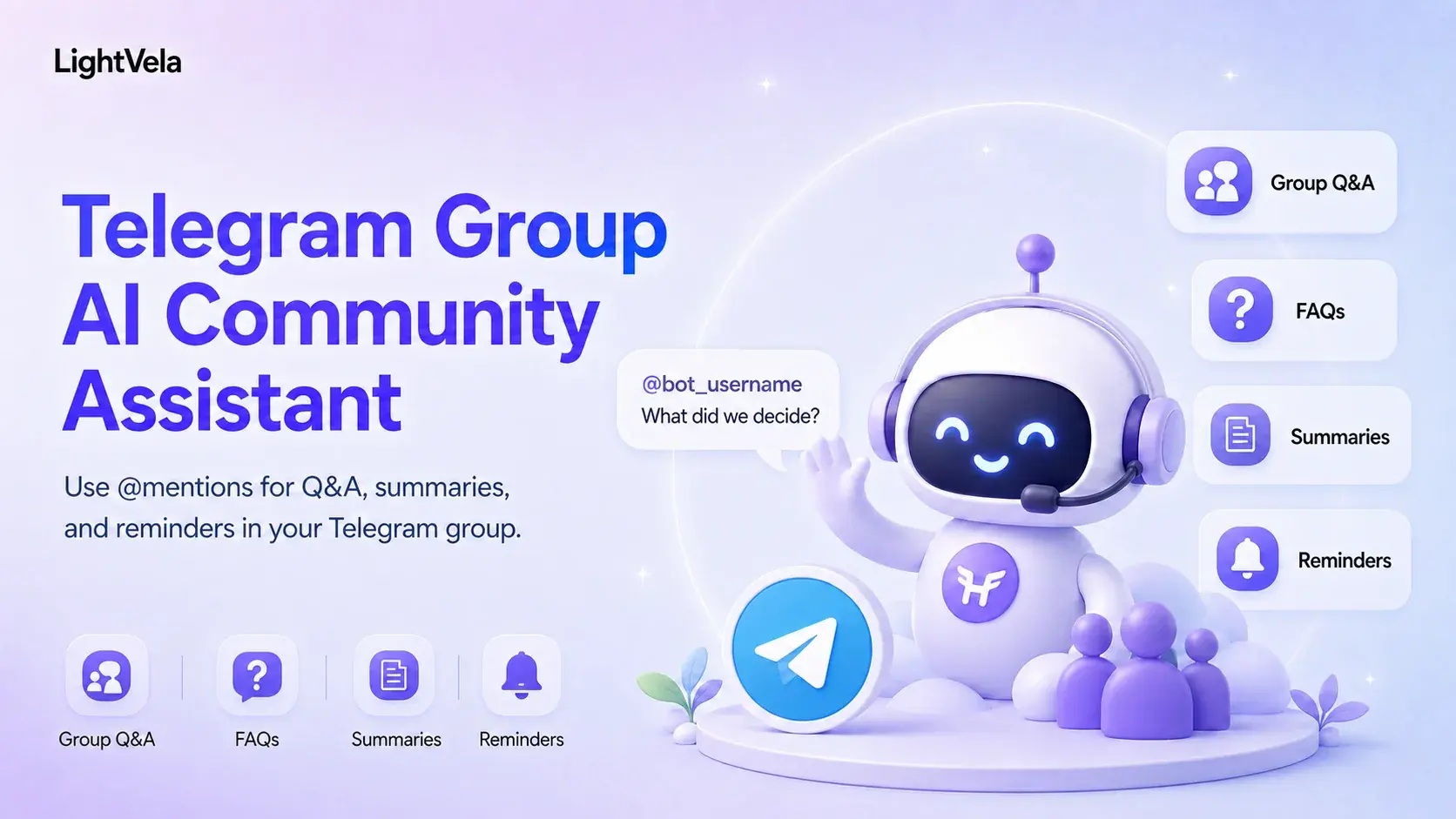
LightVela supports Telegram group messages when you disable Group Privacy for the Bot in BotFather, add the Bot to the group, and start the conversation by mentioning it with @bot_username.
This guide covers that verified setup and shows how to use the same Hermes Agent for group Q&A, summaries, and reminders without treating unverified member-join events or passive group replies as configured features.
Before you start
You need a Telegram Bot connected to your Hermes Agent through Configure Channel - Telegram. You also need permission to add that Bot to the Telegram group where you want to use it.
Enable Telegram group messages
1. Open BotFather and select your Bot
- Open
@BotFatherin Telegram. - Send
/mybots. - Select the Bot that is connected to your Hermes Agent.
2. Disable Group Privacy
- Open "Bot Settings".
- Select "Group Privacy".
- Choose "Turn off" or "Disable privacy mode".
This setting allows the Bot to receive group messages that mention it.
3. Add the Bot to a Telegram group
- Open the Telegram group you want to use.
- Choose "Add Members" or the equivalent group-management action.
- Search for the Bot by its username and add it to the group.
4. Mention the Bot to test group messages
Send a message that mentions the Bot, such as @bot_username summarize the discussion so far.
The expected result is a Hermes Agent reply in that same group.
Verified message scope
| Interaction | Current documented scope | How to validate |
|---|---|---|
| Group conversation | Supported when the Bot is added to the group, Group Privacy is disabled, and the message mentions the Bot | Send @bot_username hello in the group and confirm a reply appears there |
| Direct conversation | Supported through the connected Telegram Bot | Send a message in the Bot's direct chat and confirm a reply |
| Automatic member-join welcome or passive replies | Not established by this setup guide | Validate these behaviours separately before making them part of an operating workflow |
Use the Bot as a community assistant
After the group test succeeds, define a clear role and information boundary with the SOUL.md personality guide. Keep group prompts explicit so participants know when the Agent is being asked to respond.
| Workflow | Example group prompt | Result to check |
|---|---|---|
| FAQ | @bot_username answer only from the prepared FAQ | The answer uses the prepared material or clearly requests a human handoff |
| Discussion summary | @bot_username summarize decisions, action items, owners, and open questions | The reply separates confirmed decisions from unresolved items |
| Reminder draft | @bot_username draft a reminder with time, audience, purpose, and cancellation method | Review the draft before using any scheduled task to send it |
For retrieval, summaries, or scheduled content, choose a trusted Skill and review its permissions in Configure Skills. Validate a scheduled task separately in a supported target channel before relying on it for scheduled messages.
Safety and operating boundaries
Disabling Group Privacy enables the Telegram message-delivery path. It does not replace your responsibility to set group rules, avoid sharing sensitive information, and require confirmation before high-risk external actions. Define which members may request sensitive actions, and confirm authorization before the Agent carries them out.
FAQ
Can I add a LightVela Telegram Bot to a group now?
Yes.
Disable Group Privacy in BotFather, add the Bot to the group, and mention it with @bot_username to start a conversation.
Will disabling Group Privacy make the Bot reply in a group?
It is a required part of the documented setup. After disabling it, add the Bot to the group and mention it in a test message.
Does this guide configure automatic welcome messages for new members?
No. This guide documents group conversations started by mentioning the Bot. Validate member-join events and any automatic welcome workflow separately before promising them to a community.
Can WhatsApp groups be used as an alternative?
The current WhatsApp channel documentation still states that group chats are not supported. Do not assume Telegram group-message support extends to WhatsApp.
Next steps
-
Configure Channel - Telegram - Connect the Bot and repeat the group-message setup steps.
-
How to Define an IM Agent's Role, Personality, and Voice with SOUL.md - Define the assistant's role and boundaries.
Last updated 2026-09-28