
How to Turn an IM Agent into a Customer-Service, Community, or Companion Assistant with Skills
Summary
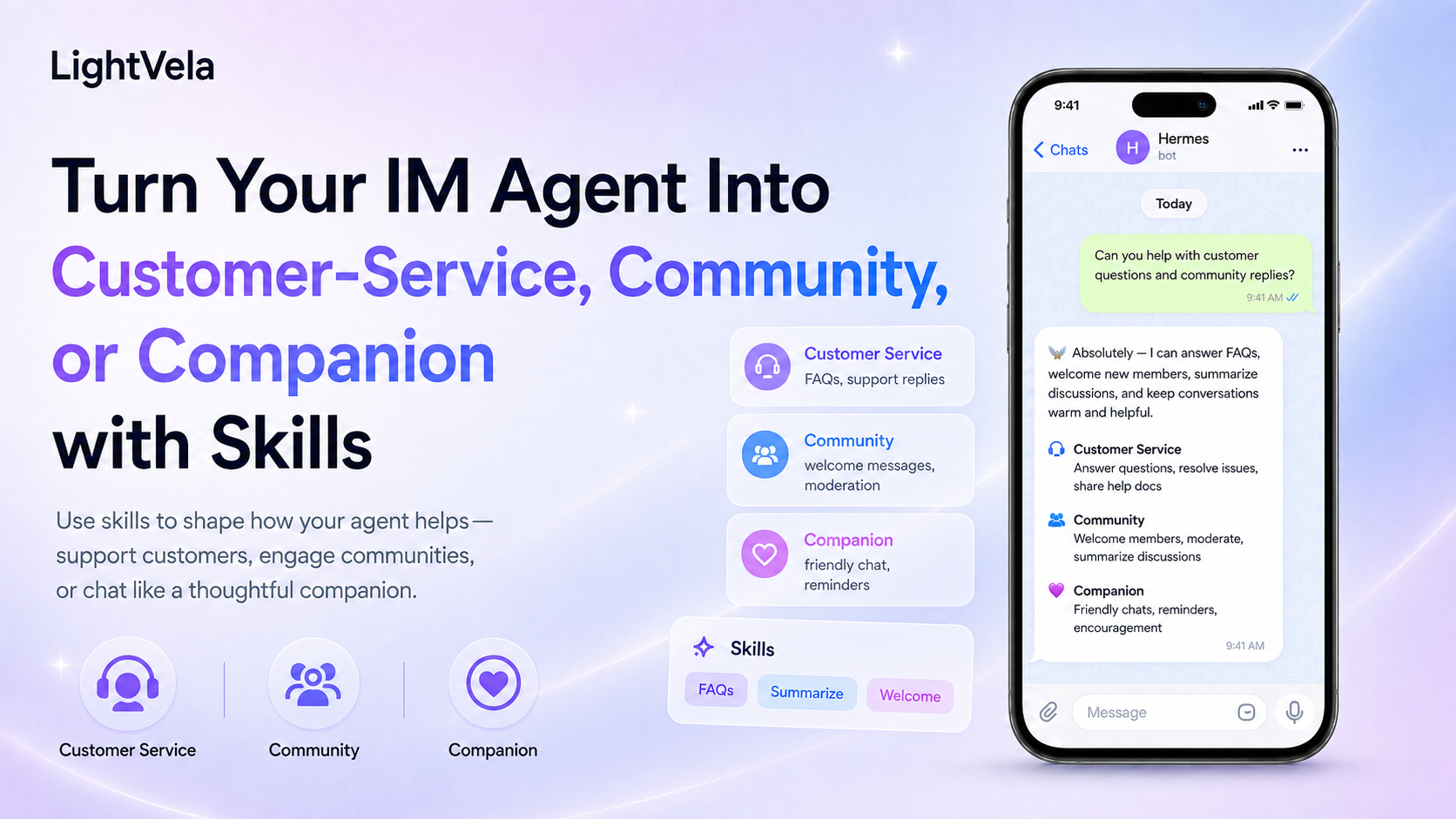
Turning one IM Agent into a support agent, community assistant, or AI companion comes down to the division between Skills and persona: Skills extend what it can do, while SOUL.md defines who it is and within what limits it acts. Both are required — Skills without a persona produce inconsistent answers, and a persona without Skills lacks reusable methods. On LightVela, skills come from the Skills.sh and ClawHub public marketplaces; today you install or remove them by telling Hermes in conversation (console-panel installation is coming soon), then verify availability in chat. The three scenarios differ mainly in boundary design: support needs explicit escalation conditions, community assistants need to know when to stay silent, and companion use needs clear off-limits topics. Work through the safety checklist before going live.
Who this is for
This guide is for people who have connected Telegram, WhatsApp, or another messaging channel and want to use an Agent for a concrete workflow.
It is especially useful for support leads, community operators, and individuals who want an AI companion that can work with them over time.
Prerequisites
-
A running LightVela Hermes Agent. If you have not created one yet, start with the Quickstart.
-
A messaging channel that can already handle a normal conversation. You can start with How to Configure a Hermes Agent with a Distinct Personality in Telegram or How to Configure a Hermes Agent with a Distinct Personality in WhatsApp.
-
A first definition of the target workflow, allowed actions, and situations that require human handoff.
Understand the boundary between Skills and personality
A Skill is a callable capability package, such as web browsing, content organization, daily summaries, or a specialized workflow.
SOUL.md is better for describing who the Agent is, how it speaks, how it makes decisions, and which actions require confirmation.
The user profile and long-term memory are for your identity, preferences, confirmed facts, and ongoing context.
Do not put customer scripts, group rules, and high-risk permissions into one undifferentiated personality description.
Steps
1. Define the Agent's main scenario
Different scenarios need different Skill combinations and safety boundaries.
| Scenario | Main goal | Skill direction | Boundary to define first |
|---|---|---|---|
| Customer service | Answer common questions and route complex requests | Knowledge retrieval, ticket organization, order lookup | Escalate uncertainty and never promise refunds or change orders without authorization |
| Community assistant | Welcome members, answer FAQs, summarize discussions | Content retrieval, summaries, scheduled reminders | Avoid spam, protect member information, and do not make moderation decisions for admins |
| AI companion | Offer consistent companionship, reminders, and long-term collaboration | Memory organization, scheduling, content generation | Respect refusal and privacy, avoid dependency-building behavior, and state uncertainty |
Start with one primary scenario instead of installing many Skills at once.
2. Prepare reference material and a personality brief
For customer service, prepare product FAQs, service hours, escalation paths, and human contact details.
For community operations, prepare a welcome message, frequently asked questions, community rules, and a summary format.
For an AI companion, write down the preferred name, voice, level of initiative, and topics that should remain out of scope.
Place reference material that Hermes needs to consult in Cloud Storage, and put stable personality rules into SOUL.md through Personality and SOUL.md.
3. Choose and install a Skill
LightVela currently supports asking Hermes to install a Skill from Skills.sh or ClawHub through conversation.
Send a request like this in a connected channel:
Please install a Skill suitable for organizing customer-service FAQs from Skills.sh or ClawHub, and first explain what permissions it needs.
If you already know the Skill name, be explicit:
Please install [Skill name]. First tell me what it will read, which external services it will call, and whether it can send proactive messages.
The console's visual Skill installation entry is still subject to the current page status, so see Configure Skills for the supported installation flow.
High-risk Skills may request secondary confirmation before installation.
Before confirming, review the Skill source, permissions, external API calls, and proactive behavior.
4. Validate the Skill for its scenario
Test the new Skill in a 1-to-1 conversation before exposing it to a large audience.
For customer service, start with:
Answer this question using the prepared FAQ. If the material does not contain an answer, say so clearly and suggest a human handoff.
For a community assistant, start with:
Summarize this discussion in no more than five points and list the questions that still have no conclusion.
For an AI companion, start with:
Use my configured voice to give me a short check-in for today, and explain which details would be retained as long-term memory.
Check whether the Agent called the expected Skill, used the right reference material, and stopped to explain limitations when it was uncertain.
5. Use scheduled tasks for repeatable work
Welcome messages, FAQs, summaries, and reminders can use different triggers.
Use Scheduled Tasks for work that should run at a fixed time, such as sending a daily community summary or reminding a support team about unresolved cases.
Confirm the notification method and target channel for each scheduled task instead of assuming every channel can receive the same proactive message type.
Recommendations by scenario
Customer-service assistant
Let the Skill retrieve information, organize context, and draft a reply, while SOUL.md keeps the Agent professional, clear, and measured.
For refunds, price changes, identity checks, data deletion, and other high-risk actions, require the Agent to explain the impact and wait for human confirmation.
When the reference material is incomplete, the user is escalating, or the request is outside the authorized scope, hand off instead of guessing.
Community assistant
Let the Skill retrieve FAQs, extract discussion points, and draft reminders, while the personality brief keeps the Agent aligned with the community tone and admin rules.
Group access, @mention triggers, permissions, and message delivery depend on the channel, so read the relevant channel documentation before configuring the workflow.
If the target channel does not currently support group chats, validate the Skill and content workflow in a 1-to-1 conversation instead of treating this article as a live group-chat setup.
AI companion
Use SOUL.md for the stable companionship style, and use memory and the user profile for confirmed preferences and long-term context.
Proactive reminders should have a clear frequency, pause method, and quiet hours, so that initiative does not become unlimited messaging.
If you want Hermes to retain a preference, ask it to remember the preference in conversation; if you no longer want it retained, ask it to forget it.
Safety checklist
-
Confirm the Skill source, permissions, and external-service dependencies before installation.
-
Use a 1-to-1 conversation and low-risk material during testing.
-
Require confirmation before sending external messages, changing orders, deleting files, or taking other irreversible actions.
-
Prepare a human handoff path for customer-service and community workflows.
-
Periodically review memory, the user profile, and Cloud Storage, and remove information that is no longer needed.
FAQ
Will installing a Skill automatically change the Agent's personality?
No.
Skills primarily expand what the Agent can do, while the personality is defined by SOUL.md and related configuration.
Skill instructions and output may affect the style of one task, but they should not replace your stable role and boundary definitions.
Can a customer-service Skill process refunds directly?
Only consider that kind of action when system permissions, business rules, and human confirmation requirements are all explicit.
By default, let the Agent look up the policy, draft a recommendation, and wait for confirmation before execution.
Can a community assistant join a Telegram group directly?
Telegram supports group messages after you disable Group Privacy in BotFather, add the Bot to the group, and mention it with @bot_username.
See How to Use a Telegram Group AI Community Assistant for group Q&A, summaries, and reminder drafts.
Should I put all reference material into memory?
No.
Long-term memory is for a small amount of stable context, while product FAQs, community rules, and large reference sets are better placed in Cloud Storage or read on demand by a Skill.
Next steps
-
Configure Skills - Review Skill installation, validation, and safety guidance.
-
How to Define an IM Agent's Role, Personality, and Voice with SOUL.md - Design a stable persona and behavioral boundary.
-
How to Connect One Agent to Telegram and WhatsApp While Keeping One Personality and Long-Term Memory - Extend the same Agent capabilities to multiple entry points.
-
How to Use a Telegram Group AI Community Assistant - Complete the group-message setup and prepare Skills for group Q&A and summaries.
Last updated 2026-08-17