
How to Configure 24/7 AI Customer Service in WhatsApp: Personality, Knowledge, Skills, and Scheduled Tasks
Summary
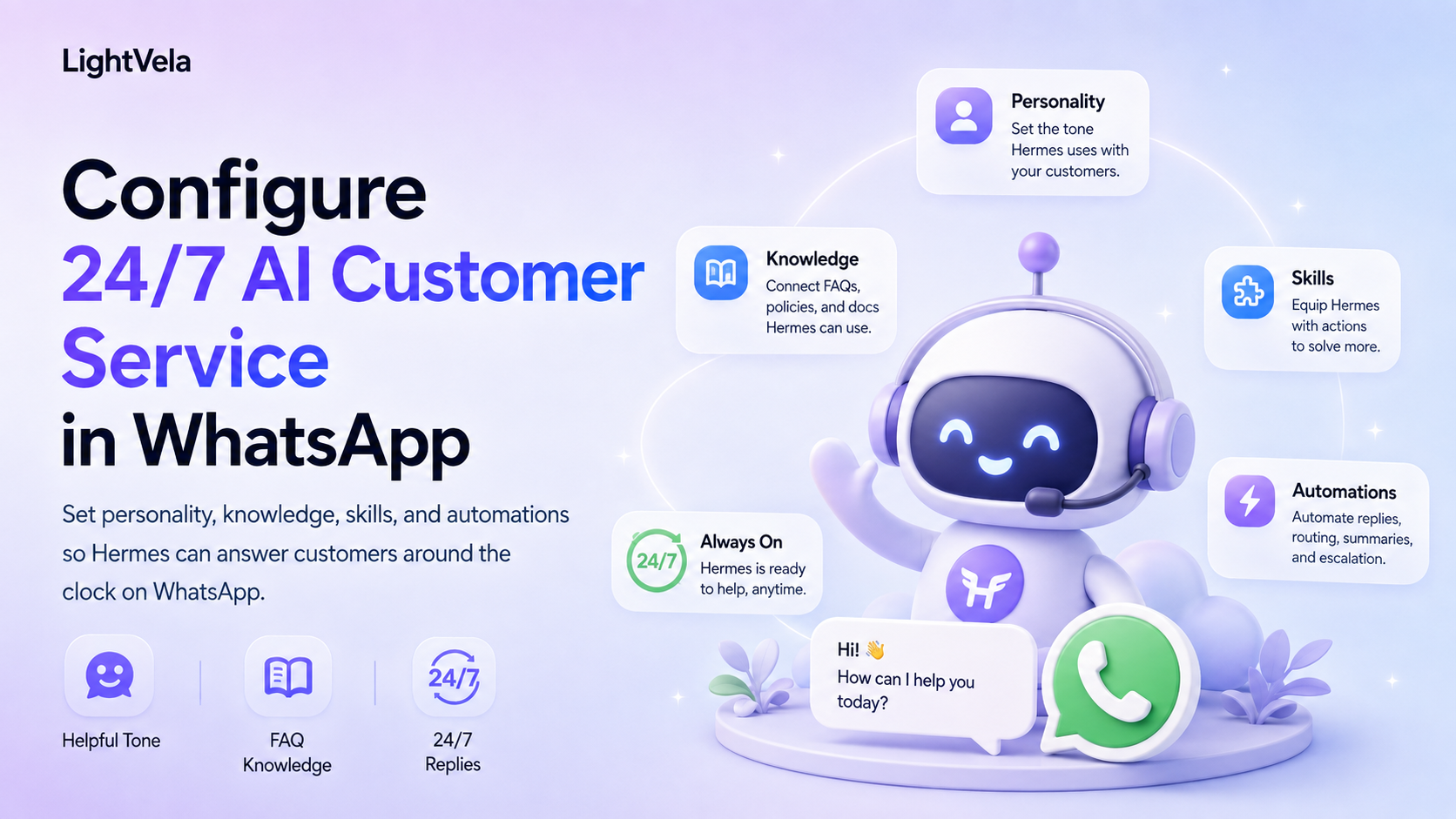
WhatsApp can serve as a one-to-one entry point between customers and a Hermes Agent, useful for answering recurring questions, capturing customer needs, and drafting responses. But "24/7" here means it can respond whenever the service is running, the model is available, and the channel is connected — it is not an uninterrupted-service guarantee or a human-support SLA. A second constraint matters just as much: proactive messaging on WhatsApp remains subject to conversation windows, template messages, and channel configuration, so automated reminders must be designed separately from customer-initiated conversations rather than assuming you can push at will. Build in four layers, in order: the persona sets voice and escalation conditions, knowledge captures FAQs, skills add reusable procedures, and scheduled tasks handle scheduled summaries.
Who this is for
This guide is for people who want to deploy a personal support agent, product-information assistant, or after-sales triage assistant in WhatsApp.
It is especially useful for teams that need consistent support language, maintainable FAQs, fewer repetitive replies, and a clear handoff path for complex requests.
Prerequisites
-
A running LightVela Hermes Agent. If you have not created one yet, start with the Quickstart.
-
A working model configuration or available trial credits.
-
A usable WhatsApp account connected by following Configure Channel - WhatsApp.
-
Product material, service hours, escalation paths, and human contact details.
-
A clear definition of actions that require human execution or confirmation.
Understand the five layers of 24/7 customer service
| Layer | Responsibility | Suitable location |
|---|---|---|
| Personality | Role, voice, priorities, and service boundaries | SOUL.md or Personality |
| Knowledge | Product FAQs, policies, service hours, and escalation paths | Reference files in Cloud Storage |
| Skills | Retrieval, organization, drafting, and other concrete actions | Skills |
| Memory | Confirmed customer preferences and durable collaboration context | Memory Management |
| Scheduled Tasks | Scheduled checks, internal reminders, and proactive notices | Scheduled Tasks |
Do not put a large product knowledge base into the personality, and do not treat unconfirmed customer content as long-term memory.
Steps
1. Connect and verify a WhatsApp 1-to-1 conversation
In the target Hermes Agent's channel settings, select WhatsApp and complete QR authorization by following Configure Channel - WhatsApp.
Open the corresponding contact in WhatsApp and send a test message, then confirm that the console shows the channel as connected and that the reply arrives normally.
The current WhatsApp channel does not support group chats, so this customer-service flow is designed for 1-to-1 customer conversations.
2. Write a customer-service personality brief
Use the SOUL.md personality guide to define the support assistant's identity, voice, response order, and escalation boundary.
Start with a brief like this:
You are our product support assistant. Give the customer the most important conclusion first, followed by the necessary steps. Answer only from confirmed product material, and clearly suggest a human handoff when uncertain. Do not promise refunds, price changes, identity checks, data deletion, or other high-risk outcomes. Before sending content to an external system or making a change, explain the impact and wait for human confirmation.
Keep stable service principles in the personality, and keep concrete product answers in maintainable reference files.
3. Organize the support knowledge base
Prepare at least these categories:
-
Product and plan FAQs.
-
Service hours, response expectations, and human contact details.
-
Refund, cancellation, upgrade, and incident policies.
-
Common errors and troubleshooting steps.
-
Requests that require human handoff and the information to collect before handoff.
Split the material into maintainable topic files and place them in Cloud Storage.
Test the material with a low-risk prompt:
Answer this question only from the prepared support material. If the material does not contain an answer, say what information is missing and suggest a human handoff.
4. Install and validate the necessary Skills
If you need knowledge retrieval, ticket organization, web lookup, or content generation, choose a trusted Skill from Skills.sh or ClawHub.
Before asking Hermes to install it through WhatsApp, ask what the Skill reads, which external services it calls, and whether it can send proactive messages.
High-risk Skills may request secondary confirmation before installation, so review the permissions and safety guidance in Configure Skills.
After installation, test drafts, summaries, and FAQ retrieval before allowing any Skill to process refunds, delete data, or send unreviewed customer content.
5. Set customer preferences and durable memory
Only information that is confirmed and useful for future service should be saved to memory or the user profile.
Examples include a confirmed preference for English, a preference for conclusion-first replies, or the status of an ongoing support case that the customer has verified.
Passwords, verification codes, payment details, full identity information, and unnecessary sensitive data should not be saved as long-term memory.
Ask Hermes in conversation to remember or forget a preference, and periodically review the Memory Management page in the console.
6. Configure scheduled tasks and proactive messages
Good scheduled task candidates include internal task reminders, unresolved-case checks, and daily service summaries.
Configure the schedule, active time window, and notification method in Scheduled Tasks.
WhatsApp proactive messages may be limited by conversation windows or approved message templates, so do not assume that a normal text can always be delivered when the customer has not started a conversation.
Use a test number first to verify delivery, content, and the internal handling path when a notification fails.
7. Establish human handoff
When a request involves refunds, payments, identity checks, legal commitments, escalated complaints, or missing reference material, the support Agent should stop guessing and hand off to a human.
The handoff message should include the known facts, missing information, recommended next step, and whether the customer needs to repeat the issue.
Review a sample of conversations each day, focusing on wrong citations, overpromising, sensitive-data handling, and repeated proactive messages.
A reusable support response order
-
Give the direct conclusion.
-
Cite the most relevant material or steps.
-
Explain constraints, cost, timing, or required information.
-
State clearly when a human handoff is needed.
-
Execute an external action only when it is allowed and confirmed.
FAQ
Does 24/7 mean WhatsApp will always reply immediately?
No.
The Agent must be running, the model must be available, the WhatsApp channel must remain connected, and proactive delivery may be limited by conversation windows and message templates.
Can WhatsApp customer service handle group chats?
The current WhatsApp channel documentation says that group chats are not supported and only 1-to-1 conversations are supported.
If you need group customer service, first confirm that another target channel has explicit group-support documentation instead of inferring group support from 1-to-1 behavior.
Should support material go into memory or Cloud Storage?
Product FAQs, policies, and large reference collections belong in Cloud Storage.
Memory and the user profile are better for a small amount of stable customer preferences, confirmed facts, and durable collaboration context.
Can a Skill send messages to customers automatically?
Only when channel capability, business authorization, message templates, and human-review rules are explicit.
By default, let the Skill create a draft or internal reminder, then have a human confirm what should be sent.
Next steps
-
Configure Channel - WhatsApp - Complete the WhatsApp 1-to-1 connection.
-
How to Turn an IM Agent into a Customer-Service, Community, or Companion Assistant with Skills - Choose and validate customer-service Skills.
-
How to Define an IM Agent's Role, Personality, and Voice with SOUL.md - Define the support personality and behavioral boundary.
-
Scheduled Tasks - Configure internal reminders and scheduled summaries.
Last updated 2026-08-17