
How to Design Safety Boundaries for Telegram and WhatsApp Agents: Authorization, Group Rules, and Sensitive Actions
Summary
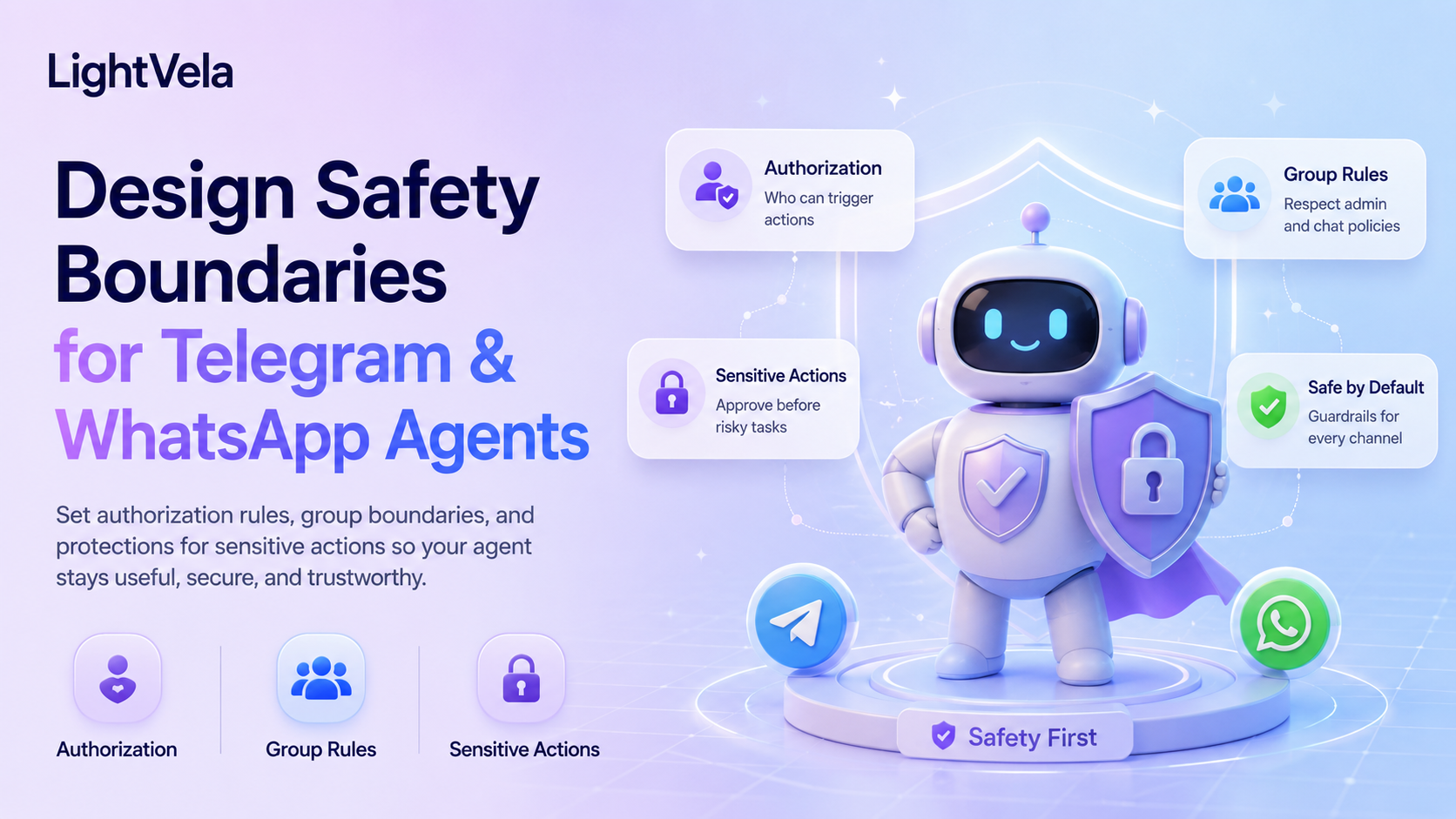
An Agent's safety boundary is not determined by the model alone. It is built from four layers: channel credentials, conversation scope, memory policy, and rules for external actions. A clear boundary lets you answer four questions definitively — who can reach this Agent, which messages get processed, what content must never be sent, and which actions require confirmation first. Key practices: credentials are sensitive and must never go into long-term context or be pasted into chat; the memory policy must avoid turning sensitive data into a permanent record; and anything that sends externally or is irreversible needs a confirmation step. Telegram supports group messages after you disable Group Privacy in BotFather, add the Bot to the group, and start the conversation with @bot_username. WhatsApp group support remains subject to its own channel documentation. Work through the safety checklist before going live.
Who this is for
This guide is for individual users, support leads, and team administrators who connect an IM Agent to daily work.
It is useful for teams that want to define authorization scope, data boundaries, and high-risk action procedures before connecting a Bot or WhatsApp account.
Four layers of safety boundaries
| Layer | Question to answer | Typical controls |
|---|---|---|
| Authorization | Who can connect to and use this Agent? | Bot token, QR-authorized account, connection records, account permissions |
| Conversation | Which conversations are processed and answered? | Direct-message scope, Telegram Group Privacy and @mention triggers, allowed scope |
| Data | Which content may be read or retained? | Redaction, Cloud Storage, memory, user profile, deletion policy |
| Actions | Which actions can run automatically? | Least privilege, human confirmation, audit trail, human handoff |
Start with the smallest useful scope and expand permissions only when real usage requires it.
Steps
1. Confirm the authorization target for each channel
Telegram connects through a Bot Token, while WhatsApp connects through QR authorization.
Before connecting, confirm the relationship between the Bot, WhatsApp account, and target Hermes Agent, and enter credentials only in the corresponding LightVela channel settings.
Telegram Bot Tokens, WhatsApp login sessions, verification codes, and other credentials must not be sent in ordinary chat or written into docs, tickets, or repositories.
The same Telegram Bot or WhatsApp number should generally not be bound to multiple Hermes Agents, so people can tell which Agent receives a message.
After connecting, send a low-risk test message, confirm that the reply returns to the expected contact, and review the connected-channel list in the console.
2. Limit the channel scope to current capabilities
Telegram supports group messages.
Disable Group Privacy in BotFather, add the Bot to the group, and start the conversation with @bot_username.
WhatsApp remains subject to the group-support scope in its own channel documentation.
Disabling Telegram Group Privacy is required for the message-delivery setup, but it does not make group use safe by itself. Define allowed groups, admins, members, @mention behavior, and message-rate limits before using the workflow.
Before using a group, also confirm whether member messages enter shared memory and how one member's information is prevented from being shown to another.
3. Set message-content boundaries
Do not send passwords, API keys, access tokens, verification codes, payment information, full identity details, medical details, or unnecessary customer privacy data to the Agent.
If a real business case must be discussed, remove names, phone numbers, addresses, order numbers, and other information that can identify a person or organization.
Use stricter rules in multi-person and external collaboration channels because messages may be visible to more members, forwarded, or retained for longer.
4. Keep memory and files within the minimum necessary scope
Put stable role, voice, and boundary rules in the SOUL.md personality configuration.
Maintain confirmed preferences and durable collaboration context through Memory Management.
Keep product material, support FAQs, and large reference files in Cloud Storage instead of putting every raw chat message into long-term memory.
Review memory, the user profile, and Cloud Storage regularly, and remove information that is no longer needed or should not be retained.
5. Set a confirmation threshold for sensitive actions
Actions that should normally require human confirmation include:
-
Sending external messages or publishing content.
-
Changing orders, prices, subscriptions, permissions, or account details.
-
Refunds, payments, identity checks, or legal commitments.
-
Deleting files, memory, user data, or other irreversible data.
-
Running commands that affect production environments or third-party systems.
The Agent can read material, organize risks, and draft a proposal first, but it should explain the impact, target, and reversibility before execution and wait for explicit confirmation.
Do not treat a user's question as authorization to execute an action.
6. Add boundaries for Skills and scheduled tasks
Before installing a Skill, confirm its source, permissions, external APIs, file access, and proactive-message capability.
Test new Skills in a 1-to-1 conversation with low-risk material before expanding their use.
Every scheduled task needs an explicit schedule, active time window, notification method, target channel, and pause method.
For WhatsApp proactive messages, also account for conversation windows and message templates instead of assuming that ordinary text will always be delivered.
7. Design failure and human handoff
When the Agent is uncertain, cannot cite its material, receives sensitive content, finds authorization unclear, or encounters a complaint, it should stop automated execution and hand off to a human.
The handoff record should include the trigger, content already processed, unfinished actions, and the recommended next step.
If credentials may have been exposed, stop using the affected channel and revoke, reset, or reauthorize it through the platform procedure.
Pre-launch safety checklist
-
Is each Telegram Bot or WhatsApp account mapped to one clear Agent?
-
Have you confirmed that credentials do not appear in chat, docs, code, or logs?
-
Have you disabled Group Privacy, added the Bot to the group, and verified a Telegram group message with
@bot_username? -
Have you defined what memory may retain, which files may be accessed, and how deletion works?
-
Do sensitive actions, external messages, and irreversible changes require confirmation?
-
Do Skills and scheduled tasks have least privilege, an explicit target channel, and a pause method?
-
Do you have procedures for exposed credentials, mistaken messages, and human handoff?
FAQ
Can Telegram and WhatsApp use the same safety policy?
They can share the principles, but channel differences still matter.
Both should protect credentials, restrict sensitive content, and require confirmation for high-risk actions, while authorization, proactive-message limits, and message formats must be verified separately.
Will disabling Telegram Bot privacy mode make group use safe?
Not necessarily.
Disabling privacy mode is required for the Telegram group-message setup. It allows the Bot to receive group messages that mention it, but it does not replace group rules, sensitive-information protection, or confirmation before high-risk actions.
Can the Agent automatically delete memory or files?
Deletion, overwriting, and other irreversible actions should require confirmation and an explanation of the target and impact.
Even a conversational forget request should identify the intended information clearly instead of being interpreted as a bulk deletion request.
Can a customer-service Agent issue refunds or change orders directly?
It should not by default.
Unless system permissions, the authorizing person, confirmation flow, and audit requirements are explicit, let the Agent draft a recommendation and hand the case to a human.
What if I do not know whether information is sensitive?
Redact it first, or do not send it.
Use fictional data to request templates, workflows, or security advice instead of submitting real credentials or customer privacy data.
Next steps
-
Configure Channel - Telegram - Review Telegram Bot setup and current message scope.
-
Configure Channel - WhatsApp - Review WhatsApp authorization and proactive-message limits.
-
How to Connect One Agent to Telegram and WhatsApp While Keeping One Personality and Long-Term Memory - Understand the boundaries of a shared Agent configuration.
-
Configure Skills - Review Skill permissions and high-risk installation prompts.
Last updated 2026-08-17